

VK Video Translator
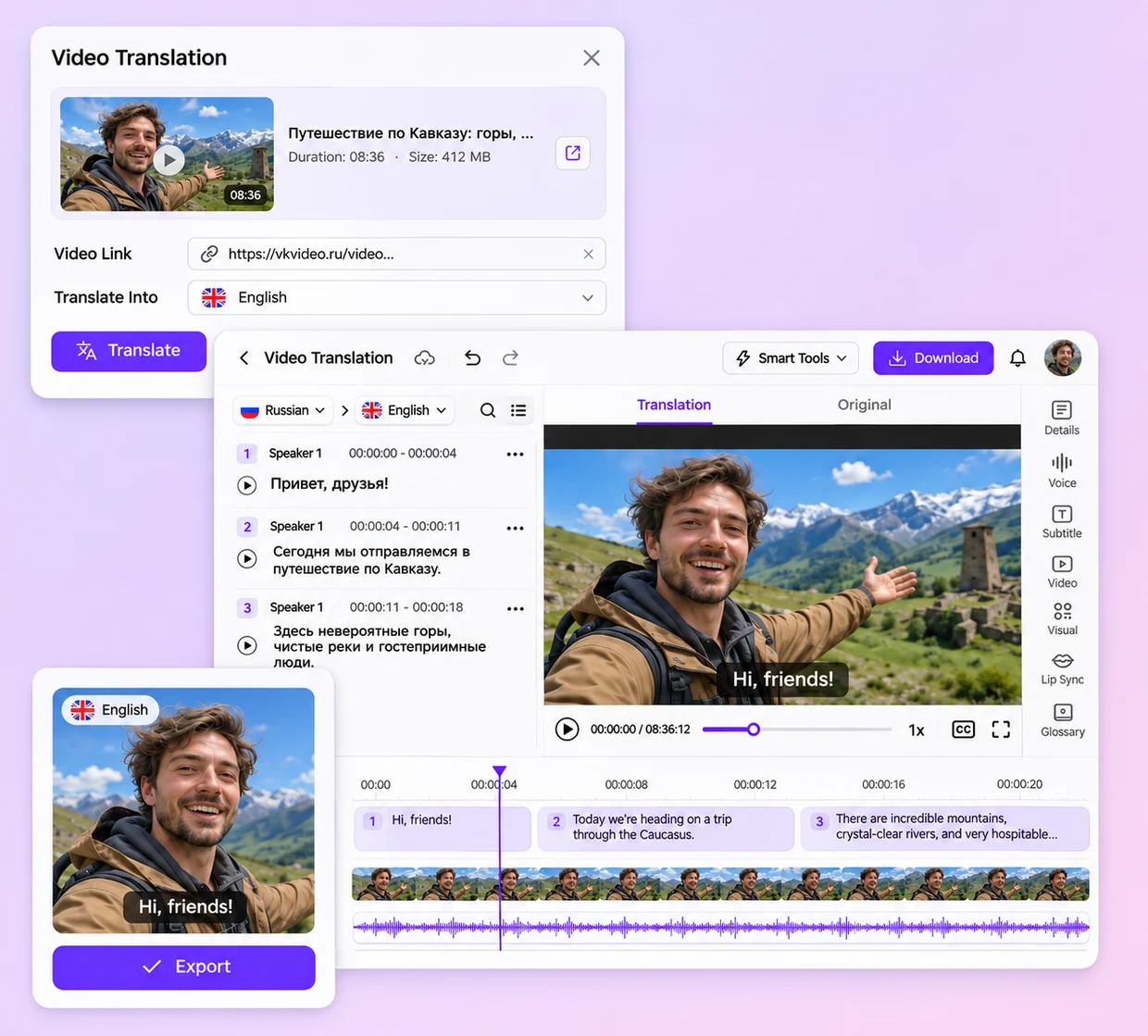
Translate VK videos directly by link with VMEG. From Russian-language interviews and video podcasts to original shows and VK community videos, translate content into English or your preferred language with natural dubbing and multilingual subtitles. Supports videos up to 3 hours without manual downloading or splitting.
How to Translate VK Videos Online
01Paste Your VK Video Link
Copy a public video link from VK Video (vkvideo.ru) or VKontakte (vk.com) and paste it into VMEG. Import videos directly without using a separate VK video downloader.
02Choose Your Language & Translation Mode
Select from 170+ supported languages and regional accents. Generate translated subtitles or natural dubbing with AI voices or voice cloning. Add a custom translation prompt or glossary for more accurate, context-aware translations.
03Review, Edit & Download
Fine-tune translations, voices, pronunciation, speaking speed, volume, and timing in the built-in editor. Download your translated video, audio track, or subtitle files.


Why Choose VMEG VK Video Translator?
Translate VK Videos by Link — Up to 3 Hours
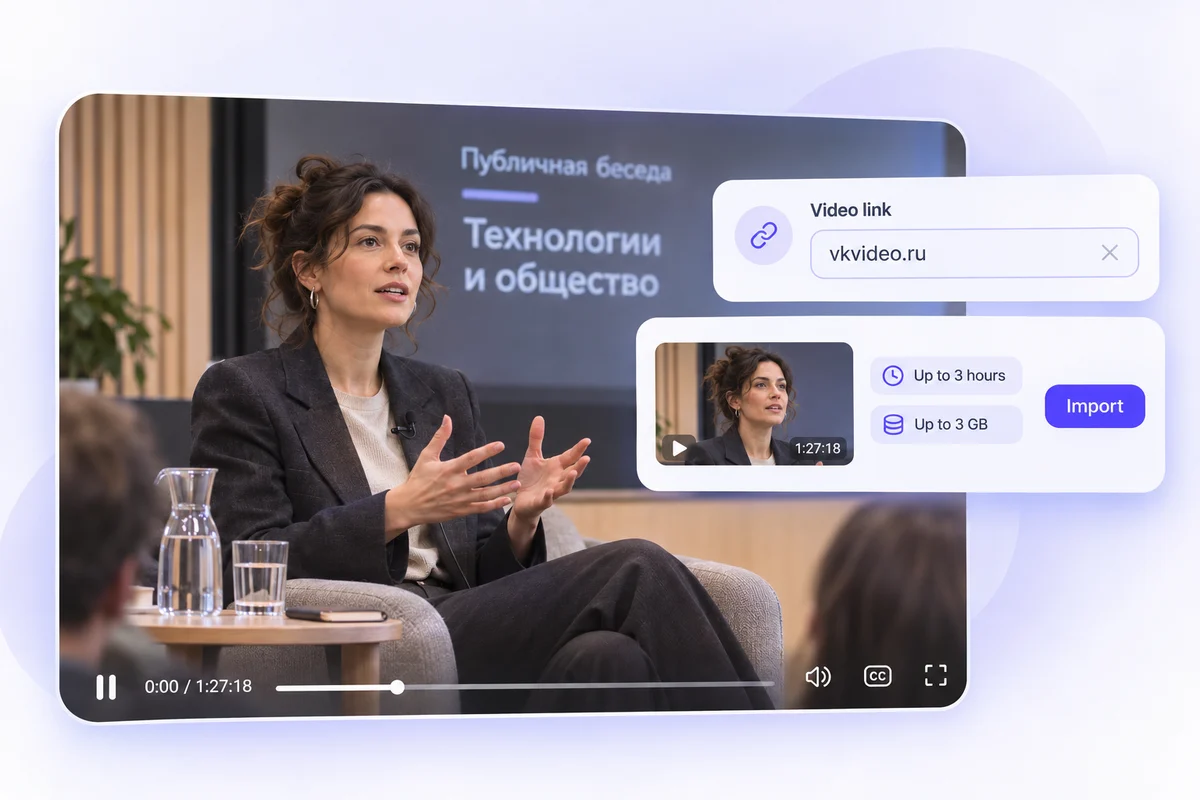
VK Video hosts a wide range of Russian-language content, from community videos and creator uploads to full-length interviews, original programs, and educational lectures.Simply paste a supported VK video link to import and translate videos up to 3 hours long and 3 GB in size. No need to download large files, split long videos, or merge translated segments.Learn more about how to translate long videos with AI.
Context-Aware Russian Translation
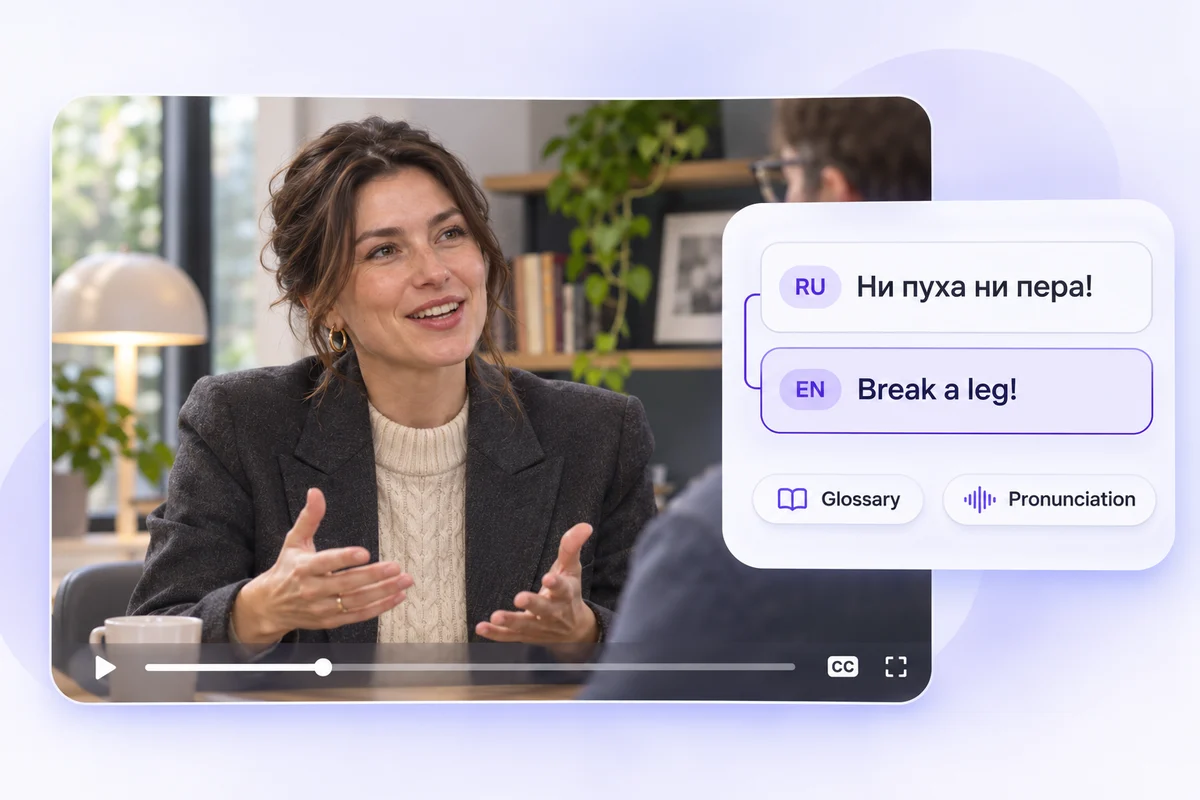
Russian slang, idioms, patronymics, and cultural references can be difficult to translate literally. VMEG considers the original context to help preserve meaning, tone, and speaking style.Whether you want to translate Russian videos into English or other languages, use custom translation prompts, glossaries, and pronunciation dictionaries to refine translations and maintain consistent terminology.
Natural Dubbing with Original Voices & Background Audio
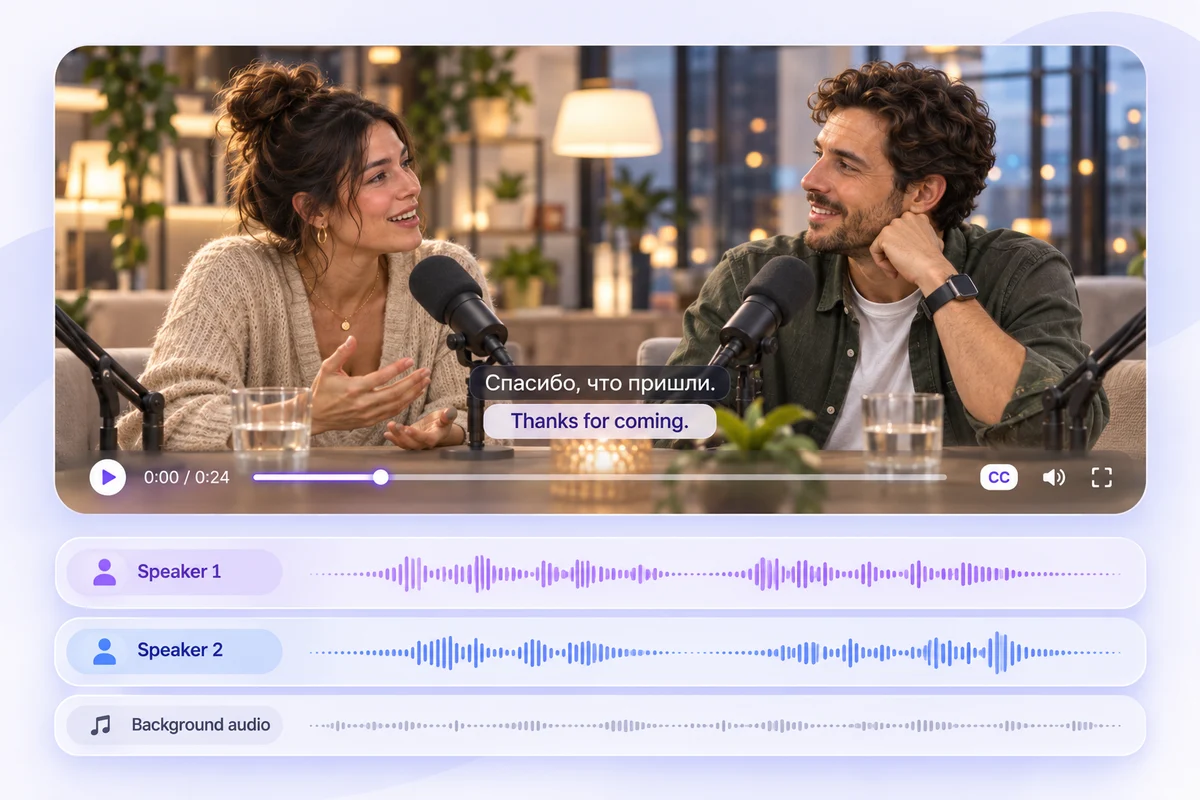
Preserve the personality of VK interviews, podcasts, and original shows with AI dubbing. VMEG automatically detects multiple speakers and uses voice cloning to retain their vocal characteristics and emotional expression.Keep background music and ambient sounds, edit individual lines, and generate bilingual subtitles even when the original video has no captions.
Who Can Benefit from VK Video Translator?
International Viewers & Russian Language Learners
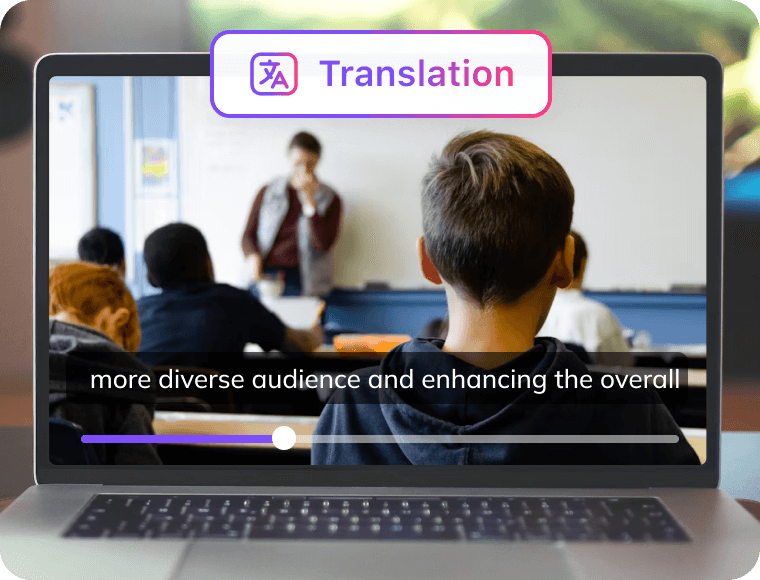
Explore Russian-language interviews, cultural discussions, technology reviews, and educational videos on VK. Use translated voiceovers or bilingual subtitles to better understand Russian speech and expressions.
VK Creators, Bloggers & Podcasters
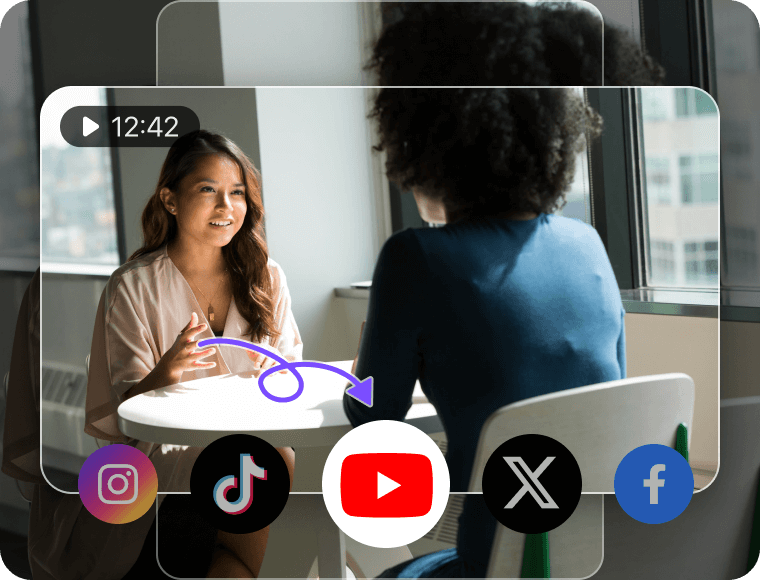
Translate your VK content into up to 20 target languages at once while retaining your original voice and presentation style. If you publish across platforms, our YouTube Video Translator offers the same link-based workflow.
Educators, Media Teams & Businesses
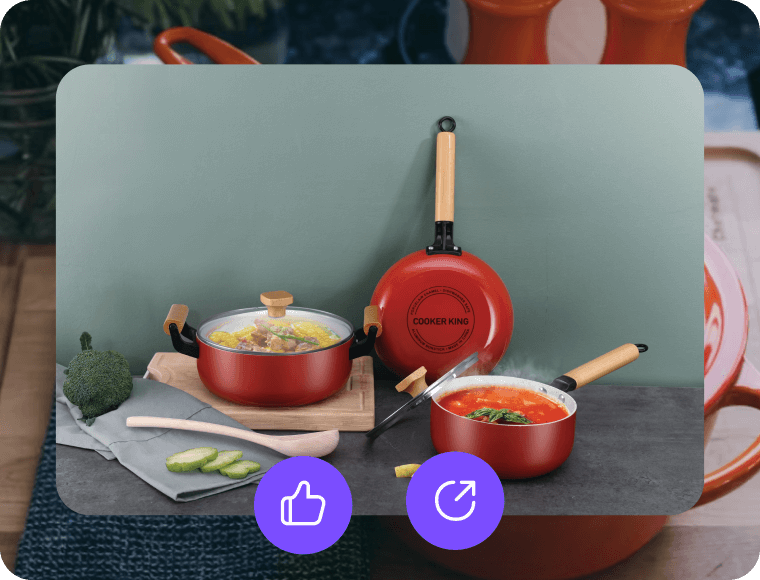
Localize Russian-language lectures, training videos, technical tutorials, and product demonstrations. Translate long-form content in one task, maintain consistent terminology, and export videos, audio tracks, or subtitles.
Frequently Asked Questions about VK Video Translation
How can I translate a VK video into English?
Paste the VK video link into VMEG, select English as your target language, and choose translated subtitles or video dubbing. Review and edit the result before downloading.
Can I translate VK videos without downloading them?
Yes. VMEG supports compatible public video links from VK Video (vkvideo.ru) and VKontakte (vk.com). If a video is private or restricted, you can upload a video file that you have permission to use.
How long can a VK video be for translation?
VMEG supports videos up to 3 hours long and 3 GB in size, including complete podcast episodes, interviews, courses, and webinars. For films you own or have permission to localize, explore our Movie Translator.
Can I translate VK videos without existing subtitles?
Yes. VMEG automatically recognizes speech from the original audio and generates translated subtitles, bilingual subtitles, or dubbed audio. No existing captions are required.
How does VMEG handle Russian slang and specialized terminology?
VMEG uses contextual translation to interpret Russian expressions. Custom translation prompts, glossaries, and pronunciation dictionaries give you greater control over names, idioms, and technical terminology.
Can I preserve original voices and background music?
Yes. VMEG automatically identifies multiple speakers, supports individual voice cloning, and helps retain original background music and sound effects. You can also edit and redub individual lines.
Can I translate foreign-language videos into Russian for VK?
Yes. VMEG supports translation both from and into Russian across 170+ languages and regional accents. For YouTube content, try our YouTube to Russian Video Translator.
Can I also translate videos from Yandex and YouTube?
Yes. Explore our Yandex Video Translator and YouTube Video Translator to translate supported video links from other platforms.
Is VK Video Translator free to try?
You can try VMEG with available trial credits. Pricing is based on video duration and the translation features selected.