slug: best-video-translation-services
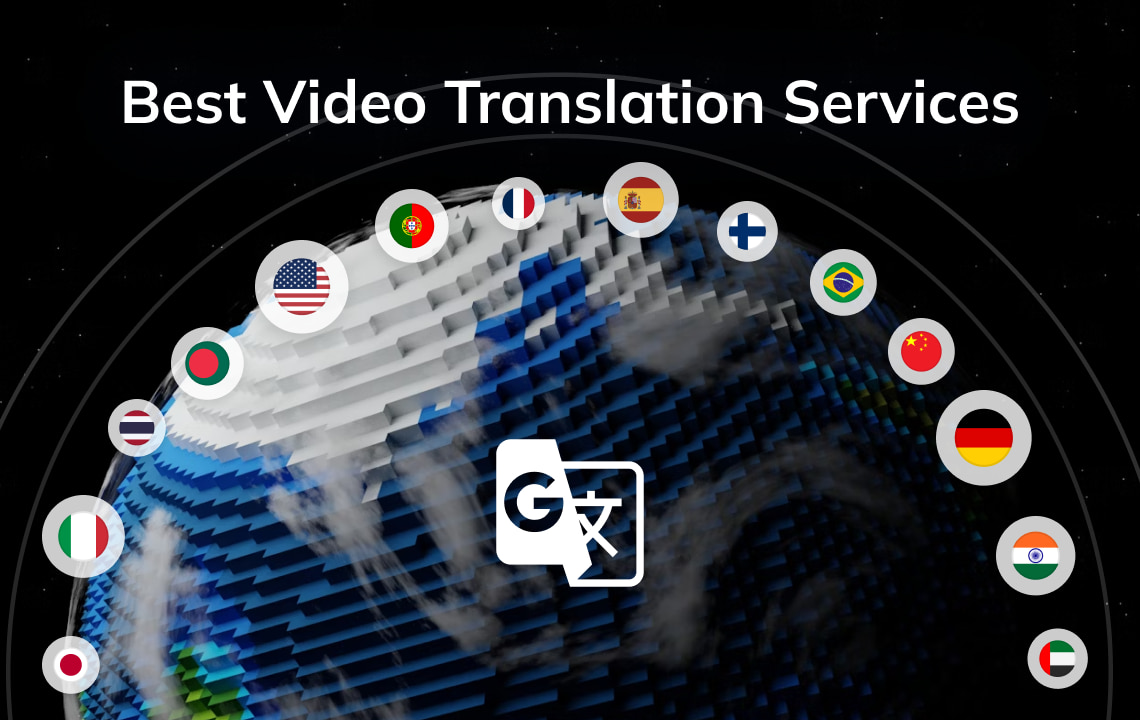
Teams pick video translation services for tutorials, ads, training clips, and YouTube uploads. In 2026 the useful test looks at the full pipeline: speech translation, editable scripts, AI dubbing, subtitle export, and lip sync when faces stay on camera.
This guide compares five platforms people often evaluate, and shows where VMEG’s AI Video Translator sits in that stack.
Key takeaways
- Video translation now usually means transcription, translation, dubbing, and subtitle export in one pipeline.
- Test editable transcripts, multi-speaker handling, voice options, and lip sync on your own footage before you buy.
- VMEG AI covers 170+ languages, 17,000+ AI voices, voice cloning, multi-speaker detection, and lip sync, with review controls before export.
- Kapwing and VEED suit teams that already edit short clips in those tools. Teams with heavy dubbing volume often look at Rask. Teams that already use avatars often look at HeyGen.
- Human agencies still handle theatrical, legal, and certified work. AI tools handle speed, iteration, and scaled publishing.
Why video translation matters in 2026
Language gaps cut watch time, engagement, and conversion. Localized video lets viewers follow speech through subtitles, dubbed audio, or both.
Demand keeps rising. According to Fortune Business Insights (updated June 2026), the global language services market reached USD 76.23 billion in 2025 and may grow from USD 81.45 billion in 2026 to USD 147.48 billion by 2034 (CAGR 7.6%). Localization services may take 31.06% of that market in 2026, the largest share in the report’s service-type split.
Fortune Business Insights also cites an OneSky survey: localization can raise search traffic by 47%, website visits by 70%, and conversion rates by 20%. It cites Milestone Localization on a related point: video subtitles can raise viewing time by 40%. Marketing and training teams therefore treat video translation as part of publishing, not a late add-on.
For method options, read how to translate a video.
How to choose a video translation service
Accuracy, editing control, and speaker handling
Auto output helps only when you can fix product names, numbers, and timing. Prefer editable transcripts. Prefer multi-speaker detection for interviews and webinars.
Languages, voices, and lip sync
Language count markets easily. Harder checks: voice cloning consistency, distinct voices per speaker, and lip sync on side angles or fast speech. Run one of your own clips through each tool.
Turnaround, pricing, and workflow fit
Confirm whether you can paste a supported public link, export SRT/VTT, keep background music, and batch projects. Minute or credit price misses rework time.
Video translation services to compare in 2026
1. VMEG AI: video translation, dubbing, and lip sync on real footage

VMEG AI Video Translator localizes video outputs. Upload a file or paste a supported public link, then export a dubbed video, translated subtitles, or an audio track.
What it covers:
- 170+ languages and accents for multi-market distribution from one source file
- 17,000+ AI voices, plus voice cloning when speaker identity should stay familiar across languages
- Multi-speaker detection for interviews, panels, and webinars
- Lip sync for talking-head footage with visible mouth movement
- Script, speaker, timing, and voice review before export
- Encrypted customer media by default, with no training use of that media unless you change the default
Use VMEG when one workflow must cover translation, dubbing, subtitles, and optional lip sync on real footage.
How to use VMEG in 3 steps
- Upload a supported video file or paste a supported public link.
- Choose the target language, voice style (including cloning), and options such as translated subtitles or lip sync.
- Review the transcript, speakers, and timing, then export dubbed video, subtitles, or audio.
2. Kapwing: translation inside a social video editor

Kapwing fits social teams that already cut clips and captions in-browser. Translation becomes one step inside a short-form edit.
Kapwing works well for caption-oriented jobs and teams already on Kapwing. For heavy dubbing or lip sync on talking-head footage, compare it with a localization-focused tool.
3. Rask AI: dubbing-oriented localization

Rask AI attracts teams that ship many dubbed versions and want a localization-first interface rather than a general editor.
Rask covers dubbing pipelines, subtitle generation, and content repurposing. Validate lip sync on your camera angles and speech patterns before you scale.
4. VEED.io: translate and caption in an existing editor

VEED fits marketing teams that already edit, brand, and caption in VEED. Voice-preserving translation and auto-subtitles cover lighter localization jobs.
If multi-speaker, lip-synced localization drives the project, compare VEED with dedicated video translators.
5. HeyGen: translation next to avatar-led content

HeyGen often enters shortlists when AI presenters and translated talking-head footage share one content system. Its translator can dub existing footage with voice cloning and lip sync across a wide language set.
HeyGen suits teams that already produce avatars. If you only localize real footage, compare cost and workflow against localization-first tools.
Side-by-side comparison
| Platform | Typical use case | Localization focus | Voices / lip sync | Notes |
|---|---|---|---|---|
| VMEG AI | Real-footage localization | Dubbed video, subtitles, audio | Lip sync, 17,000+ voices, cloning, multi-speaker | Review and edit before export |
| Kapwing | Social editing plus translate | Editor-first | Stronger for captions and in-edit translate | Convenient inside Kapwing |
| Rask AI | High-volume dubbing | Dubbing-first | Dubbing suite; validate lip sync on your clips | Localization-oriented UI |
| VEED | Captioning plus in-editor translate | Editor-first | Voice preservation and auto-subs | Convenient inside VEED |
| HeyGen | Avatars plus translated talking heads | Avatar plus translator | Lip sync and cloning for many talking-head jobs | Compare if you skip avatars |
Matching tools to use cases
- VMEG: real footage that needs translation, dubbing, subtitles, cloning, and optional lip sync in one place
- Kapwing or VEED: translation as a step inside an existing social editing stack
- Rask: programs measured mainly on dubbed output volume
- HeyGen: avatar production plus multilingual distribution
- Human agency: theatrical film, certified legal or medical scripts, or brand work that needs linguist sign-off; for film workflows, see film translation services
FAQs
What should I check in a video translation service?
Check editable transcripts, language coverage for your markets, voice options (including cloning), subtitle export formats, and lip sync if talking faces stay visible. Test one sample clip before you buy a plan.
Can AI video translation work for business content?
Many marketing, training, and creator workflows use it after a script review. Check product names, numbers, and sensitive lines before publishing.
When does lip sync matter?
Lip sync matters most on talking-head videos. Voiceover explainers, podcasts, and screen recordings often need clear dubbed audio and synced subtitles only.
Can these tools translate a YouTube video?
Many platforms, including VMEG, accept a supported public link when available. Only process content you have rights to use.
How does video translation differ from marketing translation?
Video translation covers speech, timing, subtitles, and audiovisual sync. Marketing translation also covers brand messaging across pages, ads, and campaigns. Mature teams usually need both.
How do video translation services price their work?
AI tools usually charge by minutes, credits, or seats. Add rework time to the model. Editable transcripts and speaker controls often cut total effort.
Conclusion
In 2026, tool choice follows output needs: subtitles, dubbed audio, multi-speaker control, and lip sync when faces stay on camera.
To run that workflow on real footage in one place, try VMEG’s AI Video Translator and localize your next video for a multilingual audience.