Creators, marketers, and researchers keep asking the same practical question on Quora and Reddit: how do you turn a long video into usable text without burning a weekend on typing?
A clean transcript gives you searchable copy, caption drafts, quote pulls, and source material for blogs or books. In 2026, most teams start with an AI draft, then edit names, jargon, and timing in the browser.
This guide compares three transcription routes, then walks through a full video to text workflow on VMEG, including language settings, speaker handling, and export formats.
Key Takeaways
- Video-to-text turns speech into editable copy for SEO, captions, notes, and repurposing.
- Manual typing stays accurate for short clips; agencies suit legal or technical work; AI covers most day-to-day volume.
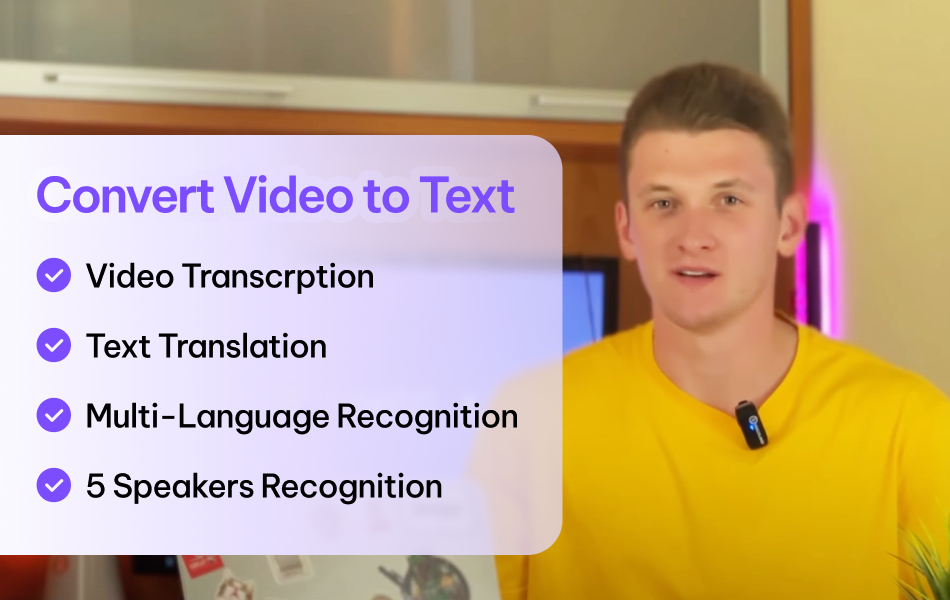
- VMEG transcribes video or audio in 170+ languages, supports speaker detection and optional translation in the same pass, and exports TXT, SRT, VTT, STL, XML, and SBV.
- Treat AI output as a draft: fix proper nouns, mark speakers when needed, and sync timestamps before you publish captions.
Why people convert video to text
Teams pull transcripts for five recurring jobs:
- Accessibility and captions.WCAG 2.1 Success Criterion 1.2.2 requires synchronized captions for prerecorded media when your project targets that conformance requirement. A transcript also helps readers who prefer text, and W3C notes that descriptive transcripts support more users, including people who rely on braille (W3C media planning).
- Search and SEO. Search engines index text more reliably than spoken audio. A transcript surfaces quotes, product names, and FAQ answers that never appear on screen.
- Repurposing. One interview can feed a blog post, social clips, email snippets, and sales enablement docs.
- Multilingual distribution. Translate the transcript once, then build subtitles or video translation from the same base.
- Study and research. Students and analysts jump to a timestamp, search a claim, and cite a line without scrubbing the timeline by hand.
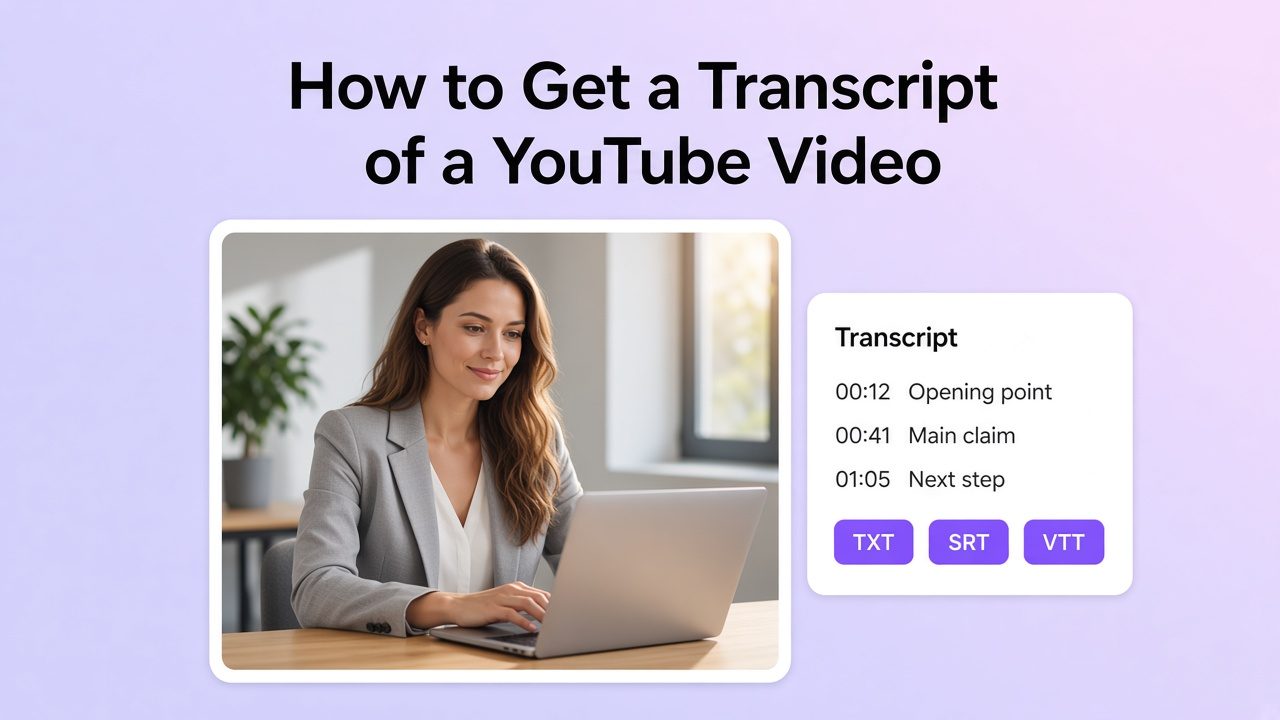
A transcript is editable text you can search, quote, or repurpose. Captions are time-synced text that includes spoken and meaningful audio information. Subtitles are commonly used for a translated or audience-facing text layer. If you only need on-screen text, captions may suffice; if you need a document you can quote, search, or rewrite, start with a full transcript. For the difference between those outputs, see transcription vs. caption.
Three ways to get a transcript
Manual transcription
You listen, type, and pause. You keep full control over spelling and speaker labels. A fast typist still spends several hours on a one-hour talk, and fatigue adds errors. Reserve this path for short clips or final legal polish.
Professional transcription services
Human agencies handle dense jargon, overlapping talk, and compliance-heavy material well. Turnaround often takes days, and cost climbs with length and rush delivery. Use agencies when a contract or court filing demands human review as the primary deliverable.
AI transcription tools
AI speech-to-text compresses the first draft into minutes for many files. You upload a video or paste a link, set language and speakers, then edit in place.
AI still mishears names, acronyms, and noisy rooms. Plan a short edit pass. For many creators and marketing teams, that edit costs less time than typing from scratch.
| Method | Speed | Cost pattern | Best fit | Review required |
|---|---|---|---|---|
| Manual | Slow | Your time | Short clips, final polish | Yes — self-review |
| Agency | Days | Per minute / project | Legal, medical, high-stakes copy | Yes — confirm scope and terminology |
| AI tool | Minutes for many files | Credits or subscription | Creators, educators, ops teams | Yes — edit before external use |
How to convert video to text with VMEG
VMEG runs in the browser. You can upload a local file or paste a YouTube URL, then transcribe, optionally translate, edit, and export without installing desktop software. Supported input formats and upload limits can change, so check the current VMEG Help Center before starting a long project.
Open the VMEG Video to Text tool to follow along.
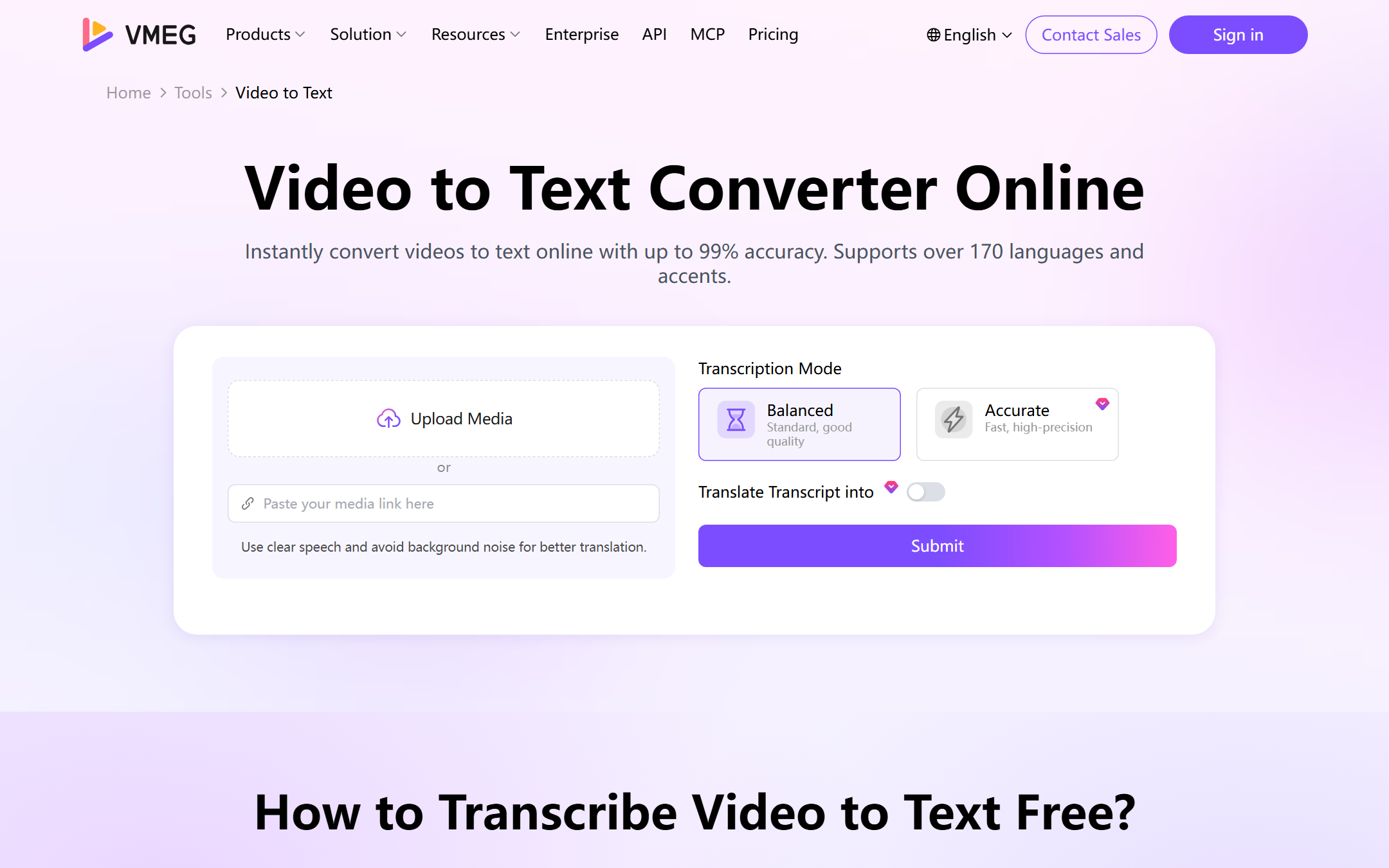
Step 1: Upload the file or paste a link
Choose Upload from Device, pick a file from your VMEG library, or paste a YouTube URL for a publicly accessible or authorized video. Prefer the cleanest audio you have. Loud music under speech and heavy echo drop accuracy more than resolution does.
Step 2: Pick a transcription mode
VMEG offers two modes:
- Accurate: Choose this when you want a more careful first draft.
- Balanced: Choose this for consistent speed and a solid first pass.
Choose the mode based on the job, then review either result before publishing captions or sharing a transcript.
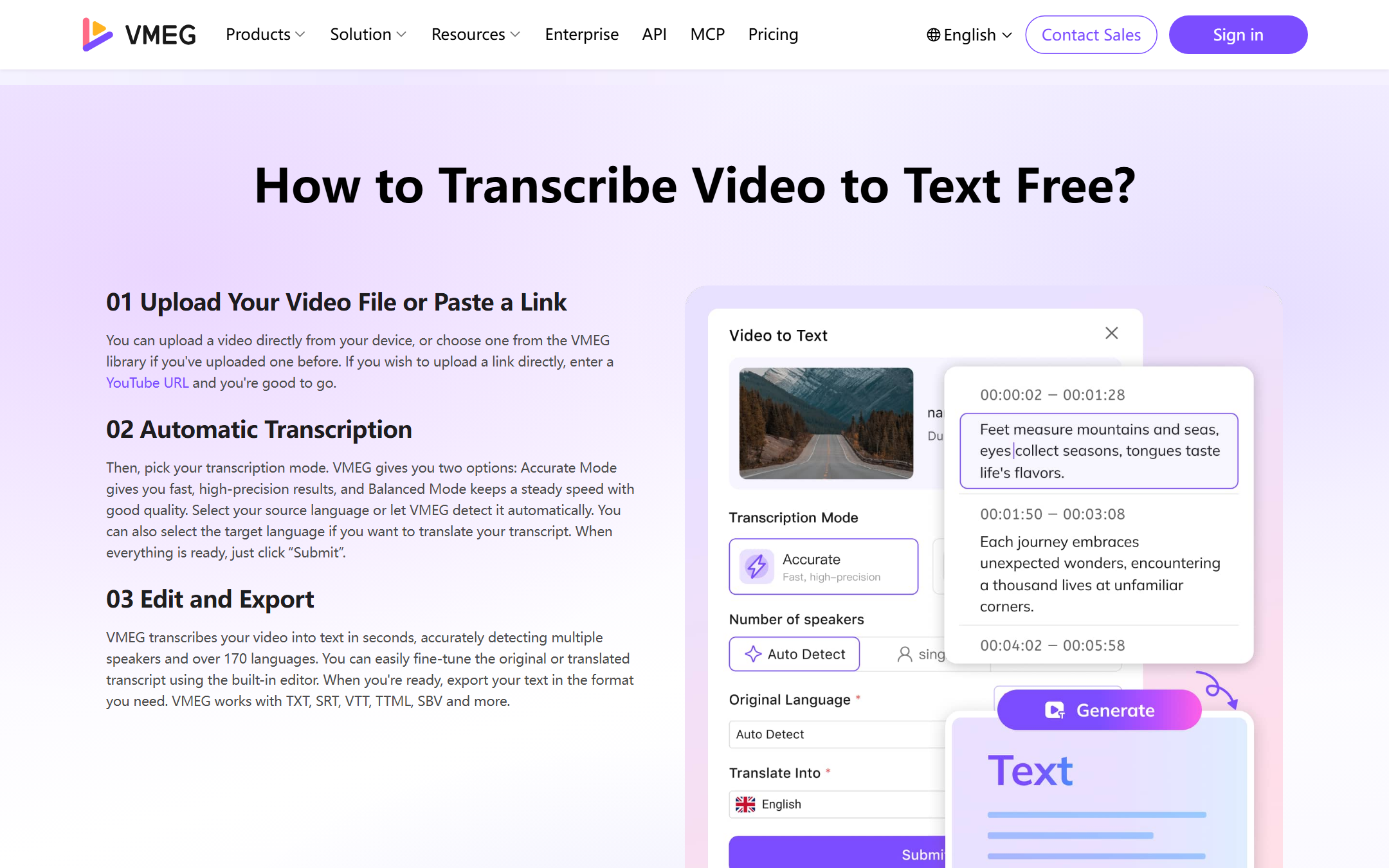
Step 3: Set speaker count
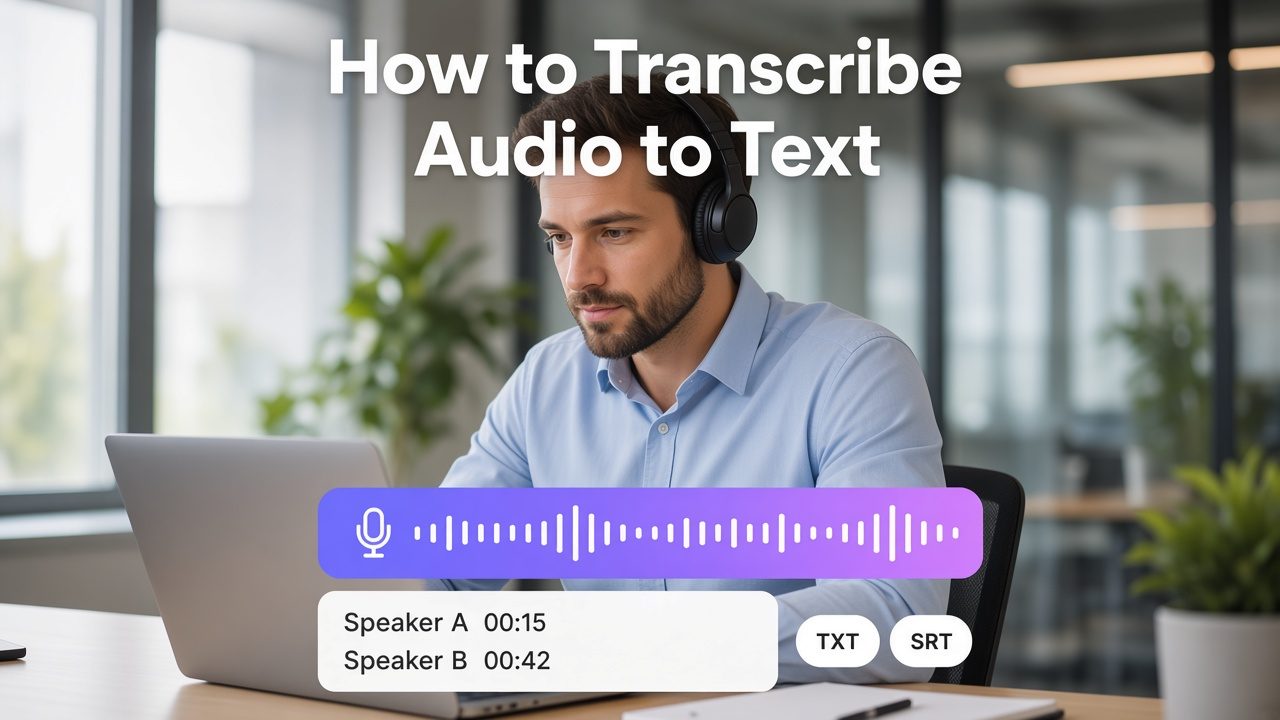
Enter the number of speakers when you know it, or use automatic detection for interviews, podcasts, and meetings. Clear speaker labels save time later when you turn the transcript into meeting notes or a Q&A article.
Step 4: Set languages
- Original language: Choose the spoken language, or use auto detection when you feel unsure.
- Multiple languages: Turn this on only when the recording switches languages in the same file.
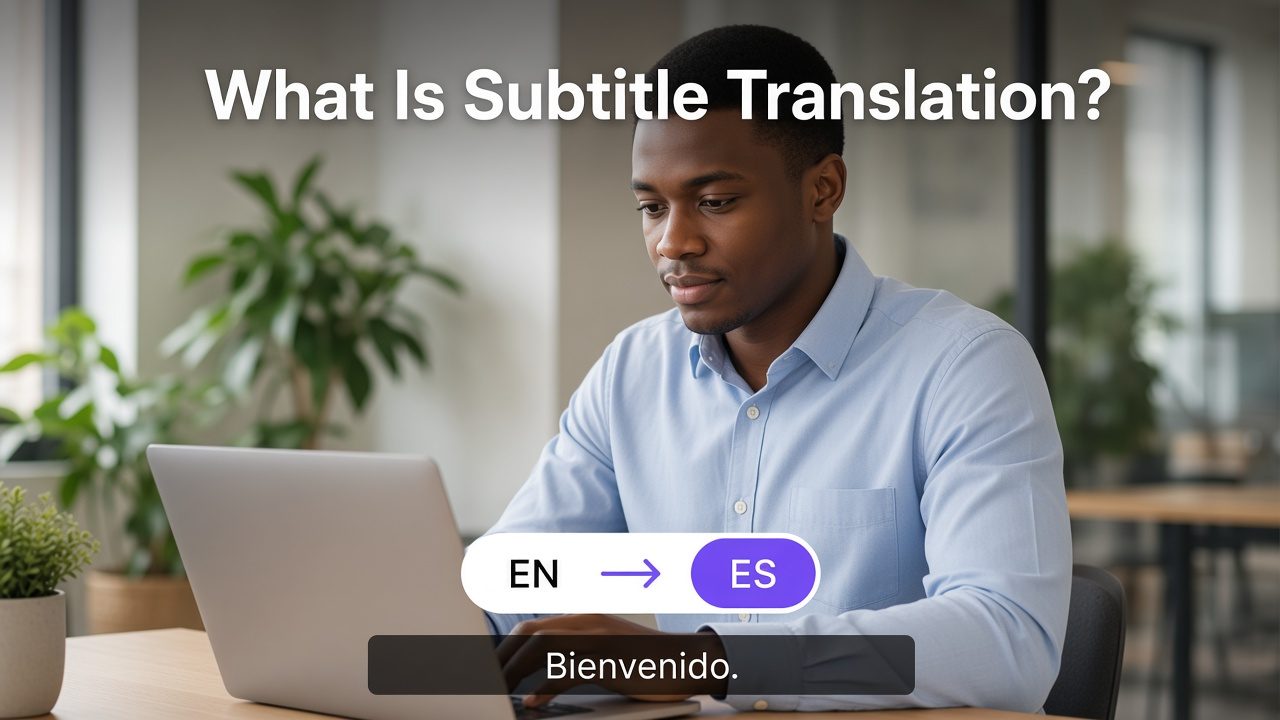
- Translate transcript into: Select a target language if you need a translated transcript in the same run. You can also translate later in the editor if you skip this now.
VMEG supports transcription and translation across 170+ languages and accents, which matters when the next step involves subtitles or dubbing rather than English-only notes.
Step 5: Submit and wait for processing
Click Submit. Processing time depends on file length, audio quality, selected mode, language, and current task volume.
Step 6: Edit, then export
In the editor:
- Fix names, brands, and technical terms.
- Adjust timestamps if you plan to ship an SRT or VTT file.
- Re-translate if the first target language missed the mark.
- Export as TXT, SRT, VTT, STL, XML, or SBV, depending on the platform.
For a broader tool landscape, compare options in best video transcription tools.
What to check before you export
Use this short QA list before you publish:
- Proper nouns: People, products, cities, and acronyms.
- Homophones: "Their / there," "cite / site," brand near-matches.
- Speaker turns: Especially when two people interrupt each other.
- Timestamp drift: Spot-check three places (opening, mid-file, close) for subtitle exports.
- Filler and false starts: Keep them for verbatim research; trim them for public captions.
- Translation register: Formal training content and casual social clips need different tone.
AI captions rarely meet accessibility standards until a human reviews them. Treat the first pass as draft media, then lock the file.
Common mistakes that lower accuracy
- Uploading a noisy master. Fix gain and background noise first when you can.
- Wrong source language. Auto detection helps, but a manual language pick usually wins for short or accent-heavy clips.
- Skipping speaker settings on multi-person audio. You then spend the edit pass re-labeling every paragraph.
- Expecting book-length files in one upload. Split long projects into chapter-sized segments that fit the tool limit, then merge the text offline.
- Publishing without an edit pass. One wrong product name can undo the time you saved.
FAQs
How do I convert a video to text online for free or on a trial?
Open an online transcription tool, upload a short clip, and run a first draft. VMEG's video to text converter runs in the browser. Check the current plan limits for free credits before you process a long batch.
Can I transcribe a YouTube video without downloading it first?
Yes. Paste the YouTube URL into VMEG, set language and speakers, then submit. Download the source file only when the link fails or you need offline archival.
Which formats can I export?
Common exports include TXT for documents, plus SRT, VTT, STL, XML, and SBV for caption or subtitle workflows. Pick SRT for broad player support; pick VTT when you need web-friendly cues.
How accurate is AI video transcription in 2026?
Clear speech in a quiet room usually produces a stronger draft, but results still vary by accent, background noise, overlapping speakers, terminology, and language pair. Review names, numbers, brands, and timestamps before publication.
Does converting video to text help SEO?
It can help when you publish useful, indexable text that accurately supports the video. Do not publish an unreviewed or duplicate transcript solely to add keywords. Text engines crawl text; they cannot reliably index every spoken sentence inside a video file.
Can I translate the transcript in the same workflow?
Yes. Set a target language during submit, or translate inside the editor after the source transcript looks clean. From there you can move into full video translation and dubbing if you need voiceover and lip sync.
Conclusion
Converting video to text in 2026 usually means: generate an AI draft, fix the handful of errors that matter, then export the format your platform expects. Manual typing and agencies still earn a place for short or high-stakes work. For everyday creators, educators, and marketing teams, an online AI workflow clears the bottleneck.
If you want a practical next step, upload a sample clip to VMEG Video to Text, run Accurate mode, edit proper nouns once, and export both TXT and SRT. That pair covers notes, SEO copy, and captions from a single pass.