01
Upload a Video or Paste a Link
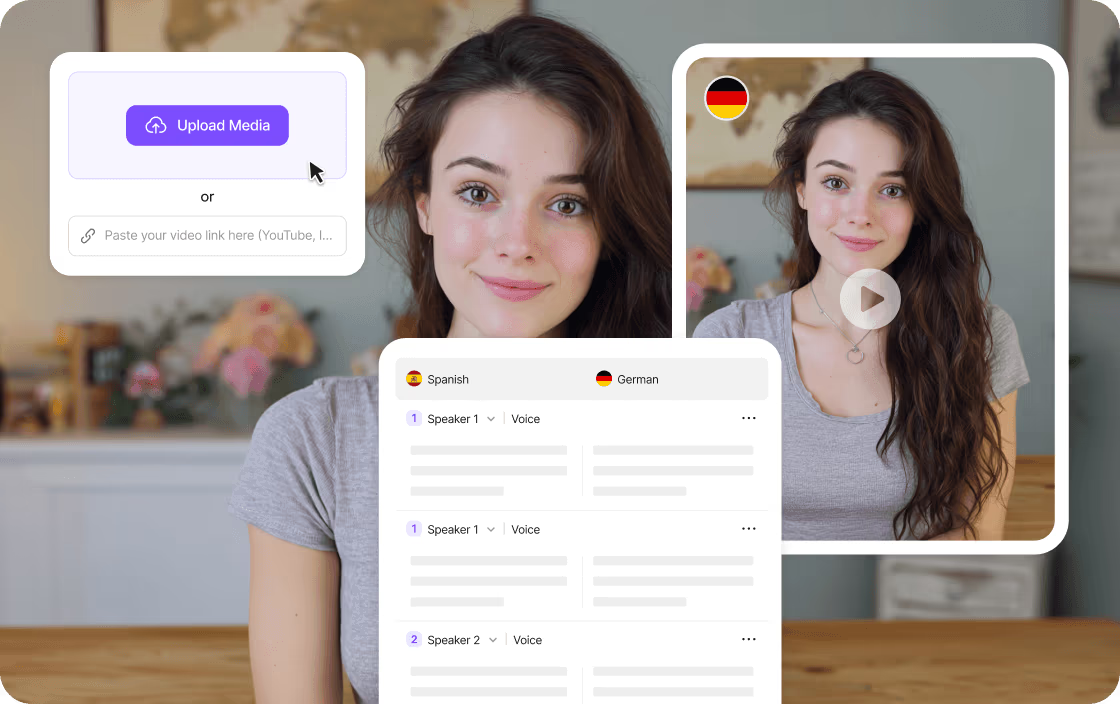
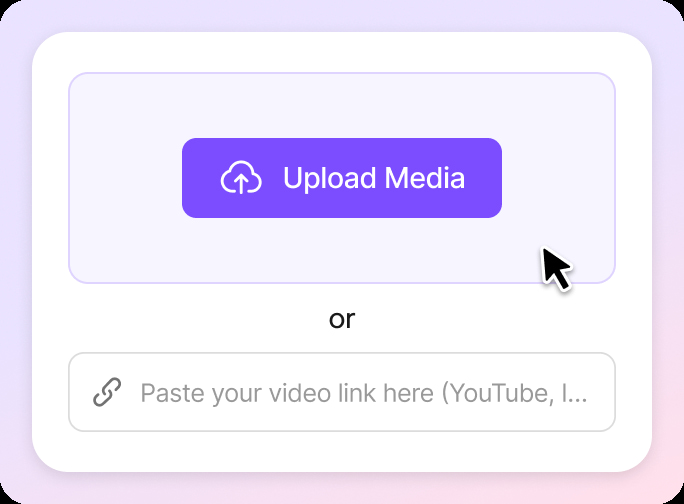
Upload a religious lecture, sermon, teaching, discussion, or recorded event. You can also select a saved project from your workspace or paste a supported public video link.
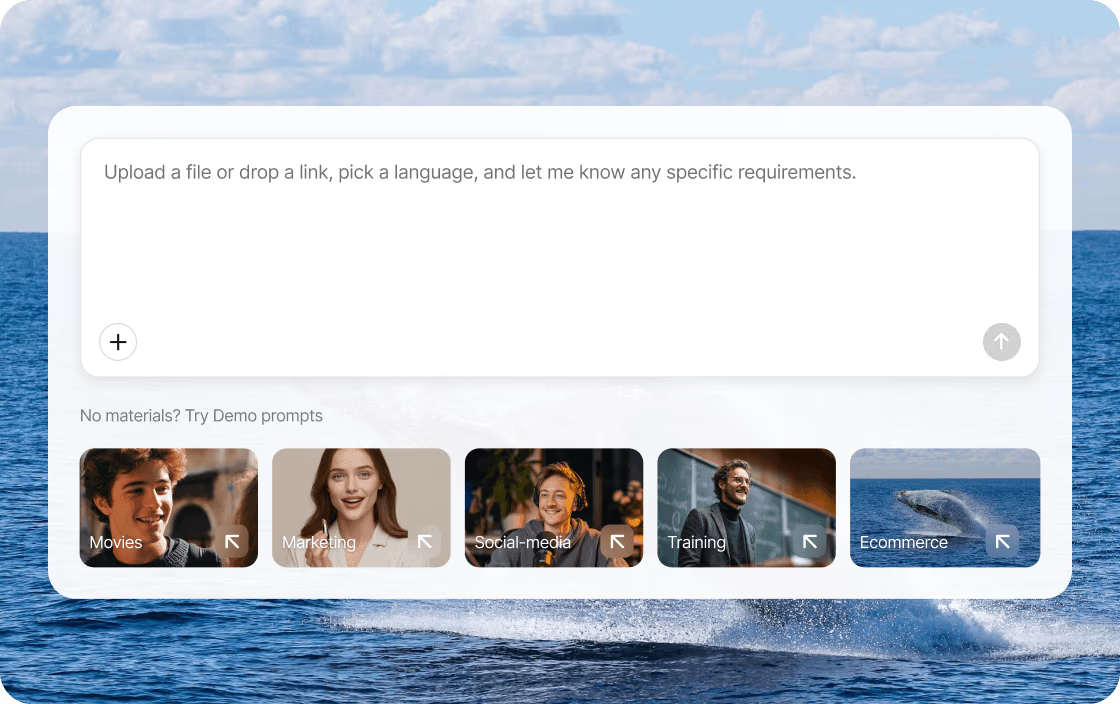
Upload a religious lecture, sermon, teaching video, or recorded ceremony, or paste a supported video link. Translate spoken content into 170+ languages and create a dubbed video, translated subtitles, or audio track. Review religious terms, speaker voices, and timing before export.
01
Upload a religious lecture, sermon, teaching, discussion, or recorded event. You can also select a saved project from your workspace or paste a supported public video link.
02
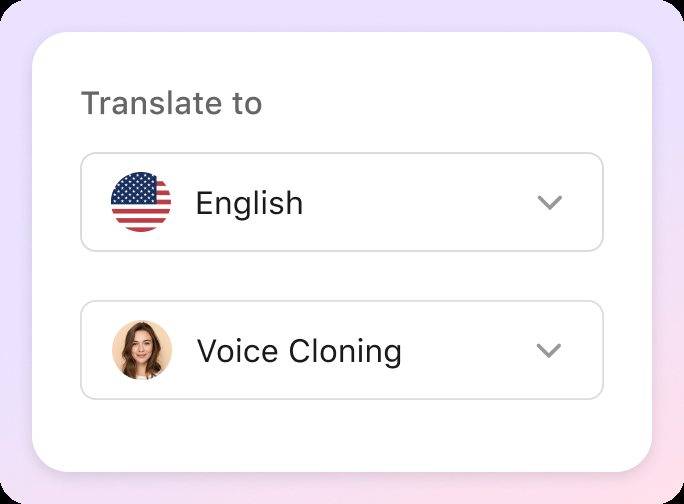
Choose a target language and select a voice or use voice cloning. Use a glossary and Translation Prompt to keep names, religious terms, and references consistent. Set your preferred wording before processing.
03
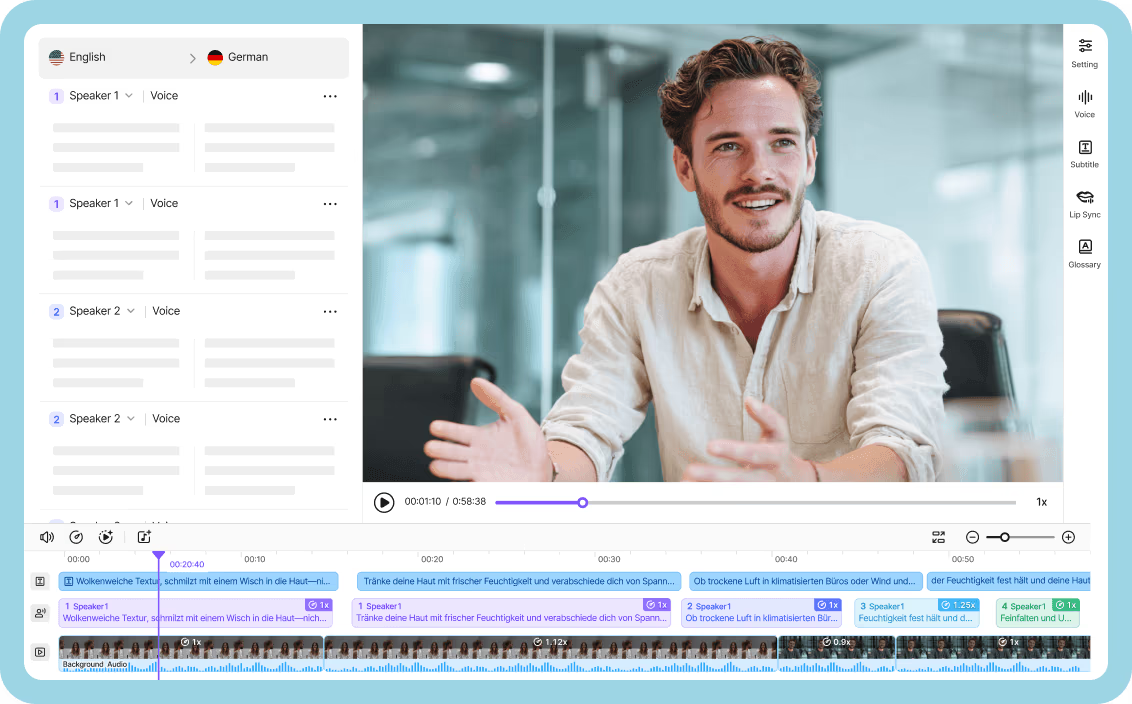
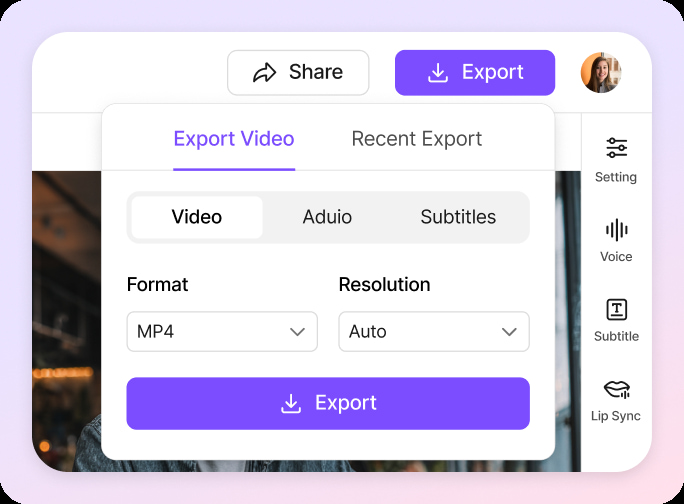
Preview the translation, edit individual lines, adjust speaker voices, speed, volume, or timing, then export a dubbed video, audio track, or subtitle file. For more details, see our guide to translating religious videos.
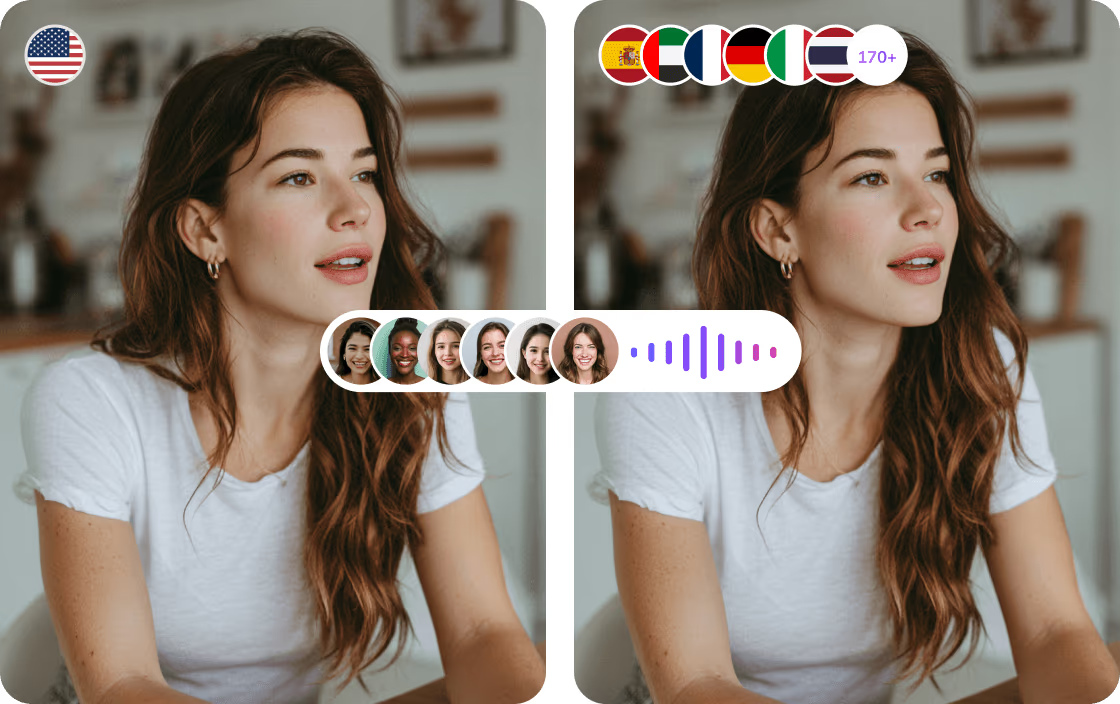
Religious content may include sacred texts, specialized vocabulary, names, and references that require consistent wording. Translate into 170+ languages using a glossary and Translation Prompt to guide key terms. Check the translation line by line in the editor, then export a dubbed video, translated subtitles, or a separate audio track.

VMEG detects multiple speakers in lectures, interviews, and group discussions. Assign each person a distinct AI voice or use voice cloning to preserve recognizable vocal characteristics across languages. Adjust speech speed and volume in the editor, and choose how much original background audio to retain.

Translate recorded lectures, teaching series, and community events up to three hours long. Create dubbed videos, audio tracks, or translated subtitles. Review the translation in the editor and export files for video platforms, educational courses, or community sharing.

Say goodbye to expensive outsourcing, complex editing, and hours of effort. With VMEG, you can create professional-looking videos in less than 1/10 of the time, effort, and cost.
Other Voice-over Platforms
Needed separate tools for transcription, translation, and voiceover.
Hiring voice actors was costly and complicated.
Syncing audio was slow and often off.
Adjusting voice style or speed required multiple apps.
Slow turnaround delayed releases.
Voice quality was inconsistent, hurting brand image.
Client reviews were a pain to manage.
Making videos in other languages was overwhelming.
Project files and updates were scattered and hard to track.
VMEG AI Localization Platform
Do it all in one streamlined workflow.
Instantly get pro-quality voiceovers, no hiring needed.
Easily fine-tune timing for natural, spot-on results.
Control voice style and speed in one place, anytime.
Get your localized videos ready to share, fast.
Consistent, high-quality voiceovers keep your brand strong.
Share and edit projects together with just a click.
Effortlessly create multilingual content for global reach.
Keep everything organized and accessible in one secure spot.
VMEG is built on a privacy-first architecture. Your videos, voice samples, and scripts are encrypted, isolated, and never used to train AI models by default. You stay in full control of your data—always.
VMEG is architected with enterprise security at its core. All customer data is encrypted using AES-256 at rest and TLS 1.3 in transit, ensuring sensitive media assets remain protected throughout the entire processing lifecycle.
Customer data is fully isolated by workspace. VMEG does not access, reuse, or train on your proprietary videos, voice data, or scripts by default. You retain full ownership and intellectual property rights over all inputs and outputs.
Running on secure AWS infrastructure, VMEG delivers high availability, redundancy, and global scalability. VMEG is designed to support enterprise localization workflows while aligning with modern security and compliance standards.

Translate recorded gatherings, sermons, ceremonies, and announcements for people who speak different languages. Share dubbed videos or subtitles while keeping key religious terms consistent.

Make lectures, recorded classes, and religious text studies accessible in more languages. Apply a glossary for recurring terminology, then review the translated text line by line before sharing.

Localize interviews, discussions, educational videos, and event recordings for YouTube or other platforms. Keep speakers distinct and export dubbed videos, audio tracks, or subtitles.
A religious video translator converts spoken content in recorded sermons, lectures, teachings, and ceremonies into other languages. VMEG's Video Translator can generate dubbed videos, translated subtitles, or audio tracks that you can review before export.
Yes. VMEG can translate recorded teachings, ceremonies, lectures, discussions, and other content from different religious traditions. You can review specialized terms before publishing.
Use a glossary and Translation Prompt to set preferred wording for names, titles, and religious terms. Review individual lines in the editor before publishing.
Yes. You can translate subtitles without dubbing and export SRT or VTT files. You can also upload an existing subtitle file and edit the translated text using VMEG's Subtitle Translator.
Yes. Paste a supported public YouTube video link or upload the video file. Make sure you have permission to translate the content.
Yes. VMEG detects different speakers in lectures, interviews, and discussions. You can assign different voices or cloned voices to each speaker and adjust their speech in the editor.
VMEG supports MP4, MOV, WebM, M4V, and MKV. You can export dubbed videos, translated audio, and subtitle files.
VMEG supports videos up to 3 hours per file, with a maximum file size of 3GB. We recommend splitting longer recordings into smaller files.
Not currently. VMEG does not yet support real-time translation of live events. You can upload an event recording afterward to generate dubbing, translated subtitles, or a separate audio track in your target language.