AI Audio Separator

Separate vocals and instruments from music, videos, podcasts, and recordings in just a few clicks. Upload a file or paste a video link to create clean stems for editing, remixing, karaoke, or content creation.

How to Use the AI Audio Separator

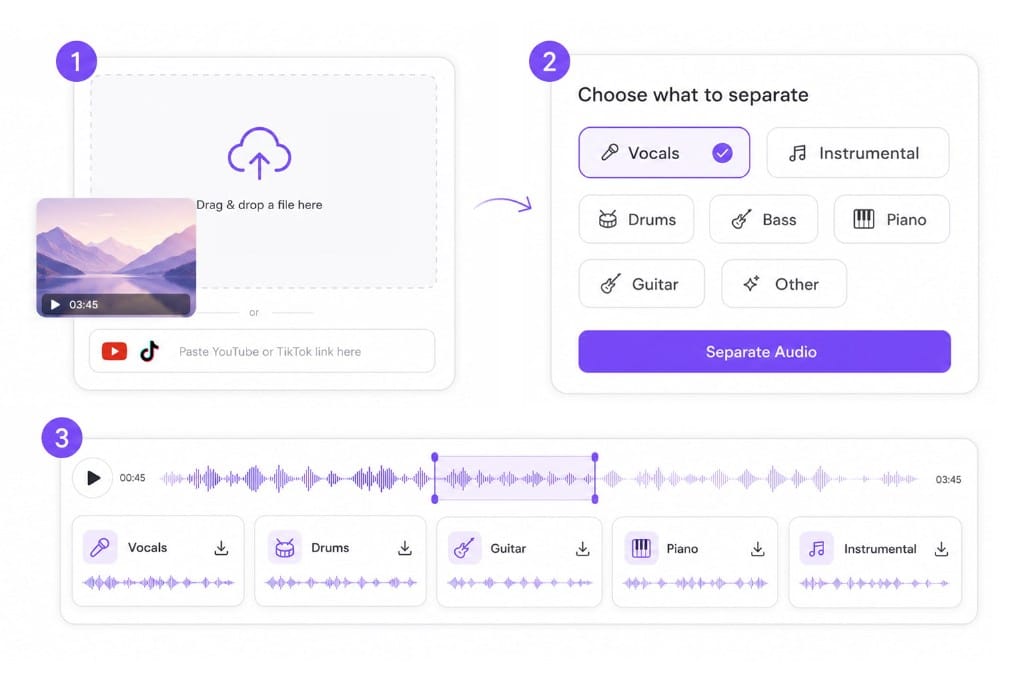
  1. 01Upload a file or paste a link

    Upload audio or video from your device, or paste a public YouTube, TikTok, or Vimeo URL.

  2. 02Choose what to separate

    Select vocals, instrumental, drums, bass, piano, guitar, or other stems before processing.

  3. 03Download your stems

    Preview the separated tracks and download each stem individually for editing or production.

Audio separator workflow: upload a file, choose stems, and download separated tracks

Why Choose VMEG Audio Separator

Built for creators who need fast, accurate, and reliable stem separation.

Split Vocals and Instruments from One Mixed File

The AI audio separator listens to the whole mix and pulls each part into its own lane. Choose vocals, instrumental, drums, bass, piano, or guitar, and get a stem you can drop straight into an edit, a remix session, or a practice playlist.
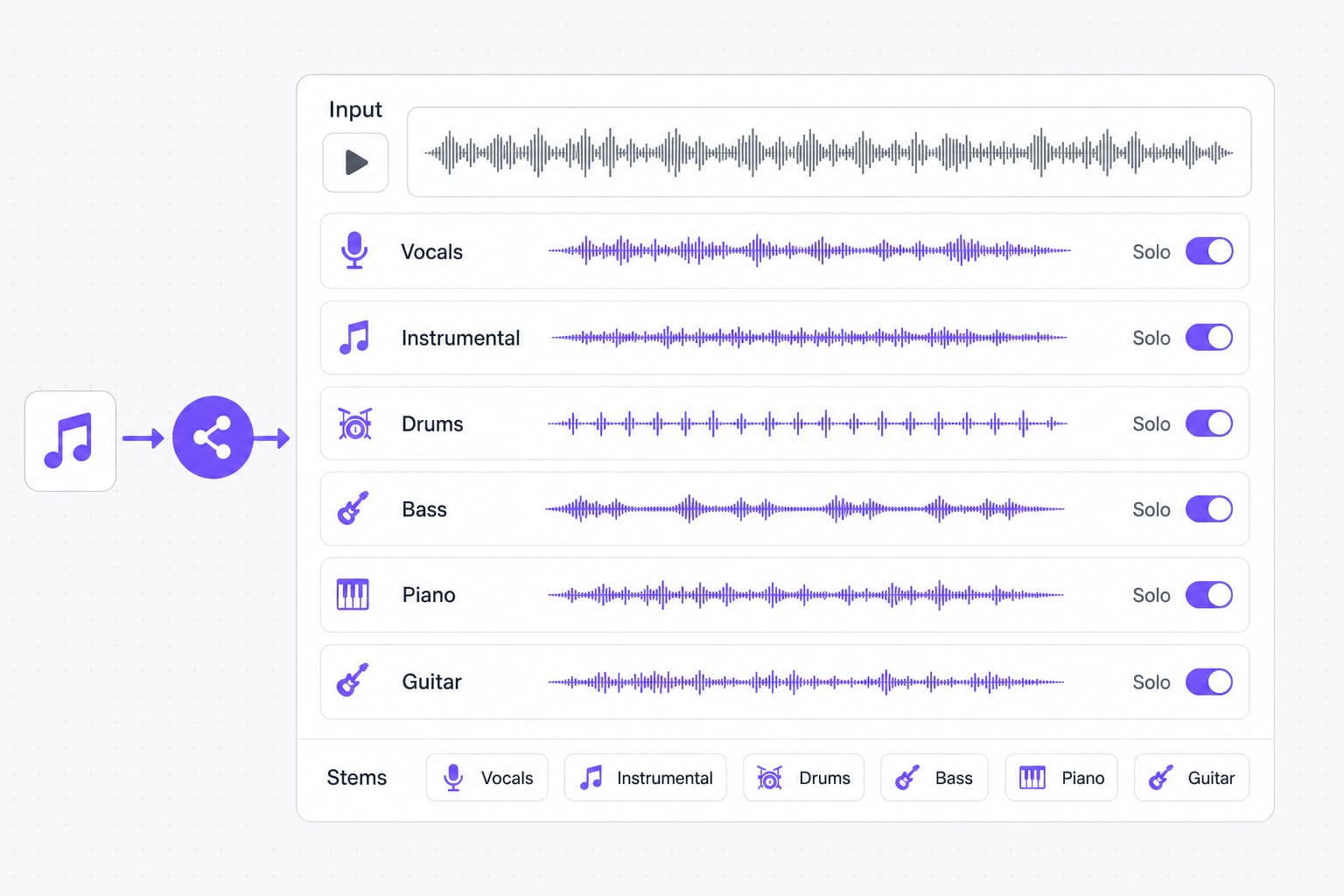
Multiple audio stems split from one upload with vocal drums bass and piano lanes

Songs, Podcasts, and Videos All Work as Sources

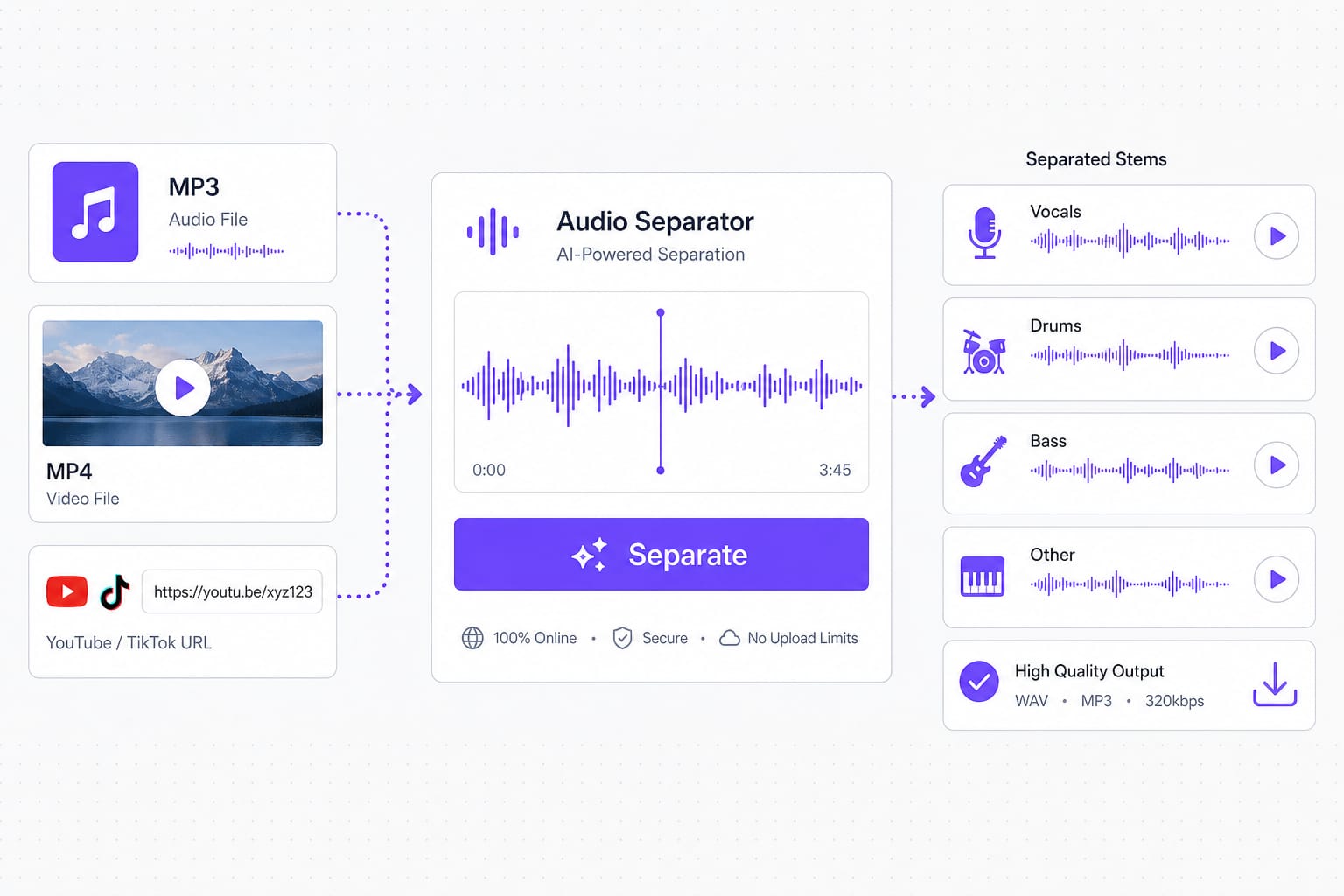
Upload MP3, WAV, or FLAC, drop in an MP4 or MOV, or paste a public video link. Video files use the embedded soundtrack, so a live performance clip separates the same way a studio track does.

MP3 MP4 and video URL inputs flowing into stem separation workflow

Stems That Hold Up in a Real Mix

A separated stem is only useful if it survives being soloed. The engine keeps transients and tone intact, so isolated drums still punch and a stripped vocal does not warble when you lay it over a new beat.

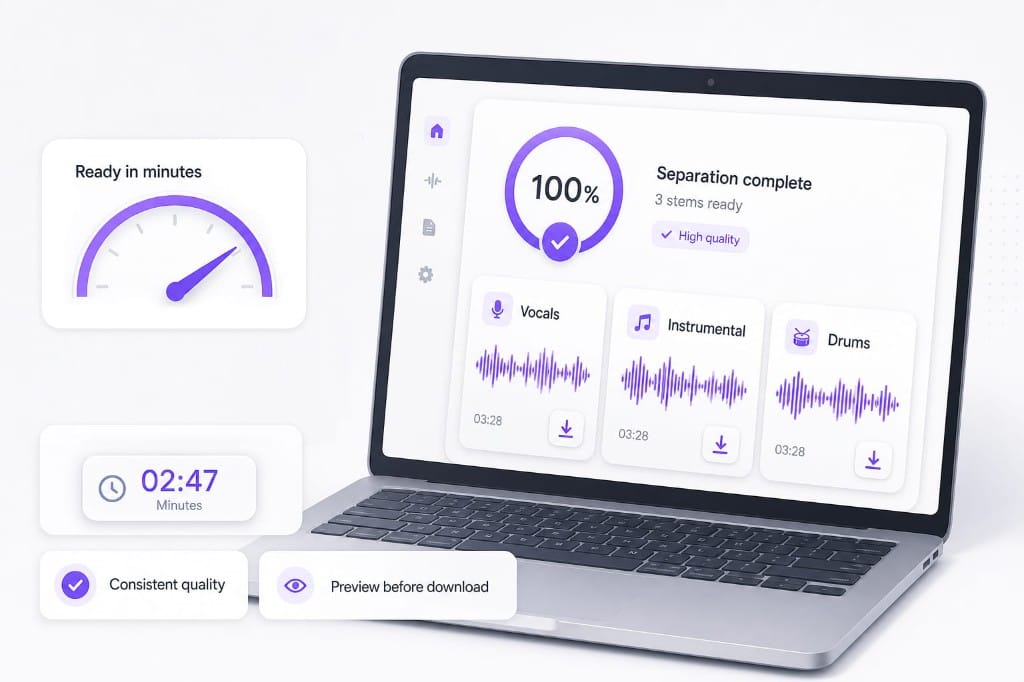
Fast stem separation dashboard with preview and download ready outputs

FAQs about AI Audio Separator

What is an AI audio separator?

An AI audio separator listens to a finished recording and pulls it apart into stems: vocals, drums, bass, or a full instrumental. You can then edit, remix, or practice without the original multitrack project.

Which file formats can I upload?

MP3, WAV, M4A, AAC, FLAC, MP4, MOV, MKV, and WebM up to 100 MB per file. Video uploads use the audio track for separation.

Can I paste a YouTube or TikTok link?

Yes. Paste a public link from YouTube, TikTok, Vimeo, Facebook, Instagram, or X. The page fetches the audio before separation when the link is supported.

Which stems can I export?

Choose vocals, instrumental, drums, bass, piano, guitar, or other before you run separation. Preview each stem after processing, then download the tracks you need.

Do I need to install software?

No. Separation runs in your browser on VMEG: upload or paste a link, pick a stem, and download after sign-in.

Is download free?

You can upload, choose a stem, and preview for free. Sign in when you download your separated files.

Ready to separate vocals and instruments?

Upload a song, podcast, or video, then pick a stem and download in minutes.