Stem Splitter

Split songs into vocals, drums, bass, piano, guitar, and more with a free online stem splitter. Upload MP3 or video, pick the stem you need, preview in your browser, and download for remixes or production.

How to Split Stems Online in Three Steps

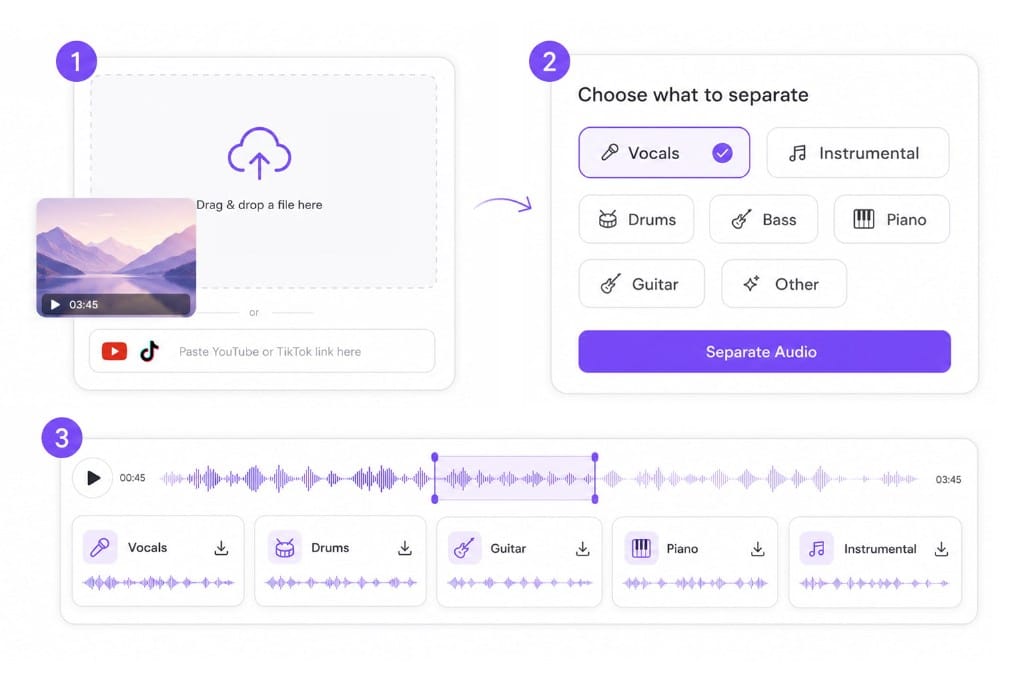
  1. 01Add the track you want to split

    Drop an MP3, WAV, or MP4 from your device, or paste a public YouTube, TikTok, or Vimeo URL.

  2. 02Pick a stem lane

    Choose the lane you need for your project: vocals, instrumental, drums, bass, piano, guitar, or other.

  3. 03Preview and save the split

    Listen to the split lane in your browser, then download the stem that sounds clean enough to use.

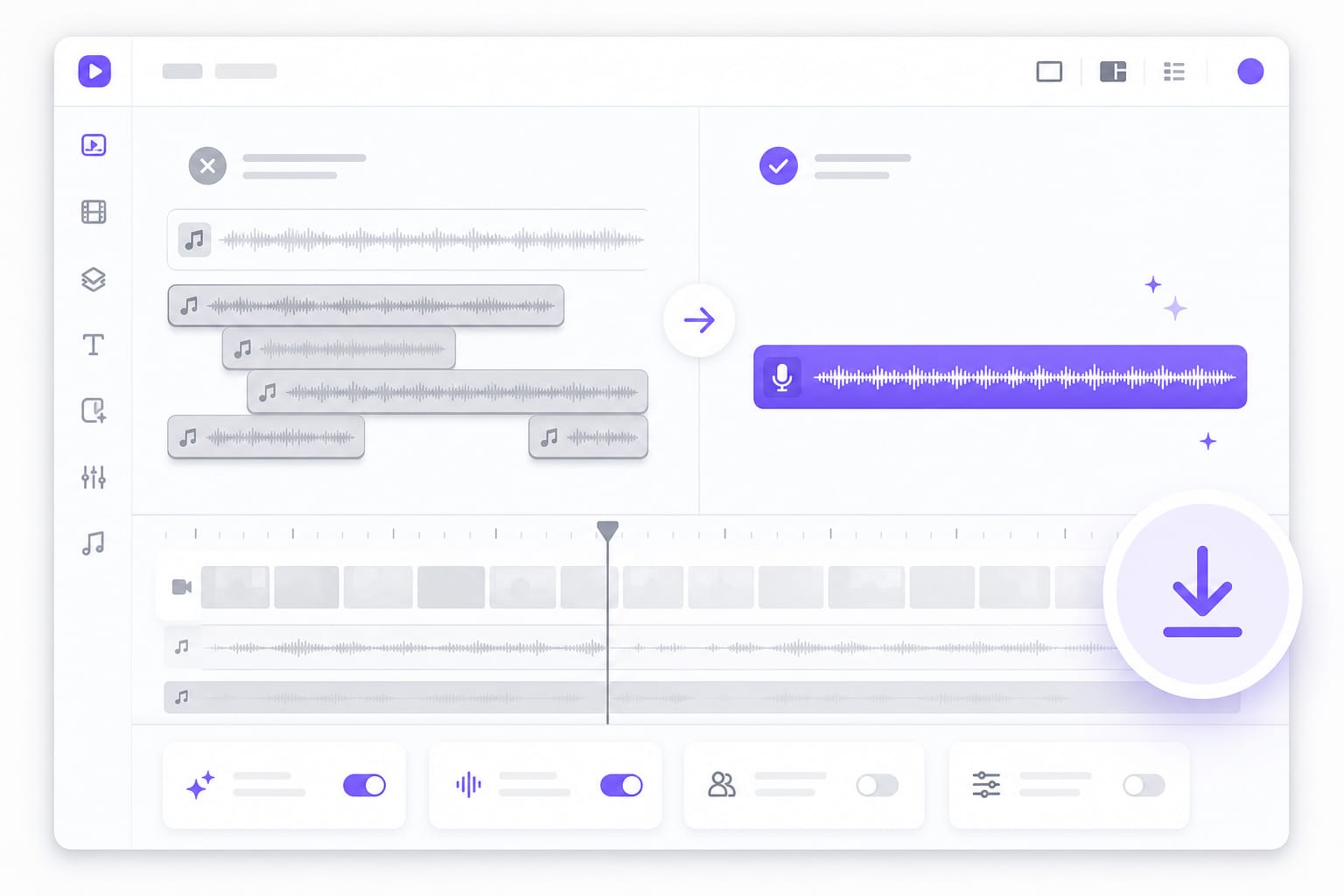
Stem splitter workflow: upload a file, choose stems, and download separated tracks

Why Use VMEG Stem Splitter

Turn finished mixes into editable lanes for remixes, sampling, and post-production without a studio multitrack.

Extract clean vocals and instrument tracks with AI

Separating vocals from music manually is difficult and often reduces audio quality. VMEG AI Stem Splitter analyzes every part of the audio to isolate vocals and individual instruments with greater accuracy. The extracted stems are suitable for remixing, vocal practice, karaoke, and post-production without requiring advanced audio editing skills.
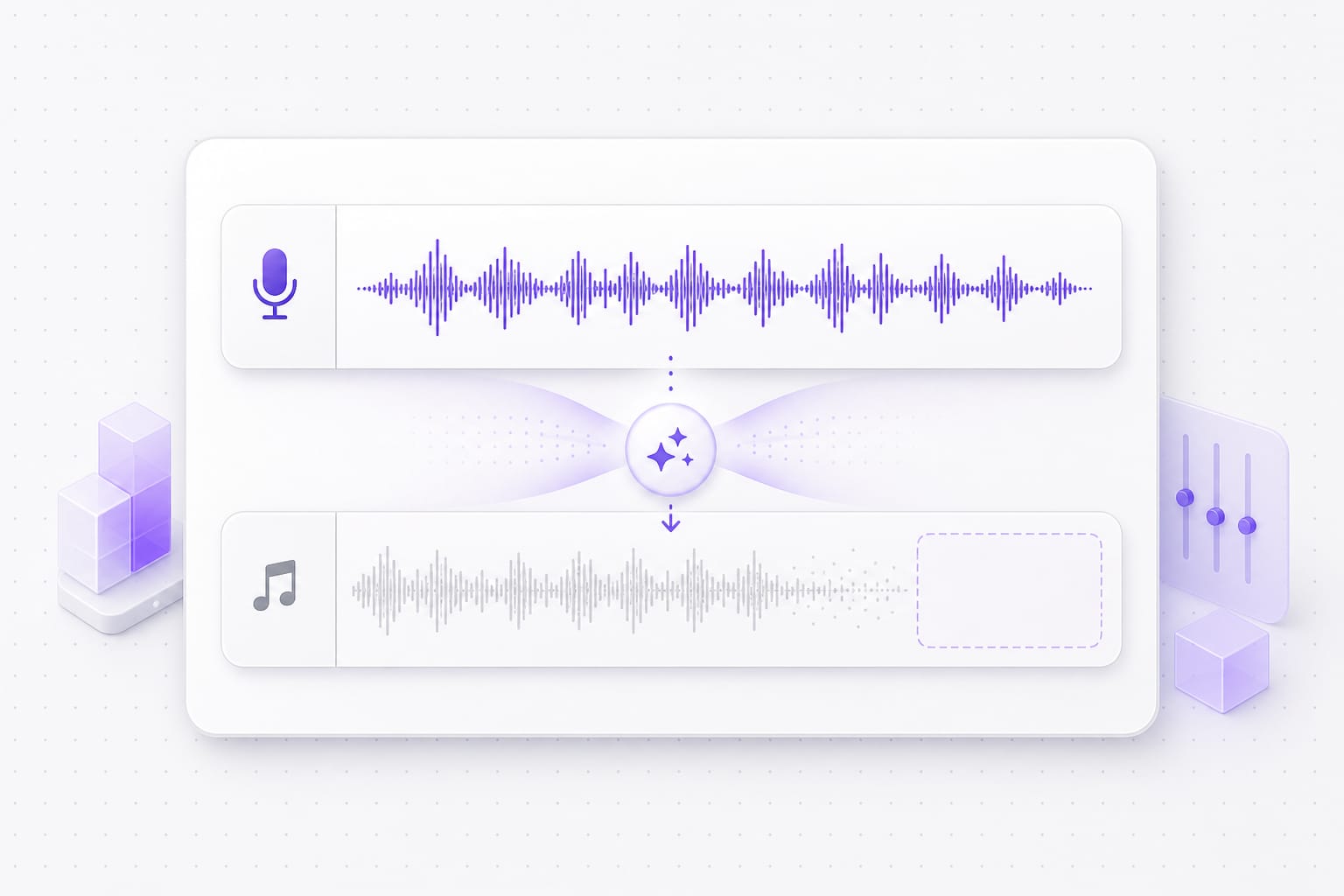
Multiple colored stem lanes split from one song upload

Separate multiple stems in one workflow

Many projects require more than vocal removal. VMEG AI can separate vocals, drums, bass, piano, and other instrument tracks from the same audio file, making it easier to edit or reuse individual elements. This saves time compared with processing each track separately and creates a more efficient workflow for creators and musicians.

Producer remixing isolated drum and vocal stems

Songs, podcasts, and video files

Start from MP3 masters or MP4 clips. The splitter uses the audio track, so you do not need a separate extract step.

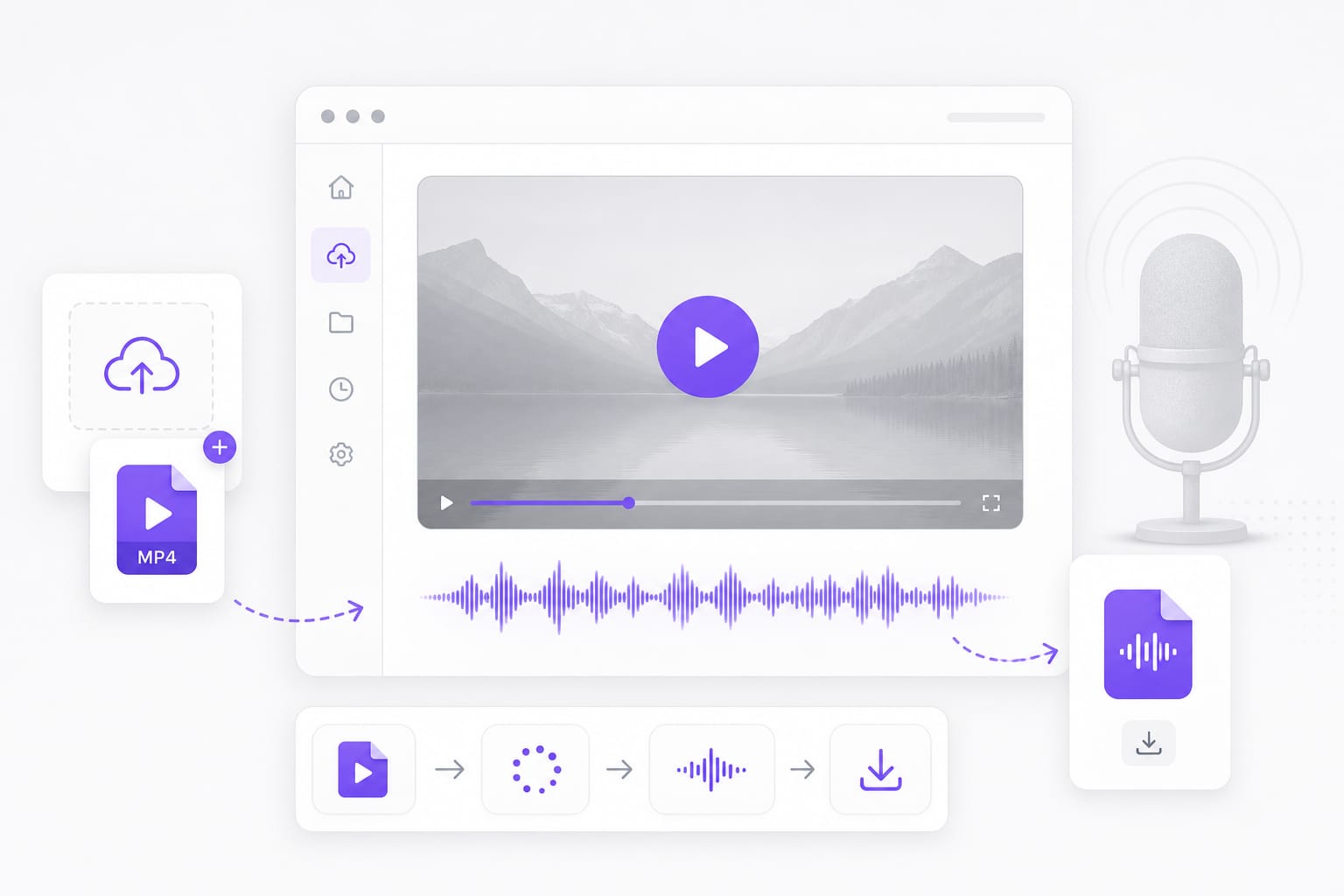
MP3 MP4 and WAV files feeding into stem splitter workflow

Preview before you commit

Check separation quality in the browser, then download only the stems that sound clean enough for your project.

Stem preview player with download ready separated tracks

FAQs about Stem Splitter

What is a stem splitter?

A stem splitter uses AI to divide a stereo mix into separate tracks, such as vocals, drums, bass, or a full instrumental, so you can edit or remix without the original project files.

Which stems can I split out?

Vocals, Instrumental, Drums, Bass, Piano, Guitar, and Other. Select one stem before processing, then preview and download that lane.

What file types work with the stem splitter?

MP3, WAV, M4A, AAC, FLAC, MP4, MOV, MKV, and WebM up to 100 MB. Video uploads use the embedded audio for separation.

How is this different from a vocal remover?

Vocal removers focus on stripping the lead voice. A stem splitter lets you export any lane: drums for sampling, bass for practice, or vocals for acapella work.

Do I need a DAW to use split stems?

Not for splitting, since everything runs in the browser. You only need a DAW or editor if you want to mix, master, or further process the downloaded stems.

Is the stem splitter free to try?

Splitting and previewing are free. Sign in when you want to download the stem files you split out.

Ready to split your track into stems?

Upload a song or video, pick the stem you need, and download in minutes.