SMI to TXT Converter


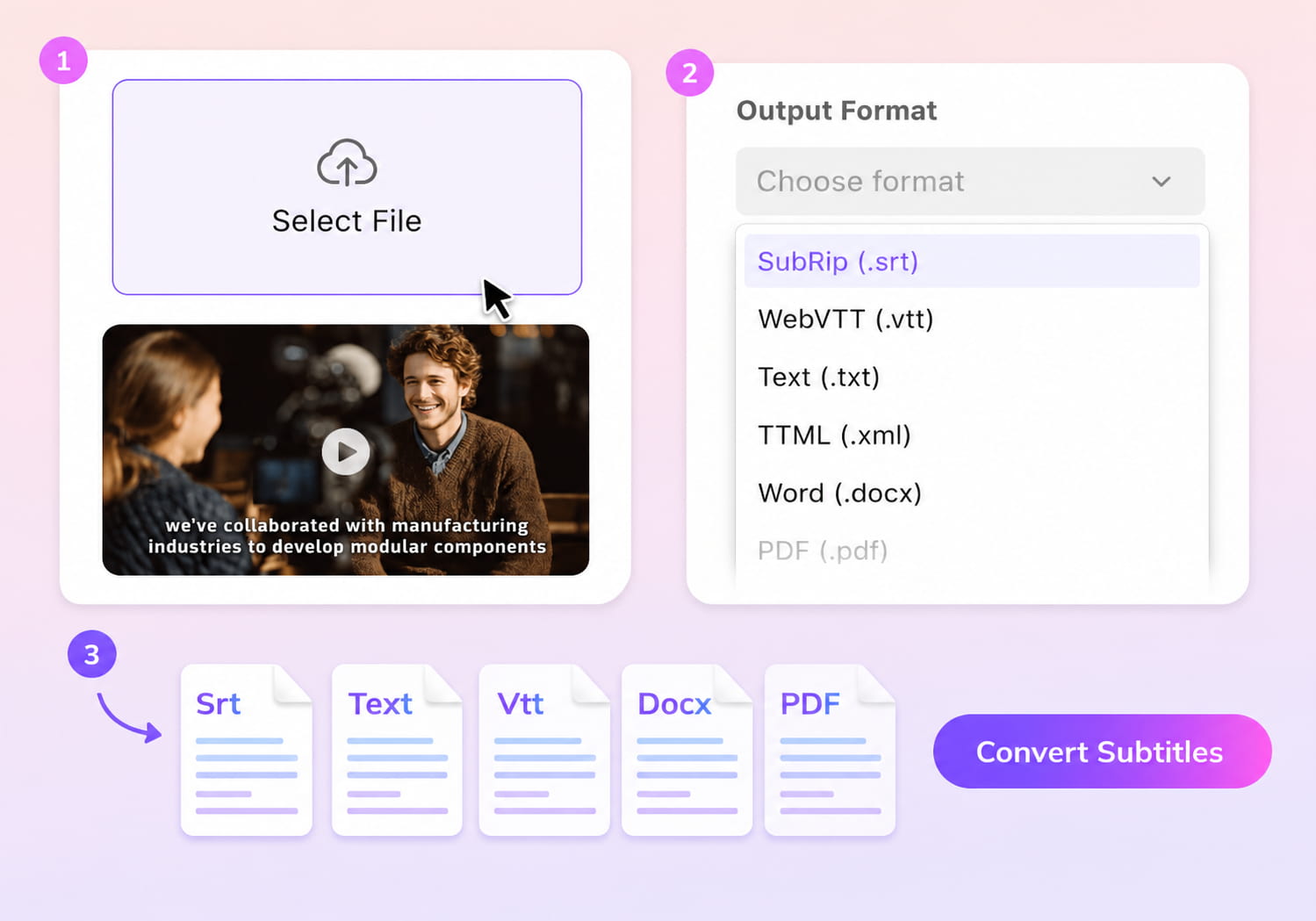
Upload your subtitle file

Select File (srt, vtt, ass, ttml, dfxp, stl, sbv, sub, smi, xml, txt)
Convert to
How to convert SMI to TXT online?
01Upload SMI subtitle file
Upload your SMI file to start extracting subtitle text content.
02Select TXT as output format
Choose TXT format to convert subtitles into plain text for easier editing and use.
03Convert and download text file
The system extracts and cleans subtitle text from SMI structure.


How VMEG AI improves SMI to TXT conversion?
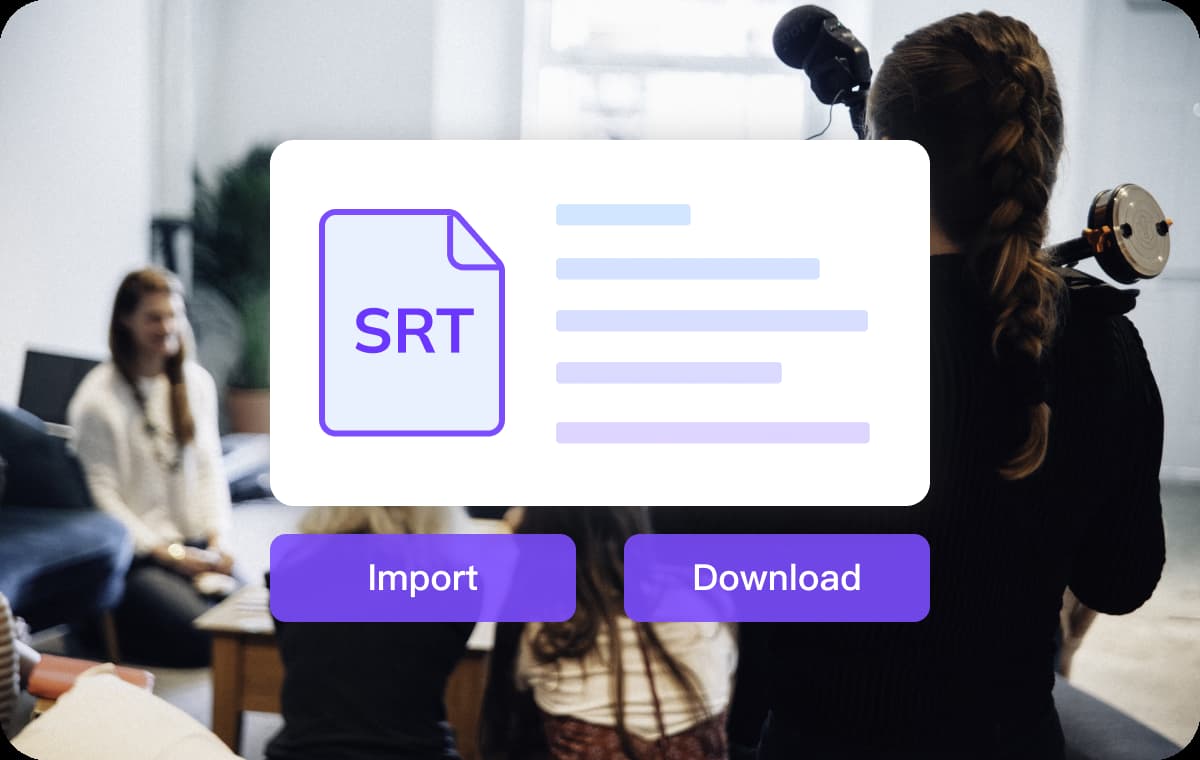
Extract clean text from SMI subtitle structure
SMI files contain HTML-like tags and formatting that are not easy to read or edit.VMEG AI removes tags and extracts only meaningful subtitle text, making the output clean and usable.This reduces manual cleanup work after conversion.
Preserve readable sentence flow from subtitles
Subtitles are often split across timestamps and lines, which can break readability when converted to text.VMEG AI restructures extracted text into a more natural reading format while keeping the original meaning.This makes TXT files suitable for scripts, notes, or translation workflows.
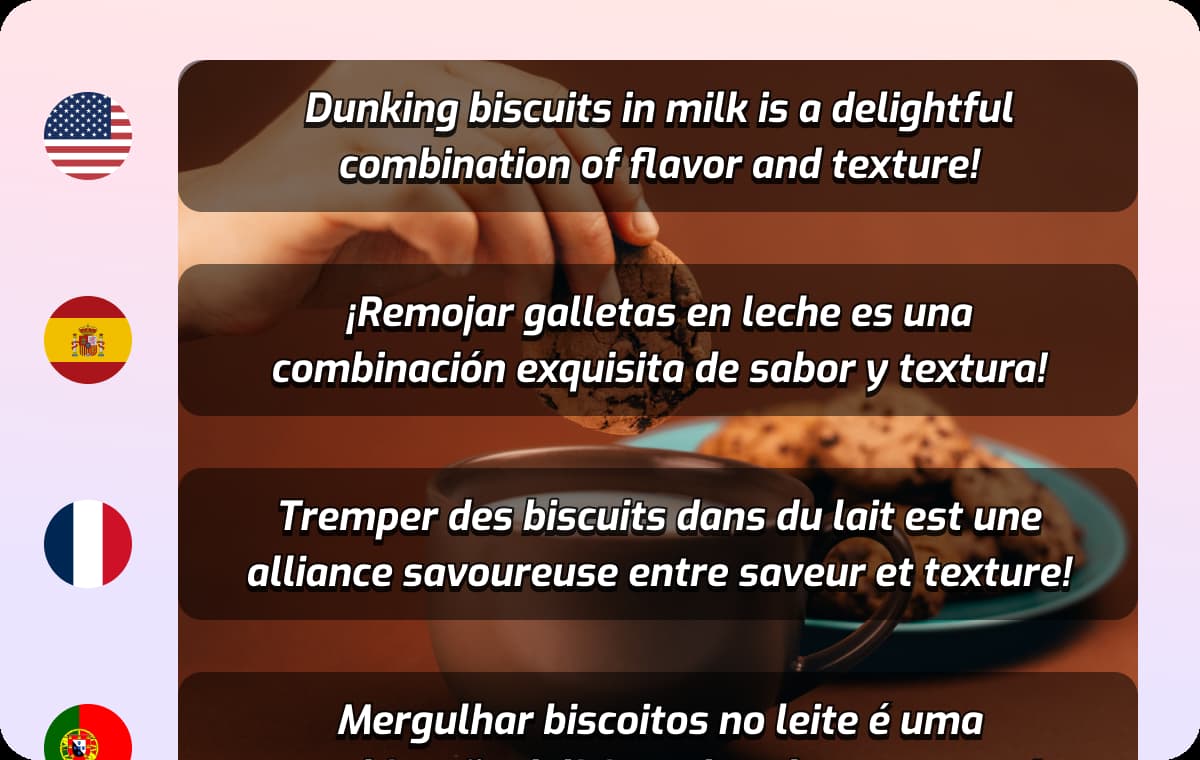
Handle multilingual subtitle content
SMI files are often used for multilingual subtitles, especially in legacy video formats.VMEG AI supports extracting and converting subtitles in different languages into TXT format.This helps users reuse subtitle content across projects.
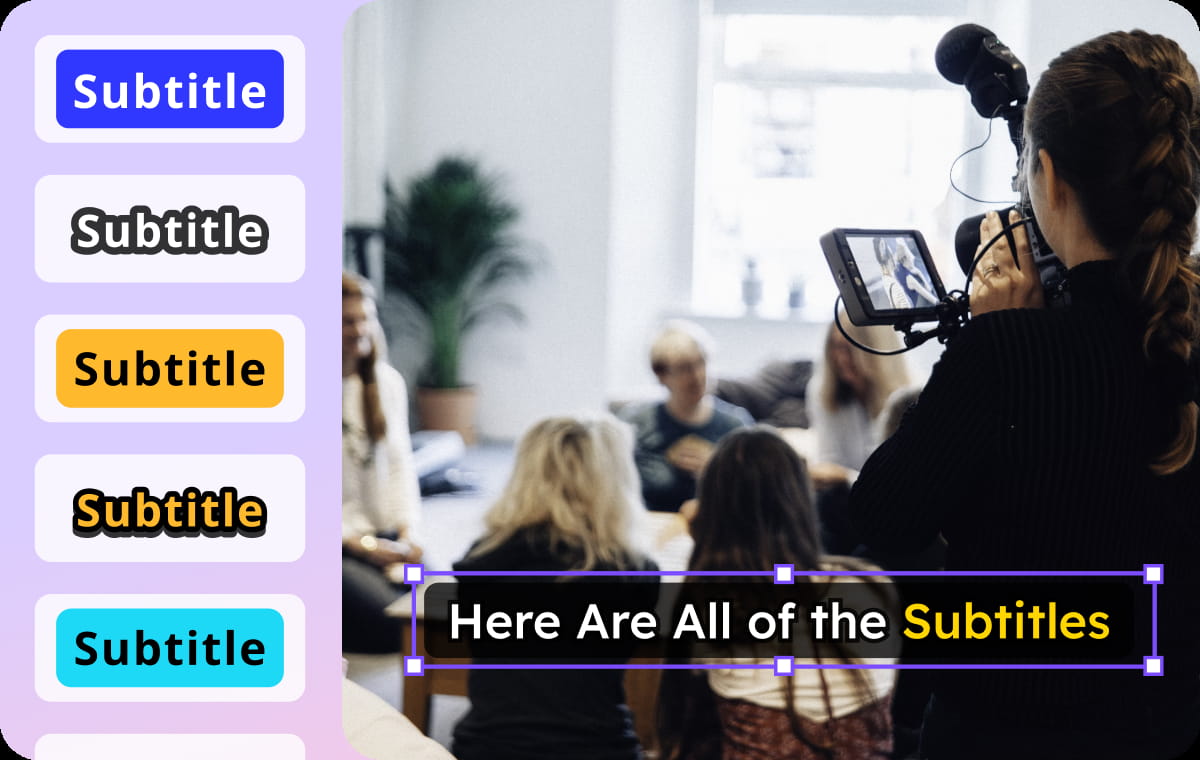
Who Uses the SMI to TXT Converter

For content creators: reuse subtitle scripts
Convert subtitle files into text scripts for editing, rewriting, or content repurposing.This is useful for blogs, captions, or video descriptions.

For translators: prepare subtitle text for translation
TXT files make it easier to translate subtitle content without dealing with formatting issues.This improves workflow efficiency.

For editors: clean subtitle data for processing
Extracted text can be used for indexing, searching, or integrating into other media workflows.This helps streamline content production.
FAQs About Converting SMI to TXT
What is SMI to TXT conversion?
SMI to TXT conversion extracts subtitle text from SMI files and converts it into plain text format.
Why convert SMI to TXT?
TXT format is easier to read, edit, and reuse compared to structured subtitle formats like SMI.
Will formatting tags be removed during conversion?
Yes, VMEG AI removes unnecessary tags and keeps only clean subtitle text.
Can I edit the TXT file after conversion?
Yes, TXT files are fully editable and can be used for translation, scripting, or documentation.
Does VMEG support multilingual SMI files?
Yes, subtitles in different languages can be extracted and converted into TXT format.