Urdu Transcription
Turn your Urdu audio or video recordings into precise, editable text with AI. VMEG’s transcription engine recognizes native Urdu speech, automatically adds timestamps, and can translate your transcript into 170+ languages.
How to Transcribe Urdu Audio in 3 Simple Steps
01Upload Your Urdu Audio File
Start by uploading your Urdu file — whether it’s a podcast, meeting, interview, or class recording. VMEG supports multiple audio and video formats such as MP3, MP4, M4A, and WAV.
02Select Urdu or Translate to 170+ Languages
Choose Urdu as the main transcription language, or enable instant translation into 170+ languages for bilingual transcripts.
03Review, Edit & Export Your Transcript
Once processed, review your transcript with timestamps, edit text inline, and export it in TXT, VTT, or SRT formats ready for subtitles or documentation.



VMEG Urdu Transcription – Fast & Exceptionally Accurate
Accurate Urdu Transcription Online
VMEG’s AI accurately transcribes Urdu conversations, news reports, podcasts, and interviews with natural clarity. It recognizes accents and mixed-language content (Urdu-English), ensuring your text reflects real speech patterns.Speaker identification and timestamping happen automatically, giving you a clean, structured transcript. From content creators to research teams, it’s the simplest way to get accurate Urdu-to-text output online.
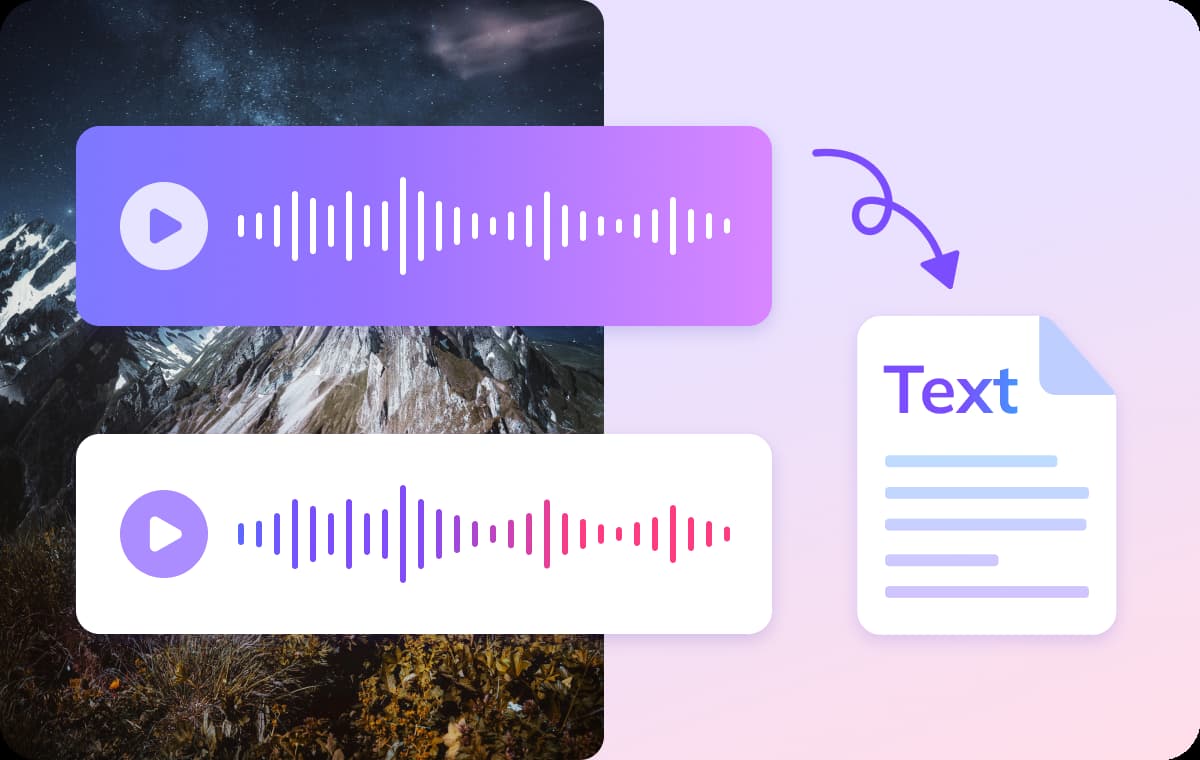
AI Urdu Transcription with Translation Support
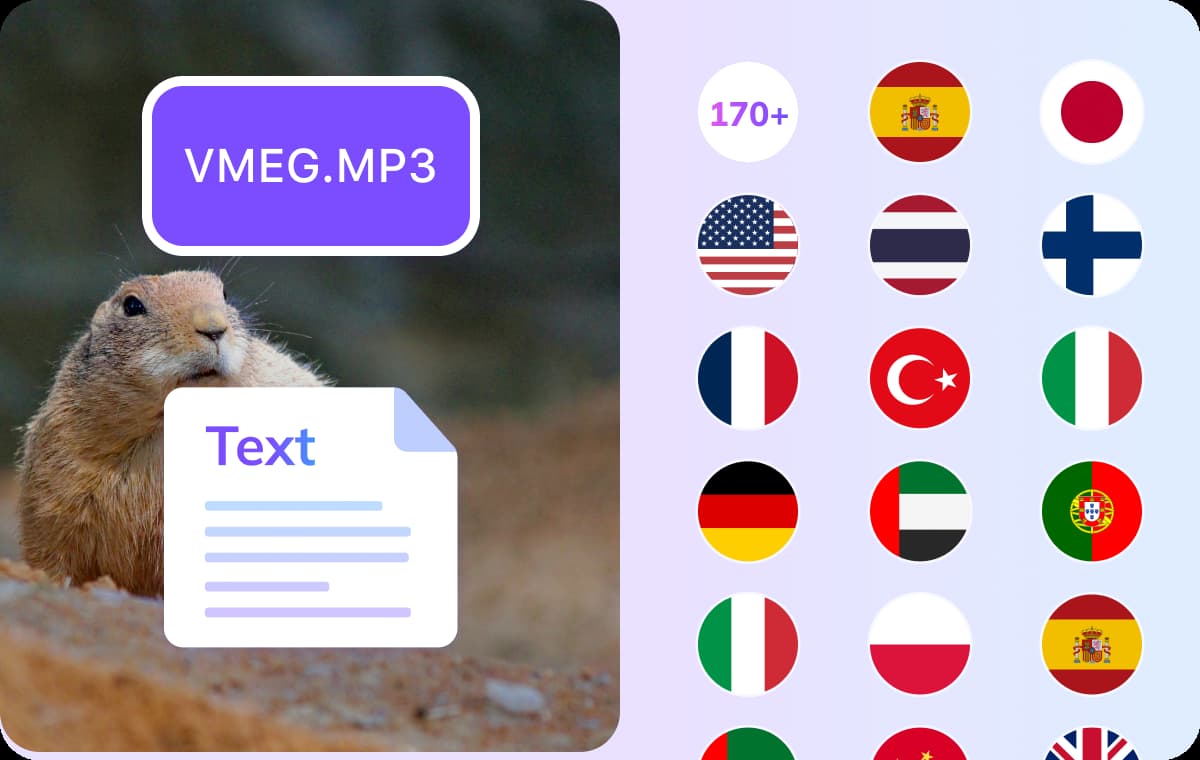
VMEG also supports instant Urdu translation into 170+ languages, ideal for global collaboration or multilingual subtitles. Translate your transcript into English, Arabic, Hindi, or Chinese while keeping meaning intact.The process is completely automated and runs online — no installation or setup required. It’s the perfect all-in-one Urdu transcription and translation toolkit for professionals and creators alike.
Multi-Format Urdu Transcript Export
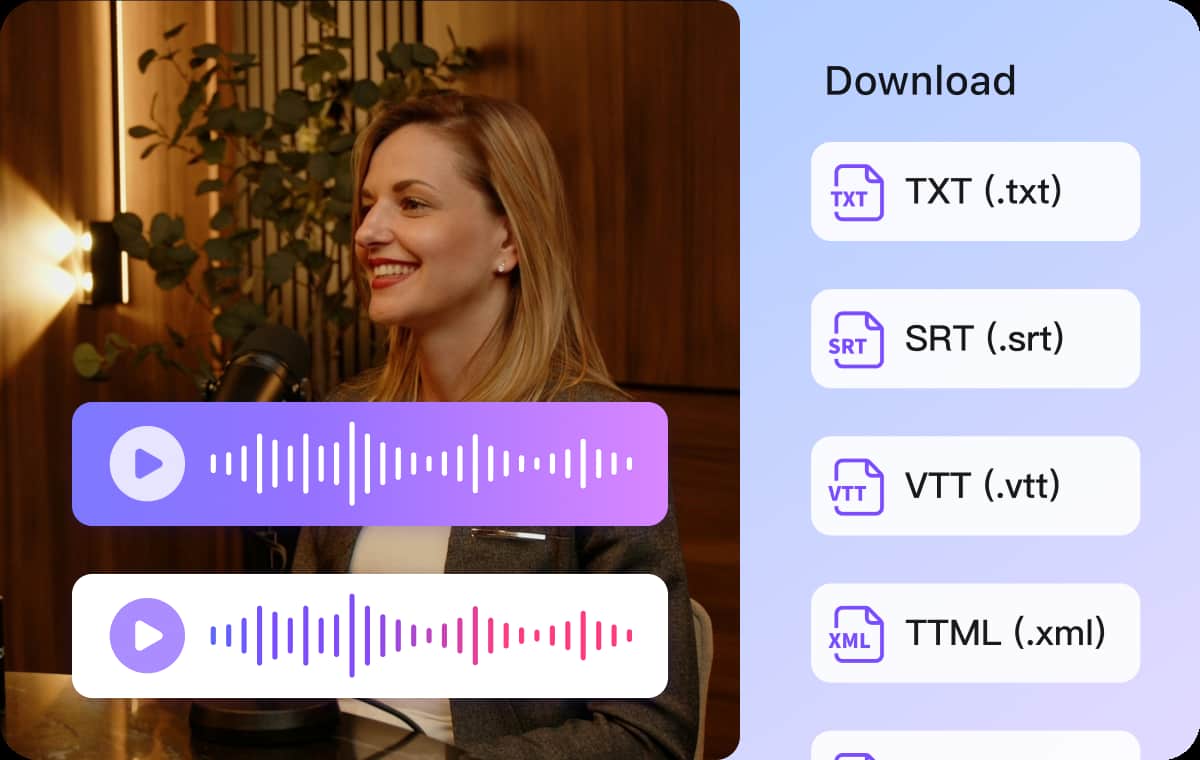
After transcription, instantly download your Urdu transcript in TXT, VTT, or SRT format. These files can be used directly as subtitles, captions, or for document archiving.You don’t need to format or time-align anything — VMEG does it automatically. Your Urdu transcript is ready to use across media platforms, saving hours of manual editing.
Who Benefits from VMEG Urdu Transcription

Podcasters & Media Creators
Turn Urdu podcasts or interviews into searchable text for blogs, captions, or translated clips. Automatic Urdu transcription boosts accessibility and helps you repurpose content for YouTube or social platforms.
Students, Researchers & Educators
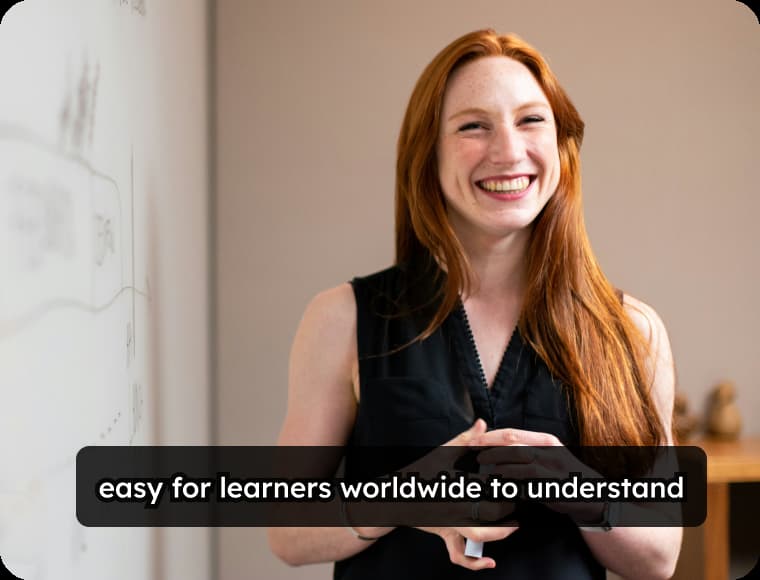
Convert Urdu lectures or discussions into notes, study guides, or bilingual learning material. Perfect for academic projects, research archives, or online language courses.
Companies & Agencies
Transcribe Urdu customer interviews, internal meetings, or client calls into structured documents. Ideal for maintaining accurate communication records and serving Urdu-speaking clients more effectively.
FAQs about Urdu Transcription
Does VMEG accurately understand Urdu speech and accents?
Yes. VMEG recognizes various Urdu accents, including Pakistani, Indian, and diaspora speakers, ensuring clarity even in mixed-language conversations.
How can I convert Urdu audio to text online?
Simply upload your Urdu file (MP3, MP4, or WAV) to VMEG. The AI automatically transcribes it into accurate Urdu text within minutes — no installation needed.
Can I transcribe Spanish podcasts or interviews?
Absolutely. VMEG supports Spanish podcast transcription, interviews, lectures, and meetings. Just upload your recording and choose Spanish as the audio language to receive a clean, timestamped transcript.
Can I translate Urdu transcripts into other languages?
Absolutely. VMEG supports translation into 170+ languages while keeping your original timestamps and formatting intact.
Which export formats are available for Urdu transcription?
You can export transcripts as TXT, VTT, SRT, XML, SBV, or STL files — ideal for subtitles, captions, or documentation.
Transcribe Audio into More Languages
Discover More on VMEG
Related Searches
Urdu Transcription
Turn your Urdu audio or video recordings into precise, editable text with AI.