
Sale Ends In
--D--H--M--S


English to Hindi Audio Converter
Upload an English recording and translate it into natural-sounding Hindi audio. Choose a Hindi voice or clone the original speaker's voice, edit the translation, and export your dubbing.
VMEG AI Dubbing & Video Localization Platform

Trusted by 1,000,000+ creative creators, marketers, and educators creators
1,213,708
Total Videos Translated
331,708
Total Audios Translated
131,352
Total Videos Subtitled











How to Translate English Audio to Hindi
01Upload Your English Audio File
Upload your English recording in MP3, M4A, AAC, or WAV format. Select English as the source language, or use automatic language detection.
02Translate English Speech into Hindi
Set Hindi as the target language. Let VMEG detect the speakers or specify them yourself, then choose a natural Hindi voice or clone the original speaker's voice for dubbing.
03Edit and Export Your Hindi Audio
Preview the Hindi-dubbed audio, correct translated lines, adjust timing or voices, and regenerate individual segments as needed. Export the Hindi voiceover as MP3; translated scripts and subtitles are also available.


Top Features of English to Hindi Audio Translation
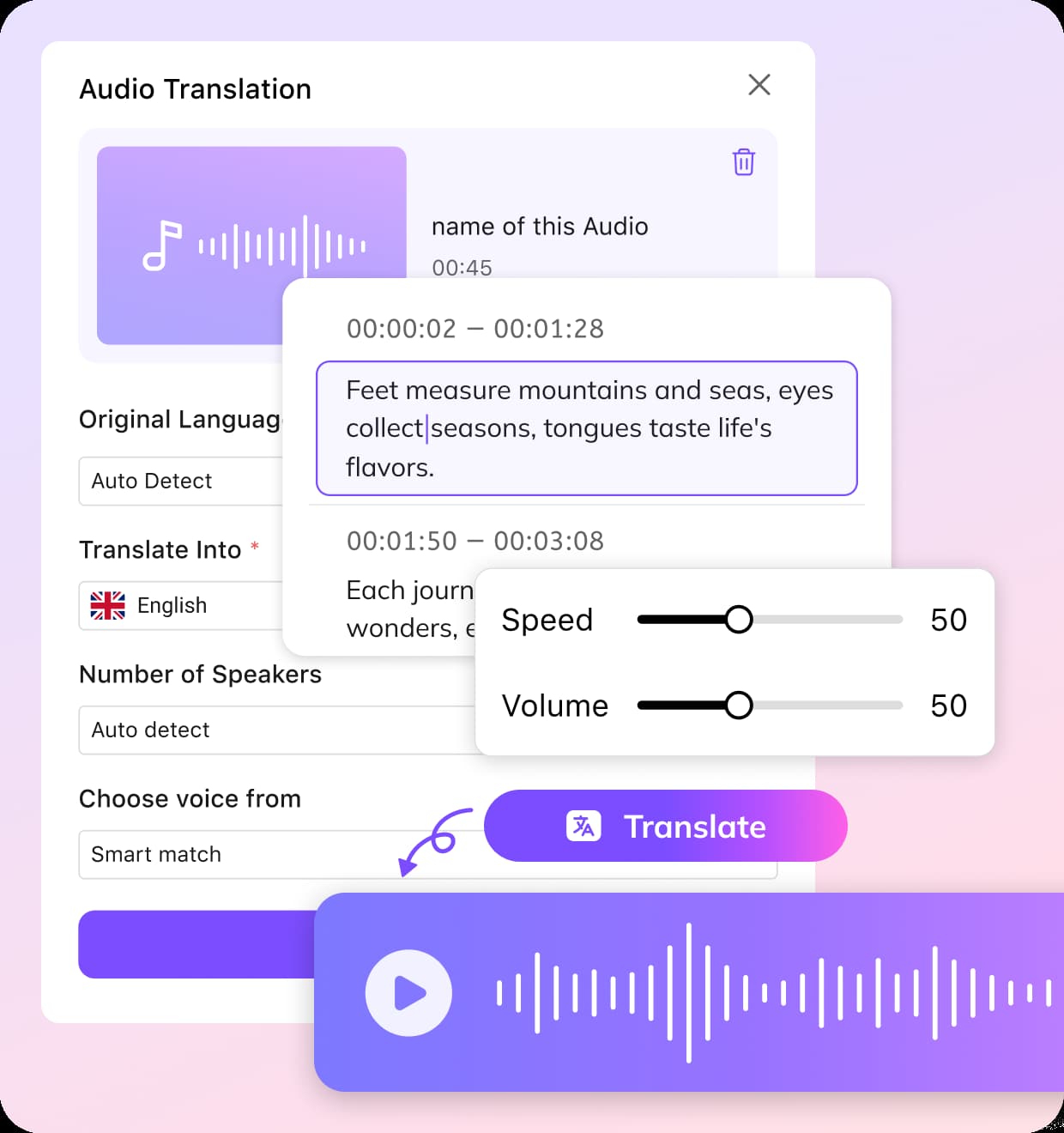
Natural English to Hindi Audio Translation
Translate spoken English into natural Hindi for interviews, podcasts, lessons, and recorded presentations. VMEG considers the context of each line to produce clear Hindi phrasing, and you can review the translated dialogue before publishing.With VMEG's Audio Translator, turn your English recording into a Hindi voiceover without manually translating and re-recording every sentence.
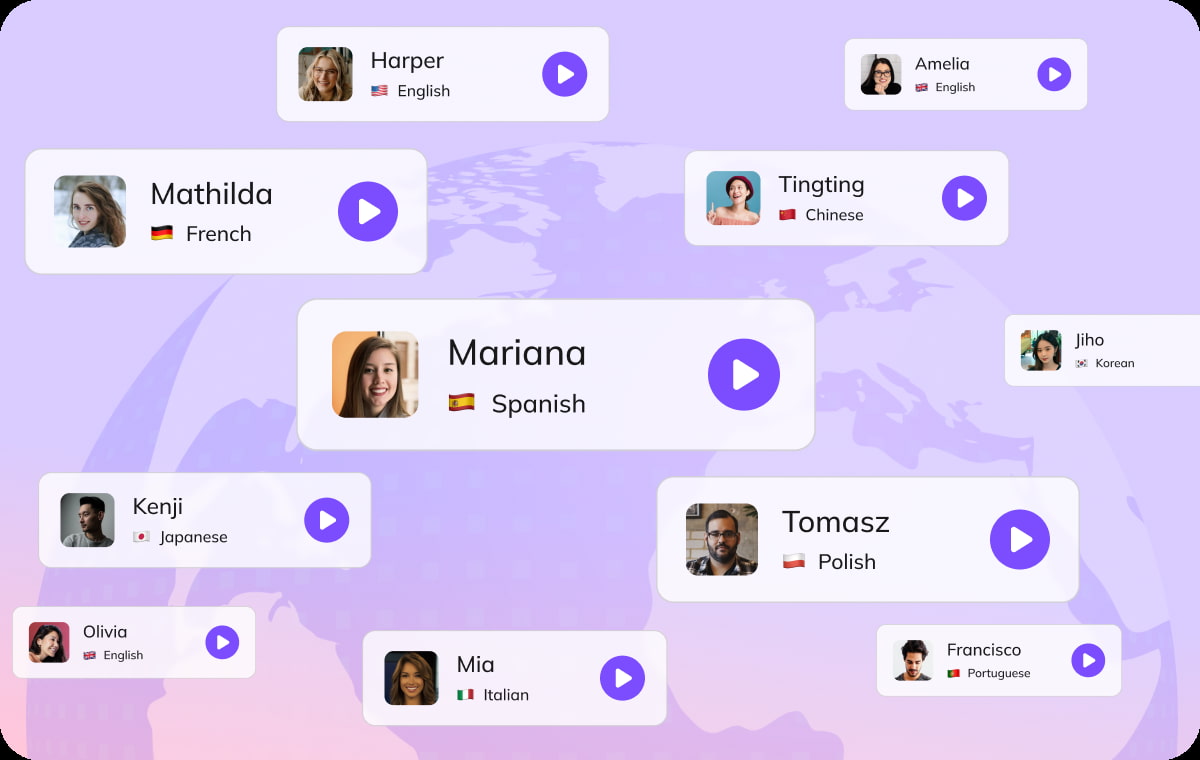
Hindi Voices and Voice Cloning
Choose from a wide selection of Hindi AI voices with different tones and speaking styles, or use Voice Cloning to help retain the original speaker's recognizable voice. Adjust speed, volume, and delivery to suit tutorials, interviews, or marketing recordings.This gives you more control over how your English audio sounds in Hindi without recording a new voiceover manually.
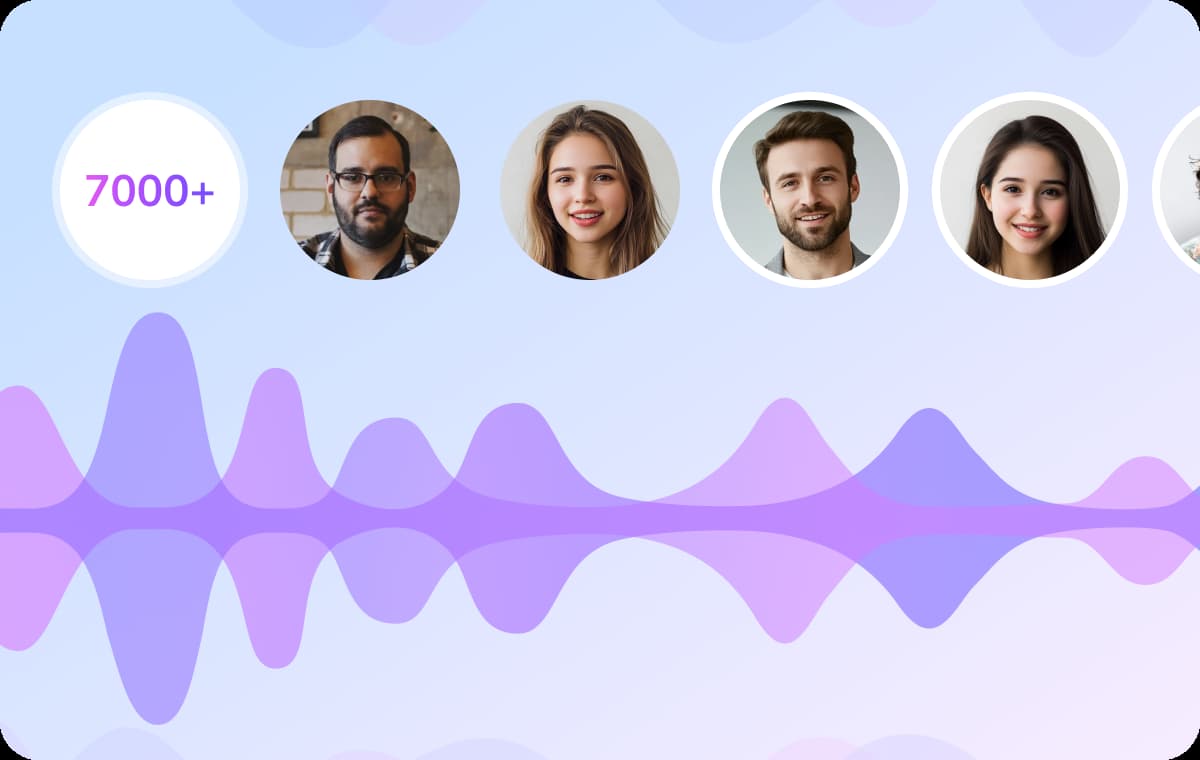
Edit and Export Hindi Audio
Review Hindi translations line by line in VMEG's editor, adjust timing, and redub a selected segment without restarting the entire task. When your recording is ready, export the Hindi voiceover as MP3.You can also download the translated script or synchronized subtitles in SRT format. For caption-focused projects, explore our Subtitle Translator.
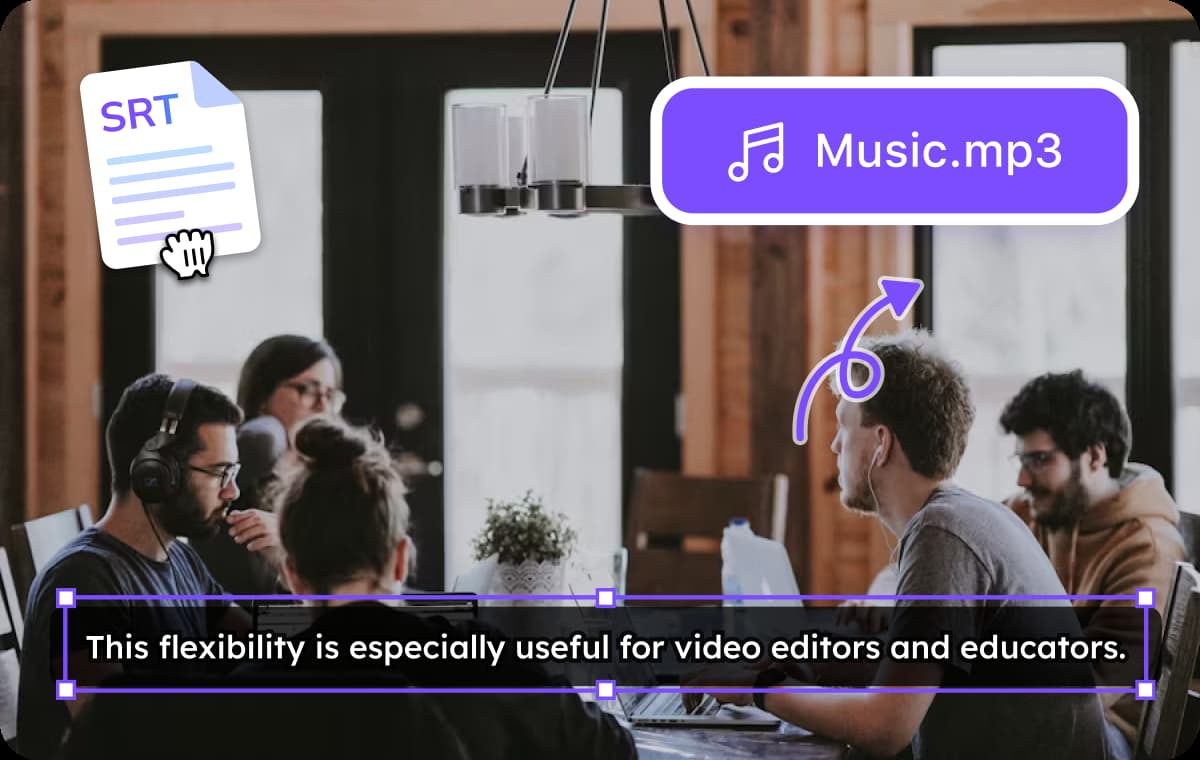
Who Benefits from English to Hindi Speech Translation
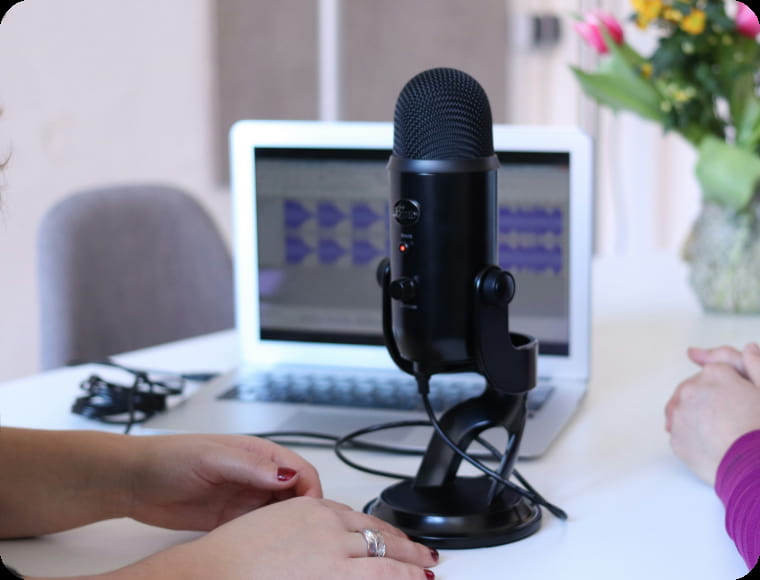
Podcasters, Creators and Media Professionals
Bring your voice to Hindi-speaking audiences. VMEG helps convert English recordings into clear, natural Hindi. Perfect for expanding your reach and building a multilingual listener base.
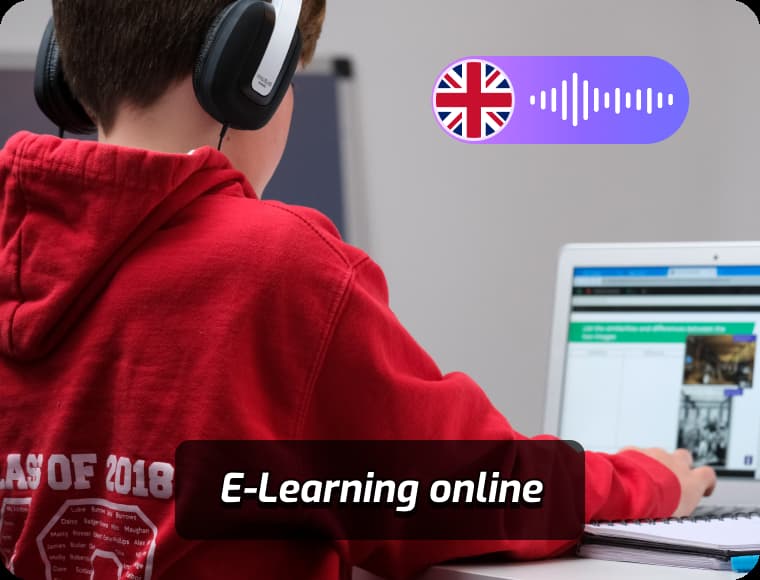
Educators, Students and Language Learners
Make English study material more accessible. Teachers can prepare Hindi versions of recorded lectures, while students can listen and learn in their preferred language.
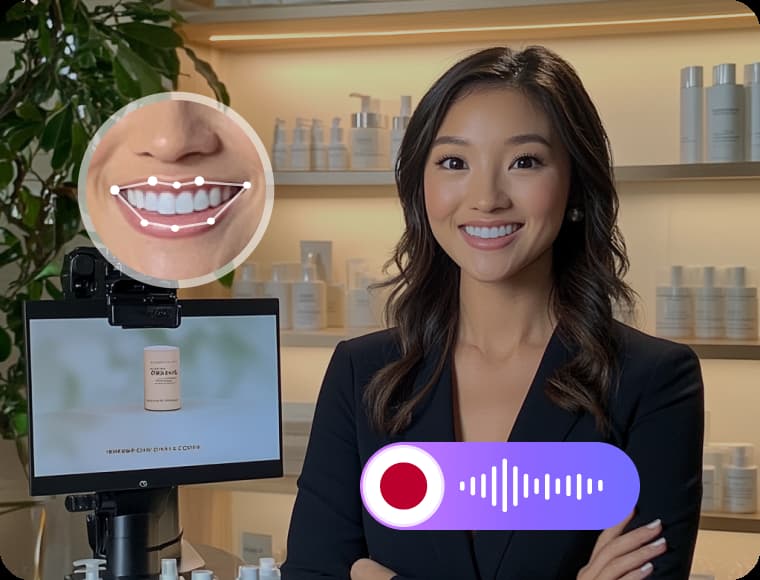
Marketers, Businesses and Agencies
Connect with your audience in the language they trust. Translate product videos, training modules, or sales pitches into Hindi to improve engagement and clarity.
FAQs about English to Hindi Audio Translator
How do I translate English audio to Hindi?
Upload an English audio file such as MP3 or WAV, select Hindi as the target language, and generate Hindi-dubbed audio. Review the translation in the editor, then download the voiceover; scripts and subtitles are also available.
Is VMEG an English to Hindi audio translator with voice output?
Yes. VMEG generates natural-sounding Hindi voiceovers from English recordings. You can choose a Hindi voice or use voice cloning, then adjust the result in the editor.
Which audio formats are supported for English to Hindi translation?
VMEG supports MP3, WAV, M4A, and AAC audio files for English-to-Hindi translation. Upload your recording and select Hindi as the target language.
How accurate is English to Hindi audio translation?
VMEG translates English speech into natural Hindi while considering context and sentence meaning. You can review translated lines, correct names or technical terms, and regenerate individual segments before exporting your Hindi audio.
Does VMEG support multispeaker audio translation?
Yes. VMEG’s multispeaker technology separates voices and assigns different Hindi voices to each speaker, maintaining clarity in dialogues and interviews.
Translate Audios into More Languages
Translate Chinese Audio to EnglishTranslate Russian Audio to EnglishTranslate Hindi Audio to EnglishTranslate English Audio to HebrewTranslate German Audio to EnglishTranslate Tamil Audio to EnglishTranslate Spanish Audio to EnglishTranslate English Audio to SpanishVietnamese Audio to EnglishEnglish Audio to Vietnamese