Translate Persian Voice into English
VMEG makes it easy to convert Persian audio into clear, natural English. Whether you're working with voice notes, podcasts, or videos, get reliable results in just a few clicks.
How to Translate Persian to English Voice
01Upload Your Persian Audio and Select Language Settings
Uploading your audio file in formats like MP3, WAV, or M4A. You can manually select Persian as the source language or use Auto Detect for automatic recognition.
02Choose English as Target Language and Customize Voice Settings
Next, set English as the target language. Allow the system to automatically detect speaker count.
03Edit, Adjust, and Download Your Translated Audio
Once the translation is complete, enter the editing dashboard. You can refine the translated text, make timing adjustments, or tweak the voice style.
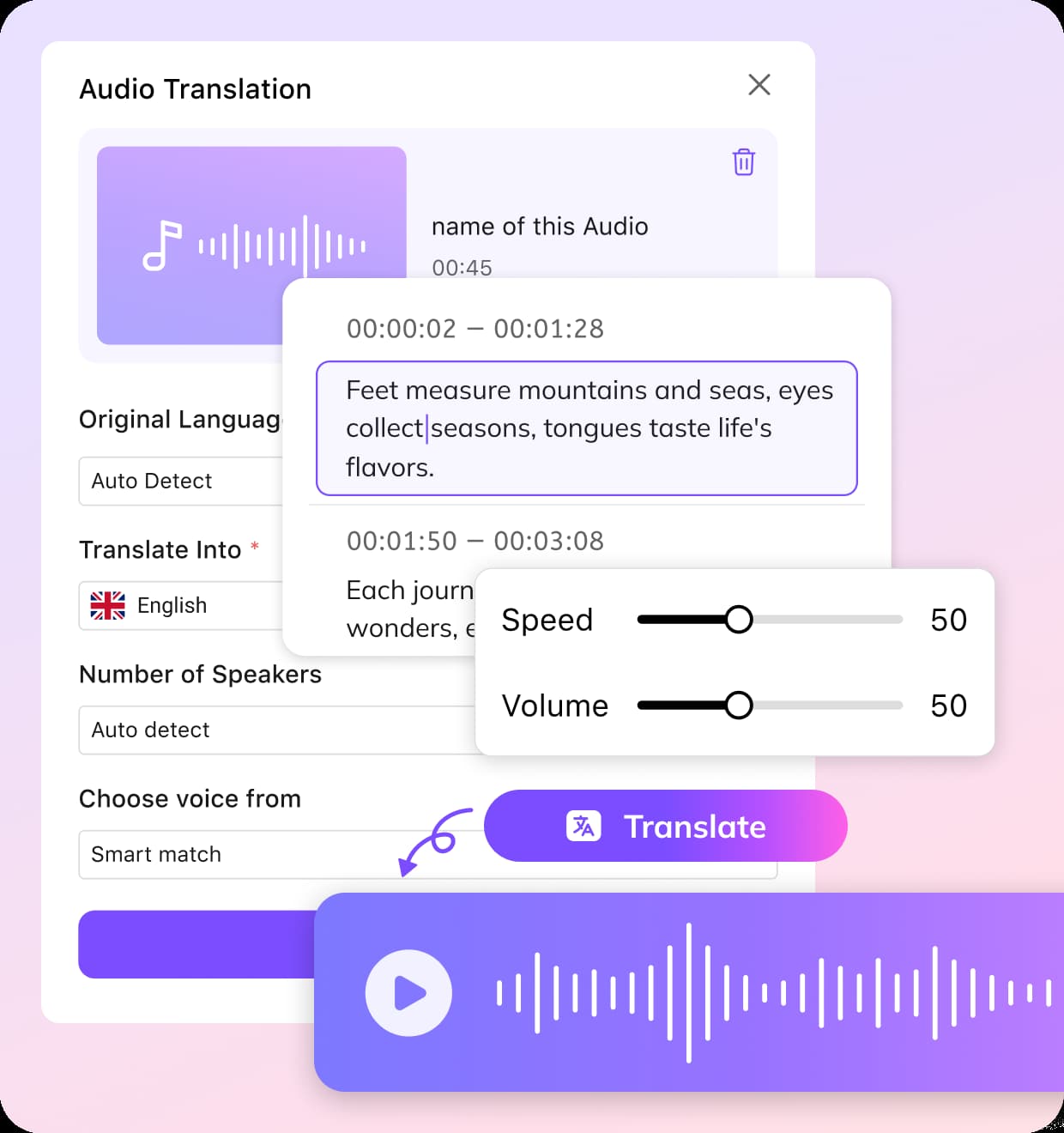


Highlights of Persian to English Audio Translator
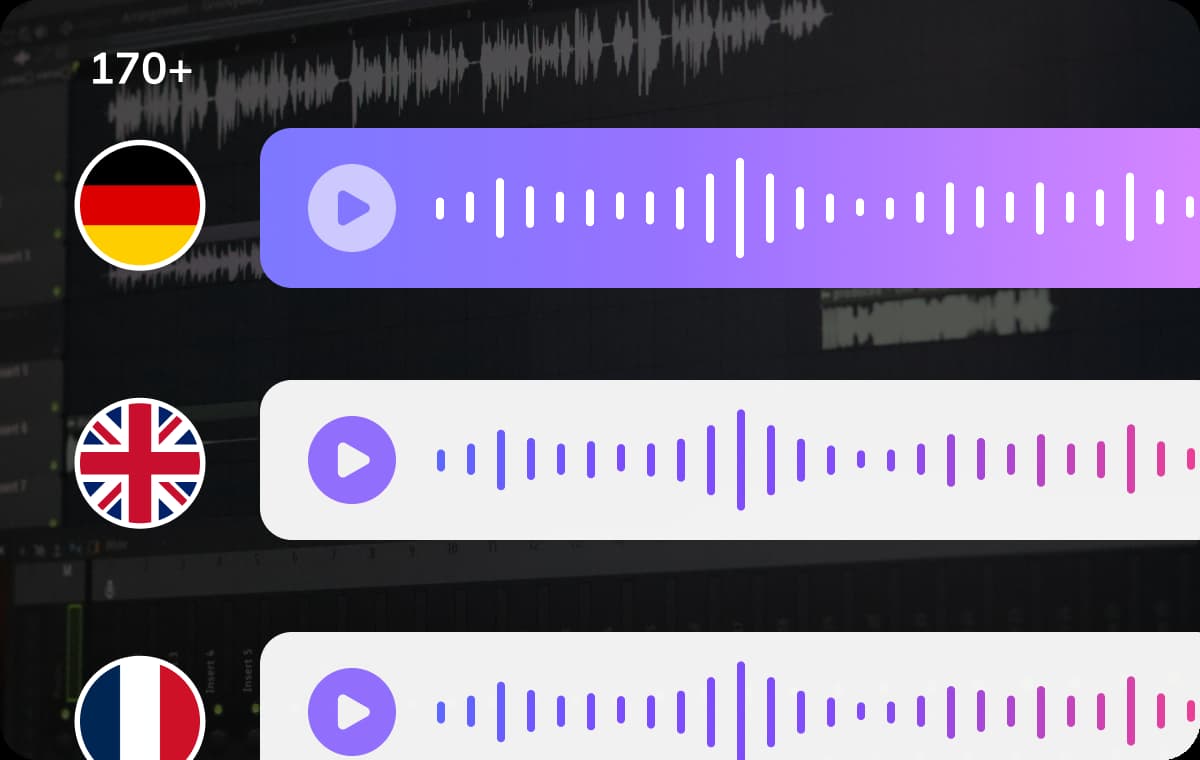
Translate Persian to English Audio with 170+ Language Support
VMEG offers an AI-powerful audio translator to seamlessly translate Persian to English audio, along with support for more than 170 languages. The platform supports more than 170 languages and can recognize different regional accents and speaking styles, making it suitable for business communication, podcasts, and personal projects.
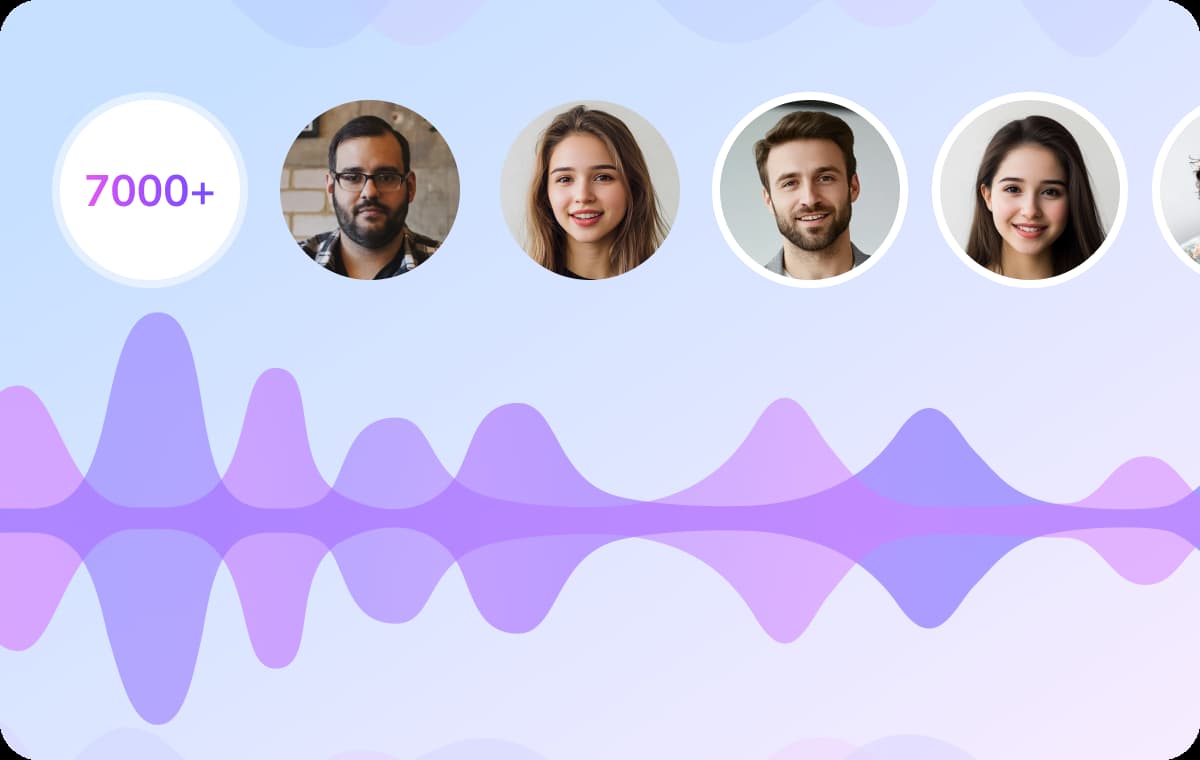
Choose from 7000+ Natural Voices for Every Scenario
VMEG includes a library of more than 7,000 AI voices with different tones, speaking styles, genders, and age groups. After translating Persian audio into English, users can select a voice that matches the content type and audience expectations.Professional narration, conversational delivery, warm storytelling, and energetic promotional styles are all available, helping translated audio sound more natural and engaging across videos, podcasts, training materials, and media projects.
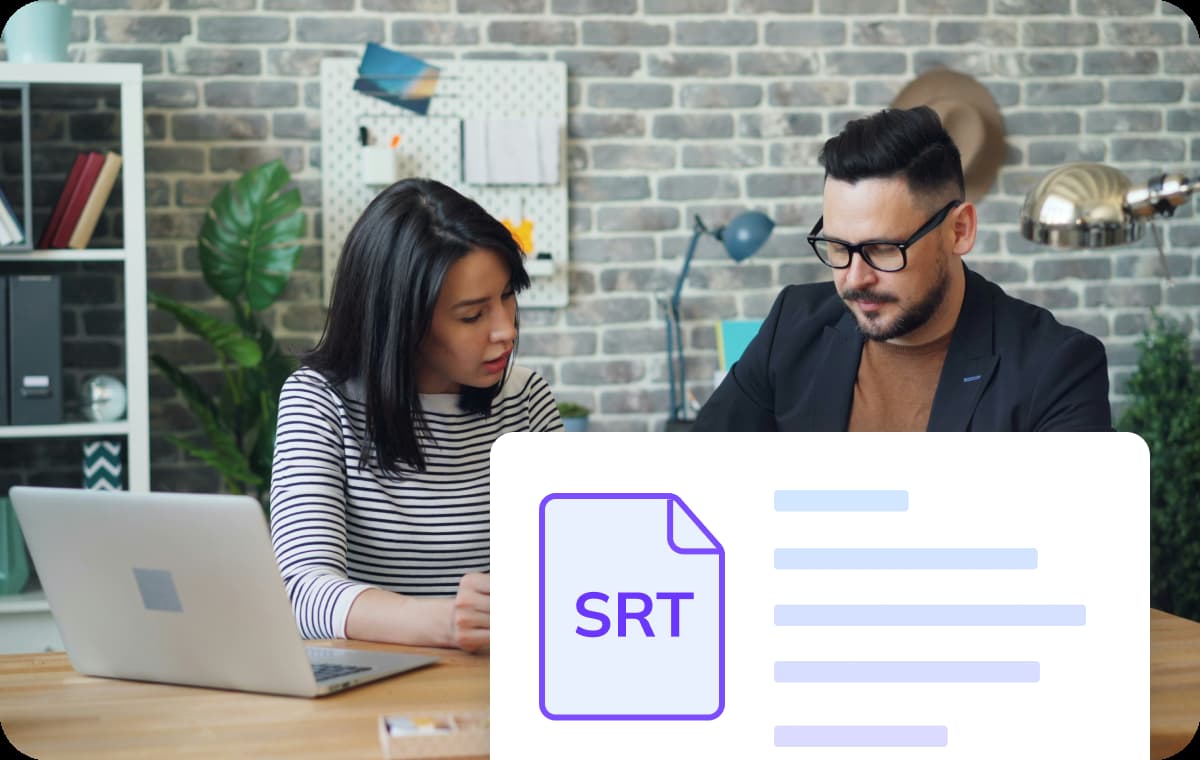
Effortless Subtitle Integration with SRT File Support
VMEG allows you to easily manage subtitles alongside audio translation. You can upload existing SRT subtitle files for synchronization or automatically generate new ones during the translation process. After processing, English subtitles can be downloaded in SRT format for use across video platforms, editing software, and accessibility workflows.
Who Uses VMEG Persian to English Audio Translator

Podcasters, Creators and Media Professionals
Creators working with international audiences use audio translation to make Persian interviews, podcasts, vlogs, and documentaries accessible to English-speaking viewers. Translating Persian audio into English helps increase reach and improves engagement across YouTube, social media, and streaming platforms.VMEG also helps preserve voice tone and speaking style, making translated content sound more natural for global audiences.
Educators, Students and Language Learners
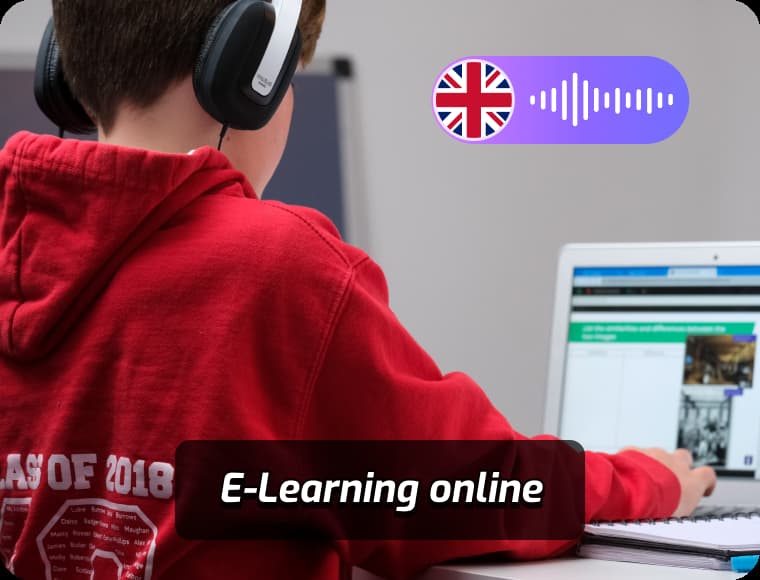
Educational institutions and learners use Persian-to-English translation to better understand lectures, discussions, and research materials. Teachers can convert spoken Persian content into English subtitles or transcripts for classroom use and multilingual learning support.Students benefit from easier review of educational audio while improving listening and language comprehension through translated content.
Marketers, Businesses and Agencies
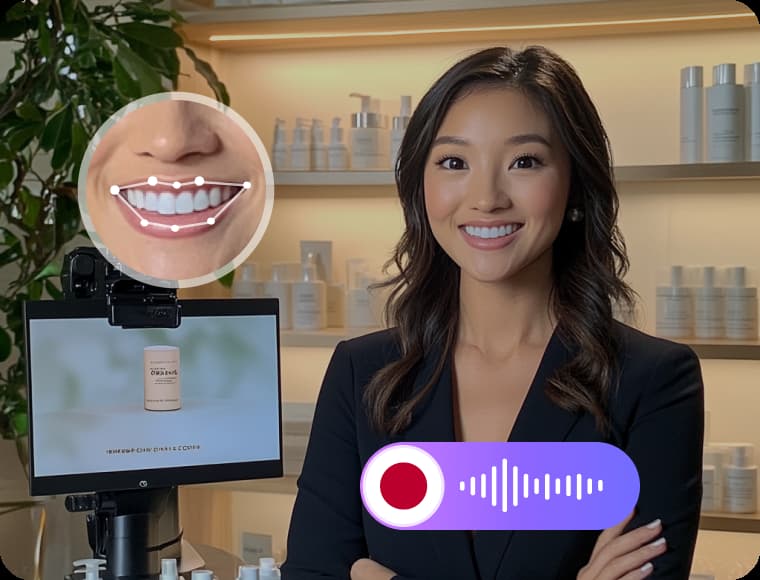
Companies working across international markets often need to translate Persian audio into English for meetings, product demonstrations, customer communication, and training materials. Clear translation helps teams communicate more effectively with clients and partners in different regions.Marketing agencies can also localize Persian media content for English-speaking audiences while maintaining consistent messaging and brand tone.
FAQs about Translating Persian Audio to English
Can I re-translate or edit the translated English text?
Yes, VMEG includes a built-in transcript editor, allowing you to re-translate, make corrections, adjust translations, and customize your text before exporting.
Does VMEG support emotion adjustment in translated audio?
Yes, VMEG allows you to apply emotion settings like happy, sad, or neutral tones when generating voiceovers for your translated English audio.
Can I control the playback speed of translated audio?
Yes, you can adjust the speech speed by stretching or shortening the audio timeline, making it sound faster or slower based on your needs.
Can I translate Persian to other languages besides English?
Yes, VMEG supports over 170 languages. You can translate Persian audio into languages like French, German, Spanish, Chinese, and more.
Translate Audios into More Languages
Discover More on VMEG
Related Searches
Translate Persian Audio into English
VMEG makes it easy to convert Persian audio into clear, natural English. Whether you're working with voice notes, podcasts, or videos, get reliable results in just a few clicks.