Thai Audio to English Translation
Upload your Thai audio and get clear English translations within minutes. VMEG helps creators, businesses, and learners bridge the language gap with ease.
Translate Thai to English Audio in Just a Few Clicks
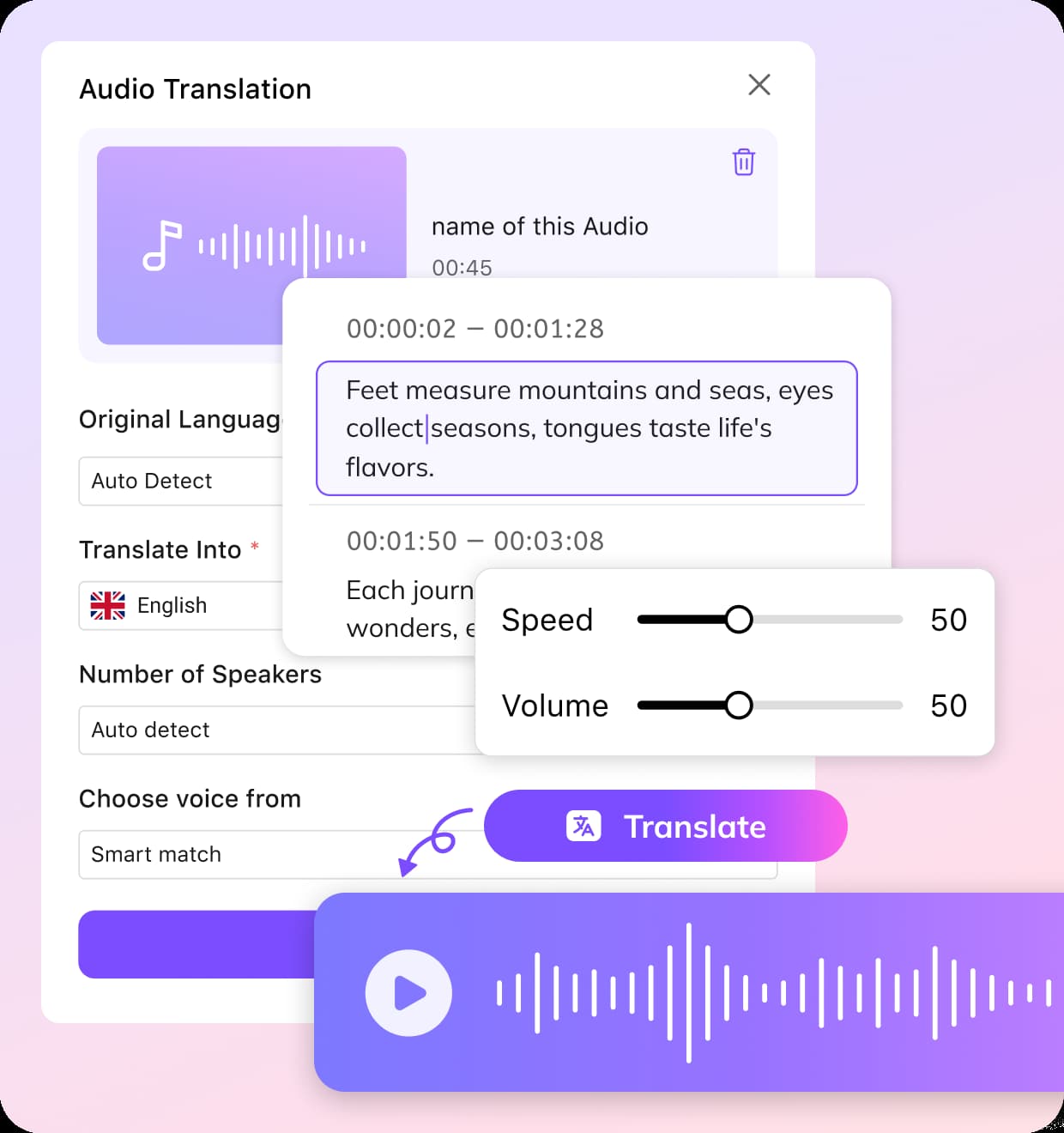
01Upload Your Thai Audio File
Begin by uploading your audio file. You can select Thai as the original language, or simply use the Auto Detect option.
02Set English as the Target Language
Choose English as the language you want to translate the audio into. You can either enter the number of speakers or let the system automatically detect different voices in the recording.
03Review and Download
Once the translation is ready, open the editing interface to fine-tune the transcript or make any necessary timing adjustments. When satisfied, download your translated file in the format you need.


Powerful Thai to English Audio TranslationAccurate, Flexible, and Ready for Global Use
Translate Thai Audio to English and 170+ Languages
Convert Thai audio into English with a translation system built to recognize formal speech, casual conversation, and regional expressions. VMEG supports more than 170 languages, helping users translate Thai content for business, education, media, and everyday communication with clear and reliable results.Whether the source includes standard Thai, fast spoken dialogue, or mixed accents, the platform is designed to preserve meaning and deliver natural translations for global audiences.
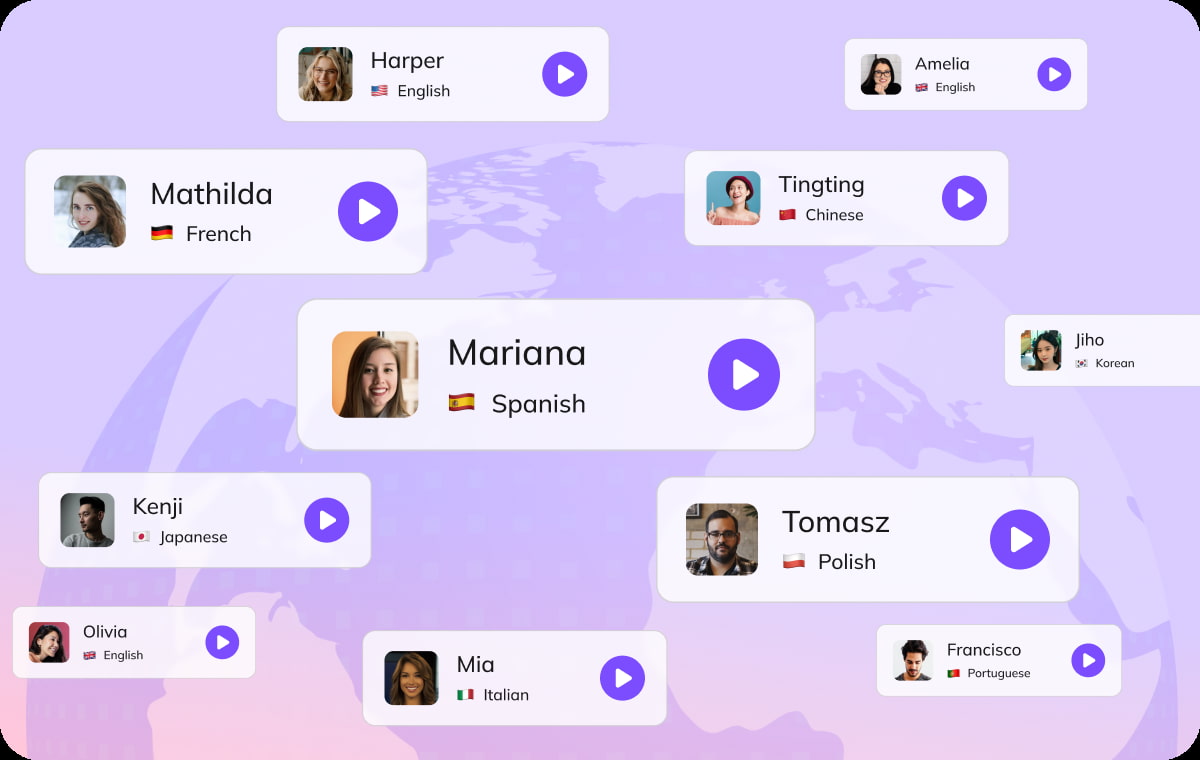
7000+ AI Voice Options for Natural Sound
After translating Thai to English audio, choose from more than 7000 human-like AI voices. Voices are available across different ages, genders, tones, and speaking styles, making it easier to match the right sound to your content goals.Use a calm narrator for e-learning, a professional tone for corporate communication, or an energetic voice for social media and promotional content. This helps translated audio feel more polished and engaging.

Multi-Speaker and Multi-Language Audio Support
VMEG's audio translator can detect and process files with multiple speakers or multiple languages. The system accurately separates speakers and languages, ensuring each segment is translated and labeled correctly from Thai to English or any other language pair.

Who Uses VMEG Thai to English Audio Translation

Podcasters, Content Creators and Media Professionals
Working with Thai audio interviews, vlogs, or behind-the-scenes content? VMEG helps you convert spoken Thai into clear English. It's a seamless way to keep your voice and context intact.
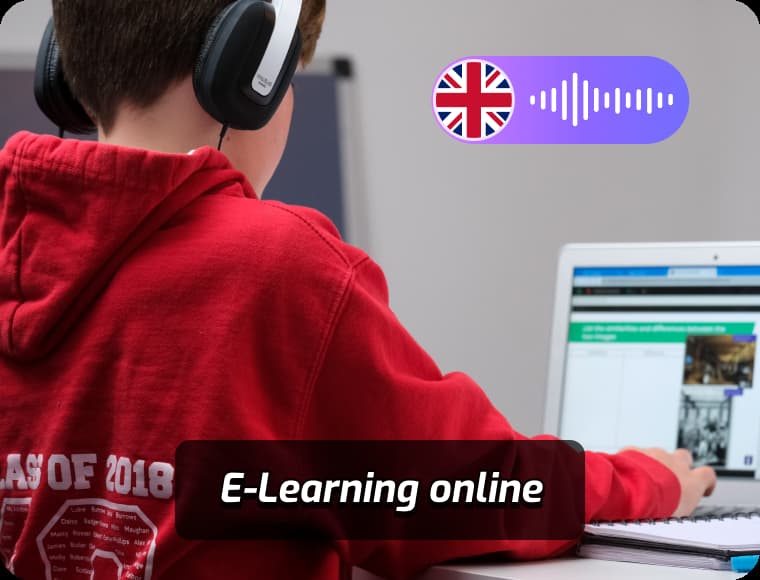
Educators, Students and Language Learners
Make Thai educational resources more accessible. VMEG supports the conversion of Thai lectures, audio exercises, and course materials into English. This tool makes it easier to understand, translate, and retain key information.
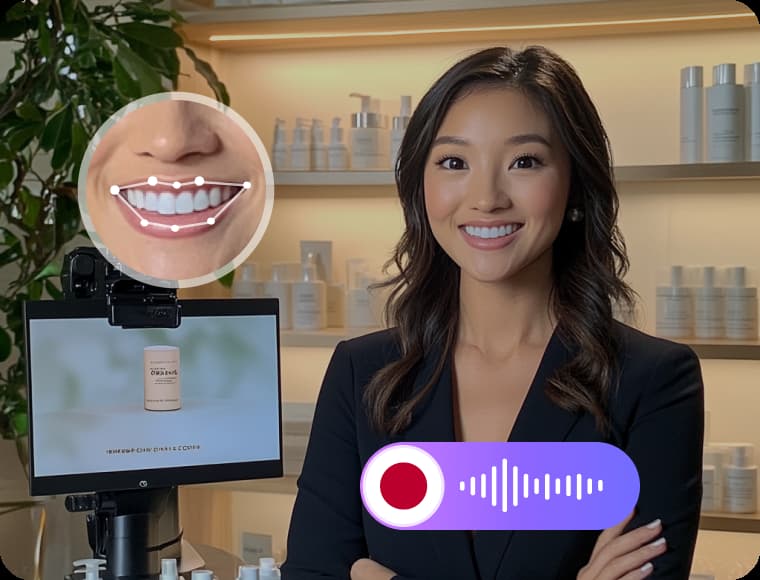
Marketers, Businesses and Agencies
VMEG simplifies the process of turning Thai audio into professional English versions, helping teams communicate across borders while saving time and budget on manual translation.
FAQs about Audio Translation - Thai to English
Does VMEG support Thai voice to English subtitles?
Yes. VMEG can convert spoken Thai into accurate English subtitles, perfect for YouTube videos, documentaries, interviews, and training content.
Can I get English voiceovers from Thai audio?
Absolutely. VMEG offers AI-generated English voiceovers, so you can turn Thai recordings into fully dubbed English audio with natural-sounding voices.
Is it possible to translate long Thai conversations?
Yes. VMEG handles long-form content and supports multi-speaker transcription, making it suitable for podcasts, meetings, and full-length videos.
Can I use VMEG without knowing Thai?
Definitely. VMEG is designed for non-Thai speakers, so all instructions, interfaces, and outputs are in English. No prior knowledge of Thai is required.
Can I edit the translation after it’s done?
Yes. You can edit the English translation using VMEG’s built-in editor to fine-tune words, timing, or regenerate audio with a different voice.
Translate Audios into More Languages
Discover More on VMEG
Related Searches
Thai Audio to English Translation
Upload your Thai audio and get clear English translations within minutes. VMEG helps creators, businesses, and learners bridge the language gap with ease.