Background Music Remover

Remove background music from voice recordings, podcasts, and videos online. Keep speech clear while stripping beds and instrumentals from mixed audio.

Popular Uses

Hear the difference: original mix with background music vs. isolated voice after removal.

  • Podcast Interviews

    Remove intro and underscore music to keep guest dialogue clear.

    Original audio
    Music removed
  • Tutorial & Course Videos

    Keep narration clear when stock music sits under tutorial clips.

    Original audio
    Music removed

How to Remove Background Music in Three Steps

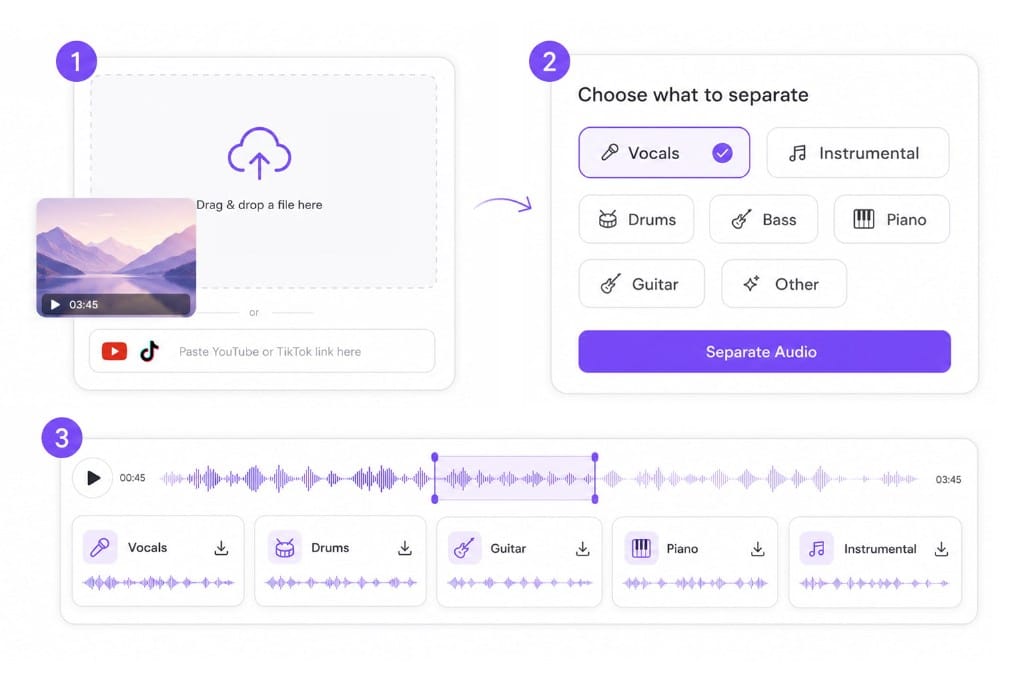
  1. 01Upload your mixed recording

    Drop a podcast, interview, or video file, or paste a public link when the audio lives online.

  2. 02Choose Vocals or Instrumental

    Pick Vocals to keep speech, or Instrumental to preview what was removed from the bed.

  3. 03Download the cleaner track

    Preview the result and download the stem that fits your edit, whether that is voice-over prep or music-free dialogue.

Remove background music workflow illustration

Why Use VMEG Background Music Remover

When dialogue matters more than the soundtrack, split the mix instead of re-recording.

Remove background music without affecting speech

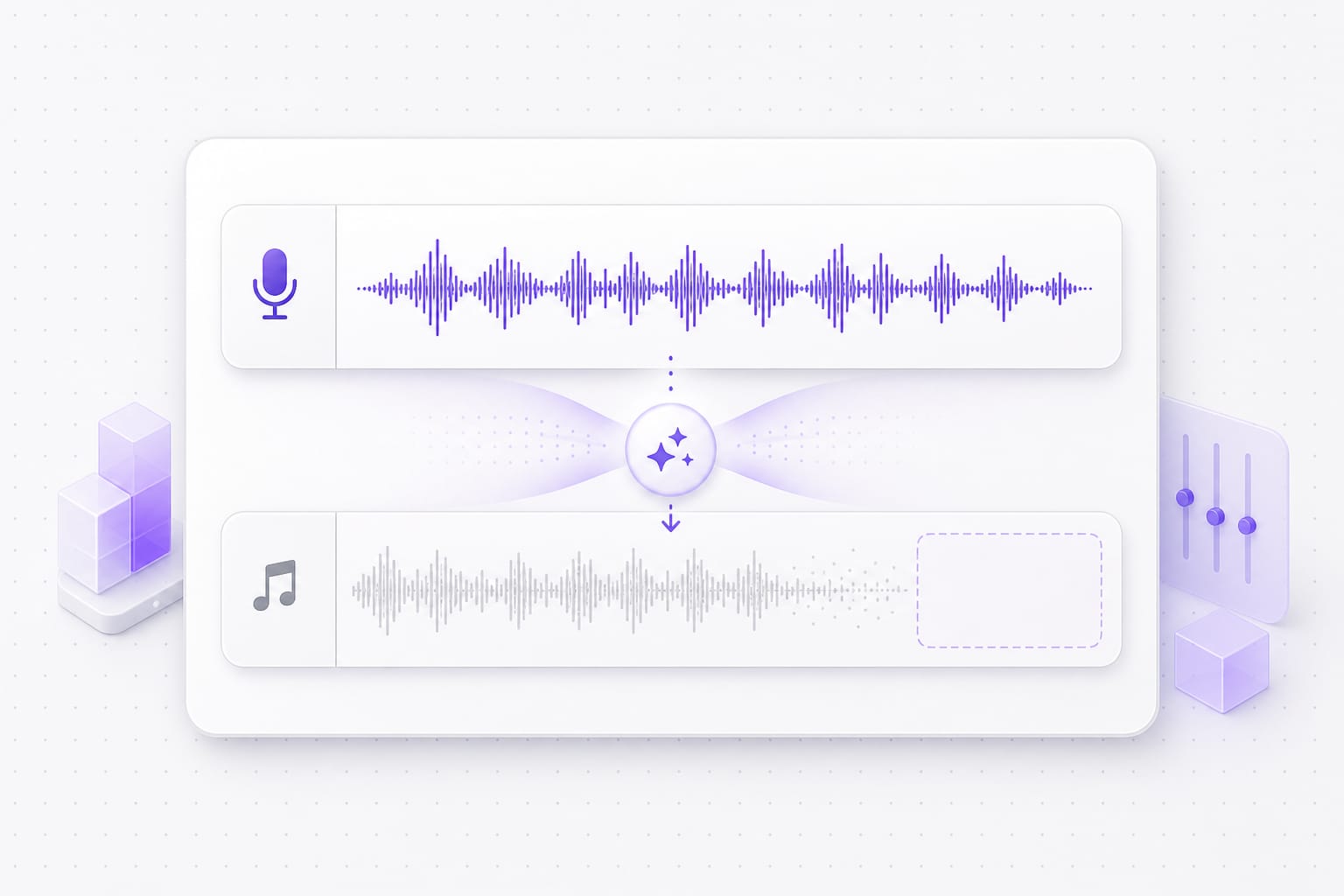
Background music often overlaps with dialogue, making it difficult to edit. VMEG AI uses audio separation technology to isolate speech from background music while keeping voices clear and natural. This helps improve audio quality without requiring manual editing or advanced production skills.

Vocal and instrumental lanes after music removal illustration

Export clean audio for content creation

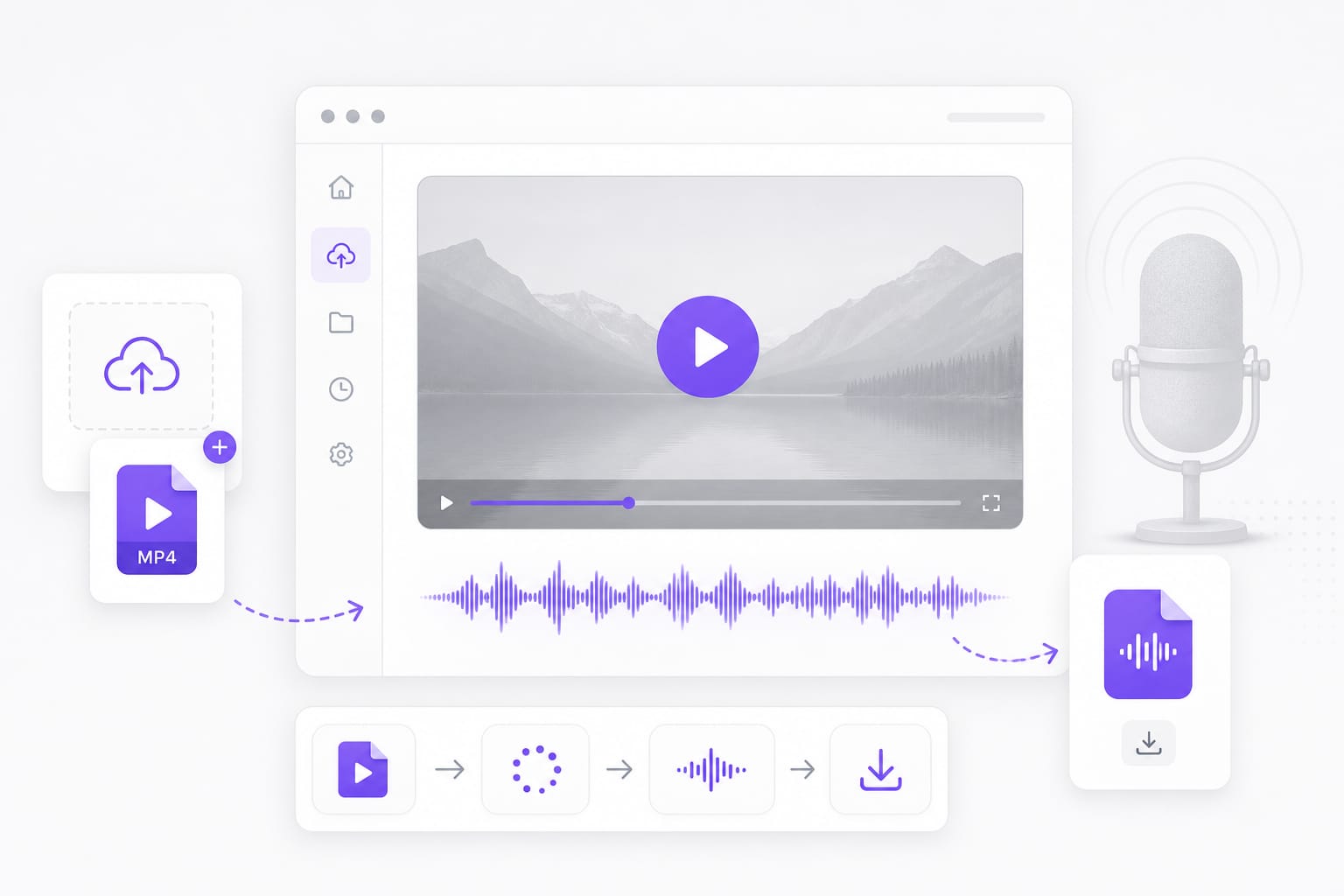
After removing background music, users can download clean speech tracks or isolated music for additional editing. The exported files work well with video editors, audio production software, and AI localization workflows.

Podcast and video sources for music removal illustration

Separate music and vocals for multiple editing workflows

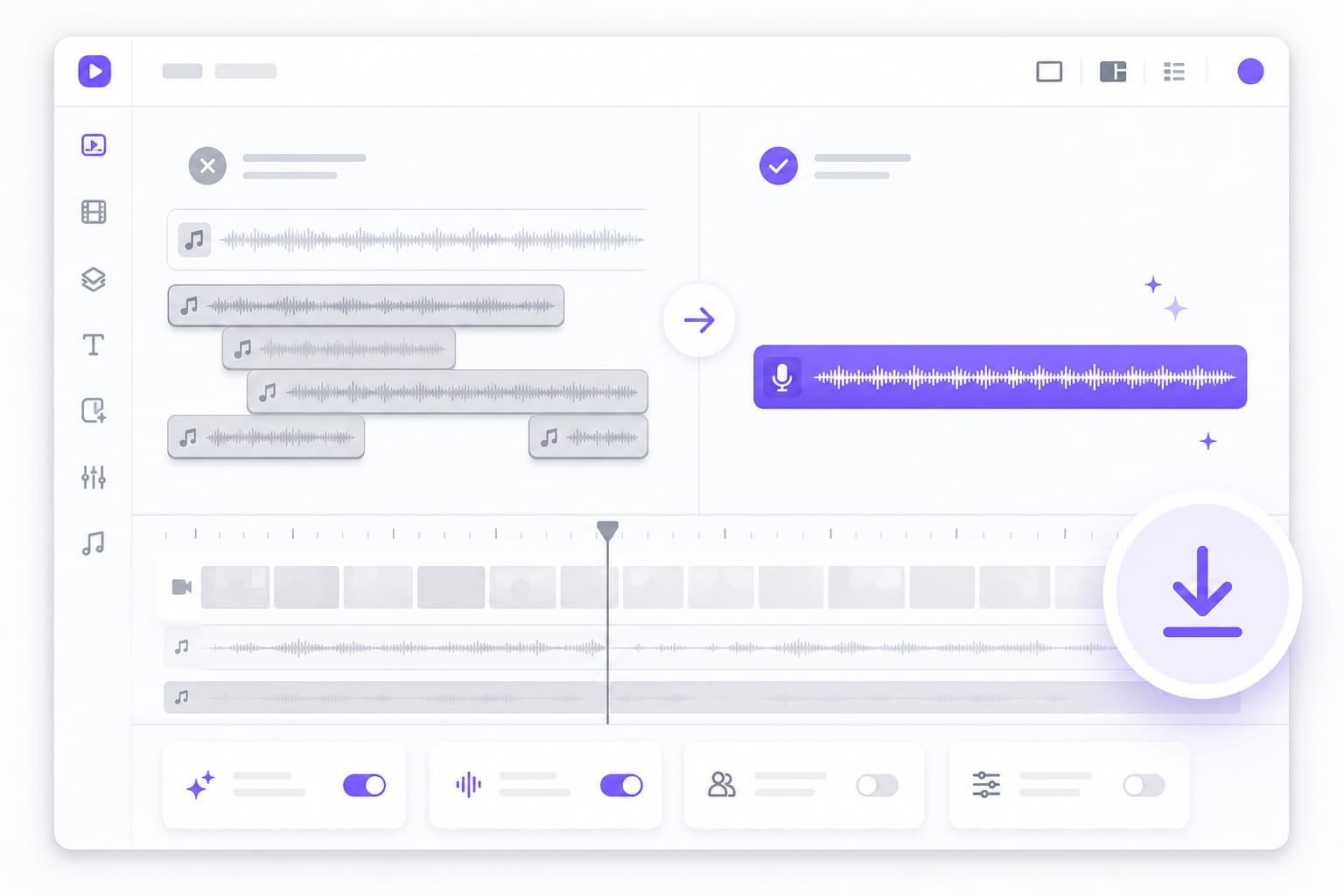
Removing background music is useful for much more than cleaning audio. VMEG AI creates separate vocal and music tracks that can be reused for dubbing, subtitle generation, podcast editing, voiceovers, and multilingual localization.

Download clean voice track after separation illustration

FAQs about Background Music Remover

What is a background music remover?

It separates speech from the music bed underneath it. Instead of re-recording a podcast or interview because the soundtrack is too loud, you upload the mix and keep the voice on its own.

Which recordings work best?

Podcasts, interviews, tutorials, and video voice-overs where music sits under clear speech. MP3, WAV, M4A, AAC, FLAC, MP4, MOV, MKV, and WebM up to 100 MB per file.

Can I remove music from an online video?

Yes. Paste a public YouTube, TikTok, or Vimeo link and the page fetches the audio before removing the music, when the link is supported.

Which stem keeps the voice?

Choose Vocals to keep speech and drop the music bed. Choose Instrumental if you want to hear what was removed, or reuse the music on its own.

Will the voice sound natural afterwards?

Speech recorded over a moderate music bed usually comes out clean. Very loud music that masks the voice can leave artifacts, so preview before you download.

Is download free?

Upload, remove the music, and preview for free. Sign in when you download the cleaned-up track.

Ready to remove background music?

Upload a mixed file, isolate vocals, and download a cleaner speech track.