Free Glitch Voice Changer Online

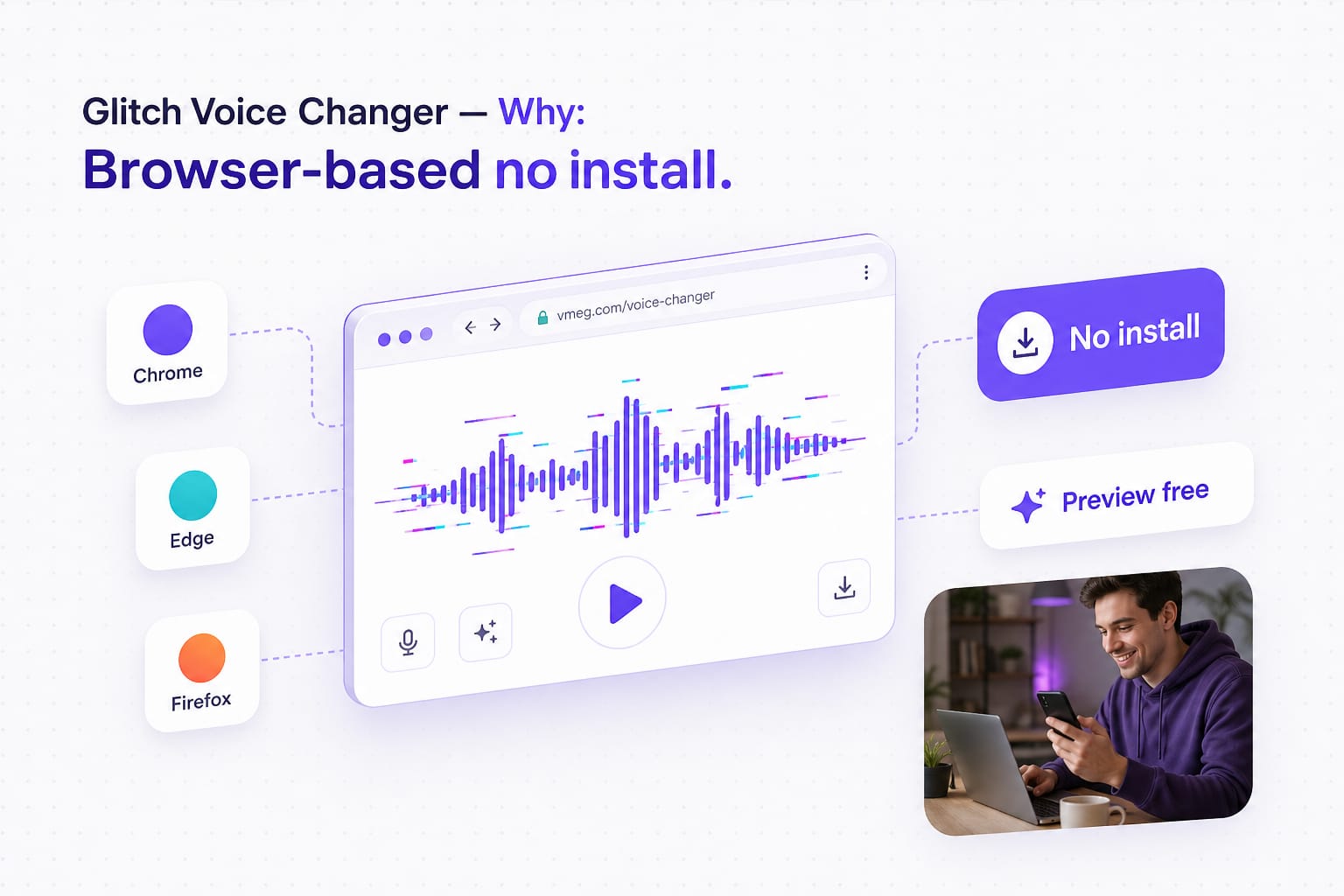
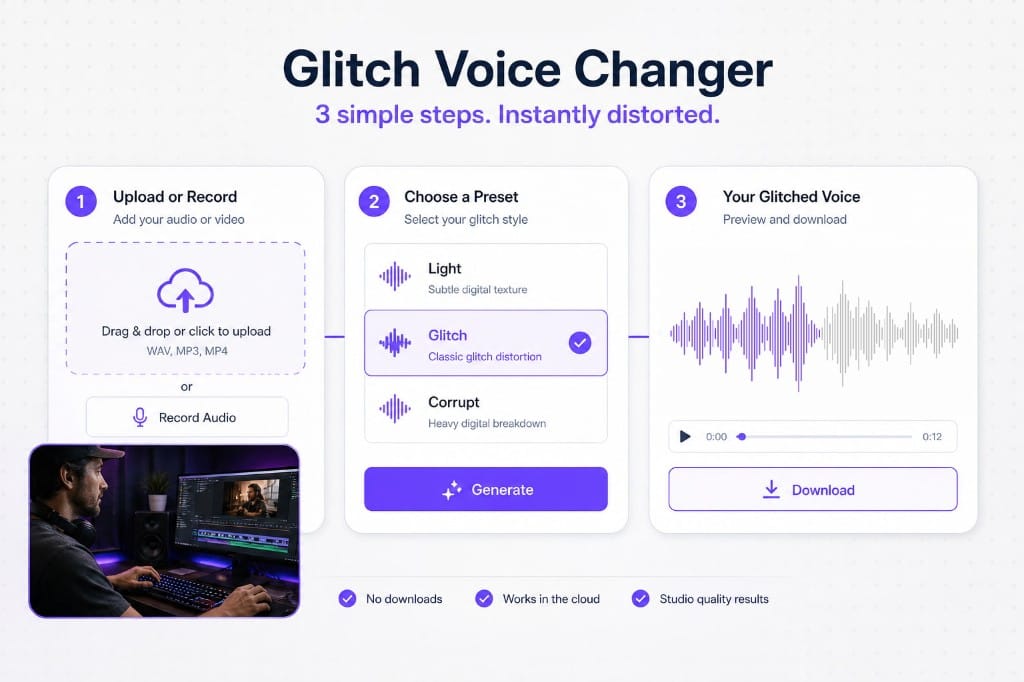
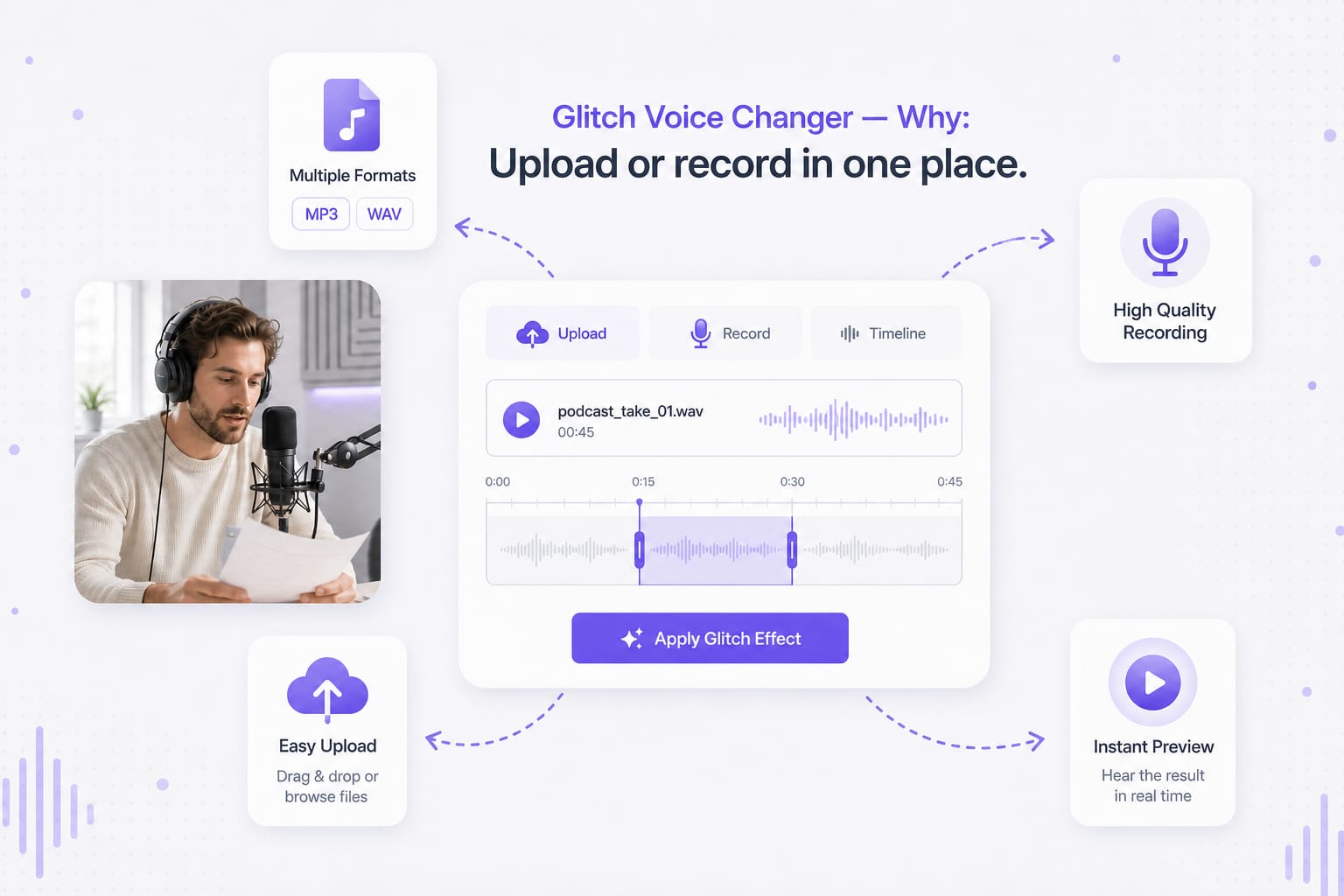
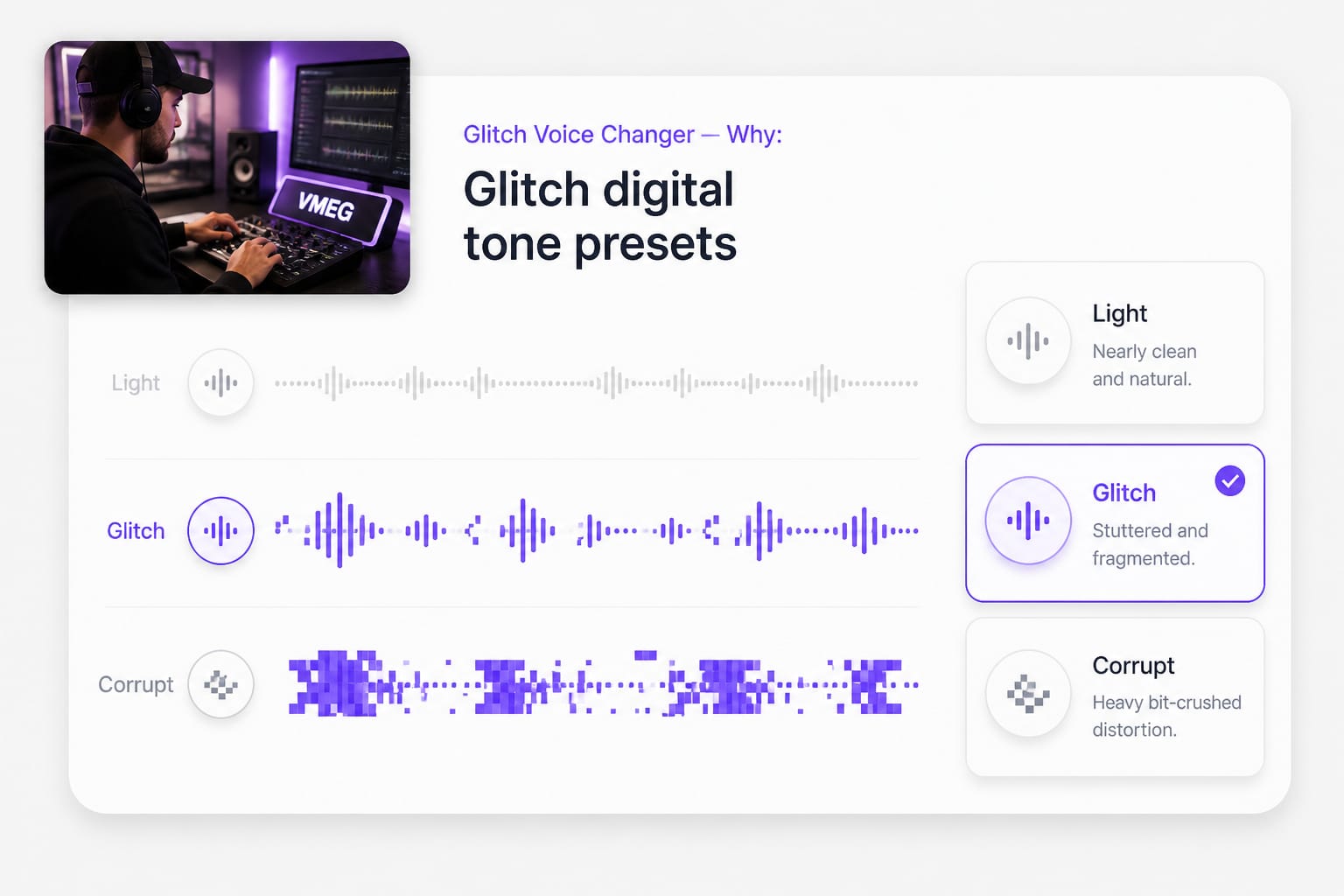
This glitch voice changer online lets you upload or record, pick Light, Glitch, or Corrupt, and download a glitched voice changer result as MP3 or WAV.

How to Use a Glitched Voice Changer on Hard Cuts and Transitions

  1. 01Mark the frame where the glitch hits

    Process only the syllable or word that sits on the datamosh — not the whole paragraph. Trim the upload to that slice so Corrupt does not destroy context.

  2. 02Light, Glitch, or Corrupt

    Light for UI reveals, Glitch for meme transitions, Corrupt for smash cuts. If captions break, drop one level — intelligibility beats maximum damage.

  3. 03Align audio fracture to the visual stutter

    Nudge the imported file one or two frames in your editor. Glitch VO reads wrong when the audio peak lands after the RGB split — sync beats intensity.

Glitch voice changer trim clip to glitch frame

Why Use a Glitch Voice Changer Online

A clean VO under glitch visuals feels like two videos stitched. These presets add audio fracture that follows the edit energy.

Transition stingers that sync to hard cuts

A whoosh alone misses when your edit already datamoshes — the audio peak should land on the same frame as the RGB split. Trim the upload to the hit syllable, try Corrupt for smash cuts or Light for UI reveals. Nudge one frame in post if the fracture feels late.
Glitched voice changer Corrupt transition stinger

Avoid illegible meme audio

Max glitch destroys punchlines — captions wrong, friends replay twice and still miss the word. Glitch keeps consonants mostly intact for meme reactions; drop to Light if speech must survive phone speakers. Test before posting, not after upload.

Glitch voice changer Glitch preset legible meme audio

No paid VST for a one-off intro

Producers are not the only ones who need glitch VO — reel editors need a three-second fracture without a license hunt. Export once, reuse in templates; WAV if your NLE will compress again. Corrupt sparingly on lines longer than a stinger.

Glitch voice changer export for video intro

Glitched Voice Changer FAQ

Glitch voice changer vs glitched voice changer?

Same tool — Light/Glitch/Corrupt are intensity names.

Will Corrupt ruin podcast speech?

Yes — use Light or Glitch for anything longer than a stinger.

Pair with RGB split visuals?

Glitch audio + RGB visuals reads cohesive. Export VO first, then fine-tune visual timing.

Free?

Preview free; sign in to download.

Max file size?

30 MB.

Singing lines?

Spoken word works best; sung content may phase.

Replace dialogue with natural AI dubbing

Turn marketing clips and training videos into another language with studio-style voices — no recording booth required.