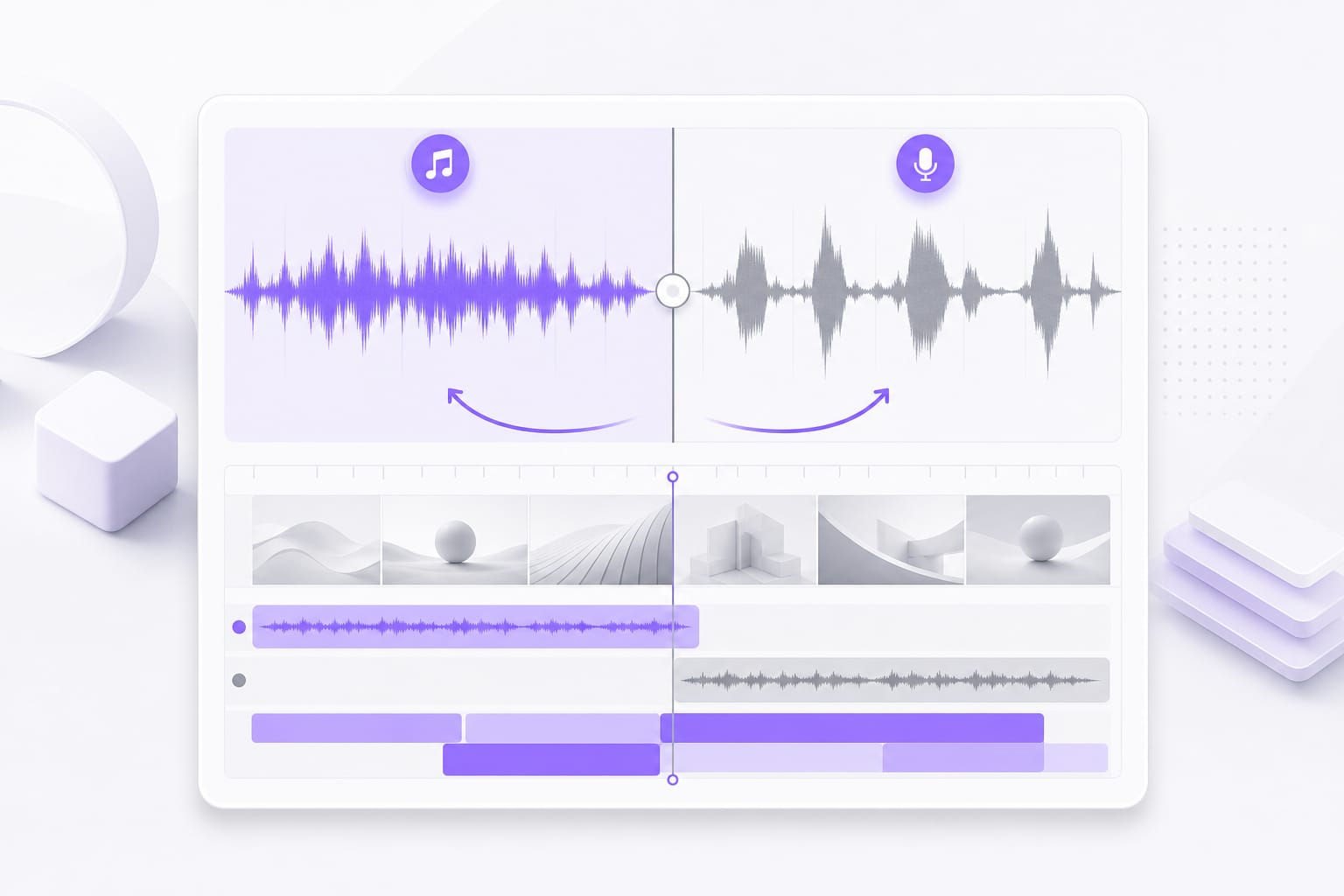
Music Remover from Video

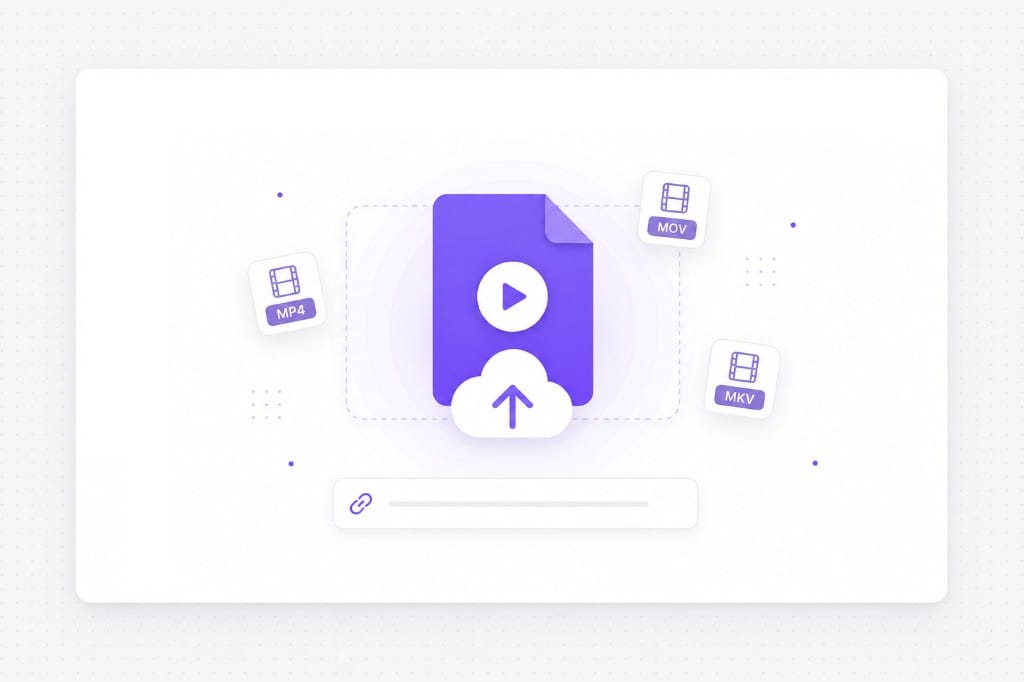
Remove music from video online. Upload MP4, MOV, or MKV, or paste a link, and download vocals or instrumental stems from the soundtrack.

Popular Uses

Listen to video audio with the soundtrack bed, then after music is pulled from the mix.

  • Tutorial & Explainer Videos

    Remove underscore music from screen recordings to keep narration clear.

    Original audio
    Music removed
  • Interview & Reaction Clips

    Isolate dialogue when a score or trending audio sits under talking in MP4 uploads.

    Original audio
    Music removed

How to Remove Music from a Video

  1. 01

    Upload video or paste a URL

    Upload video file for music removal

    Add MP4, MOV, MKV, or WebM. The tool reads the audio track for separation.

  2. 02

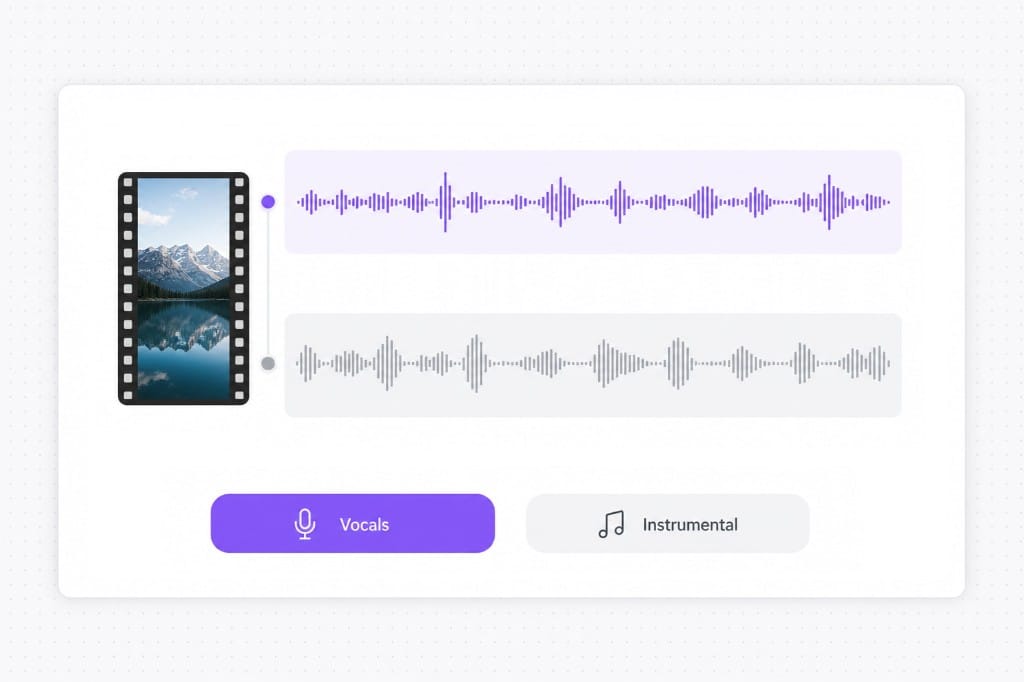
    Pick Vocals or Instrumental

    Choose stem type for video soundtrack

    Choose Vocals to keep dialogue, or Instrumental to check how much music was removed.

  3. 03

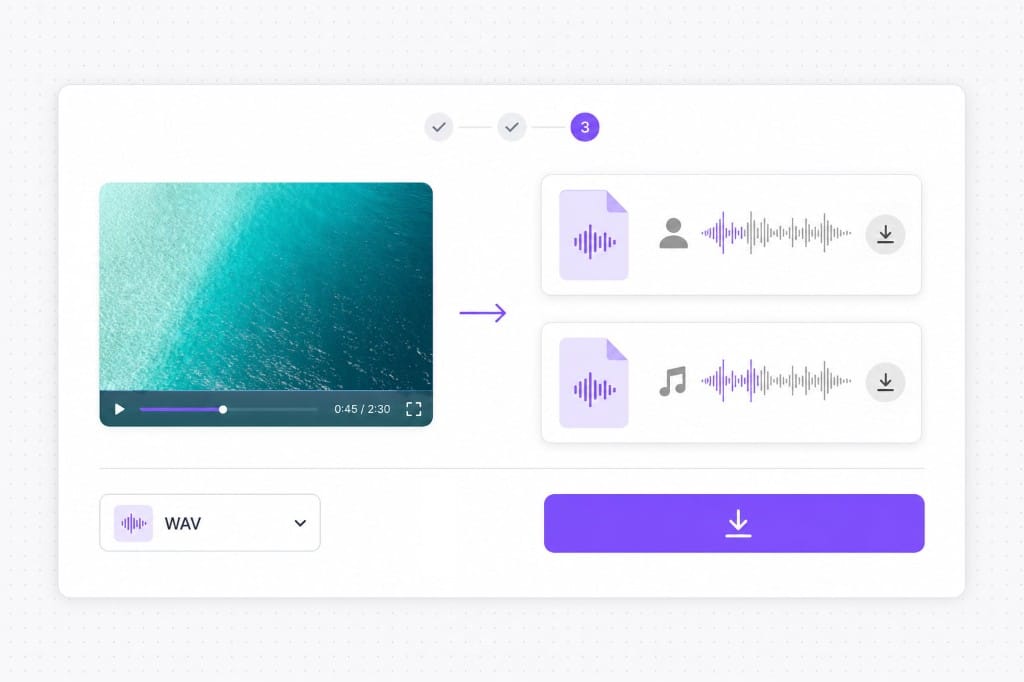
    Download audio stems

    Download separated audio from video

    Save the stem you need and replace the soundtrack in your video editor.

Why Remove Music from Video with VMEG

Get dialogue-friendly audio out of social clips, screen recordings, and downloaded videos.

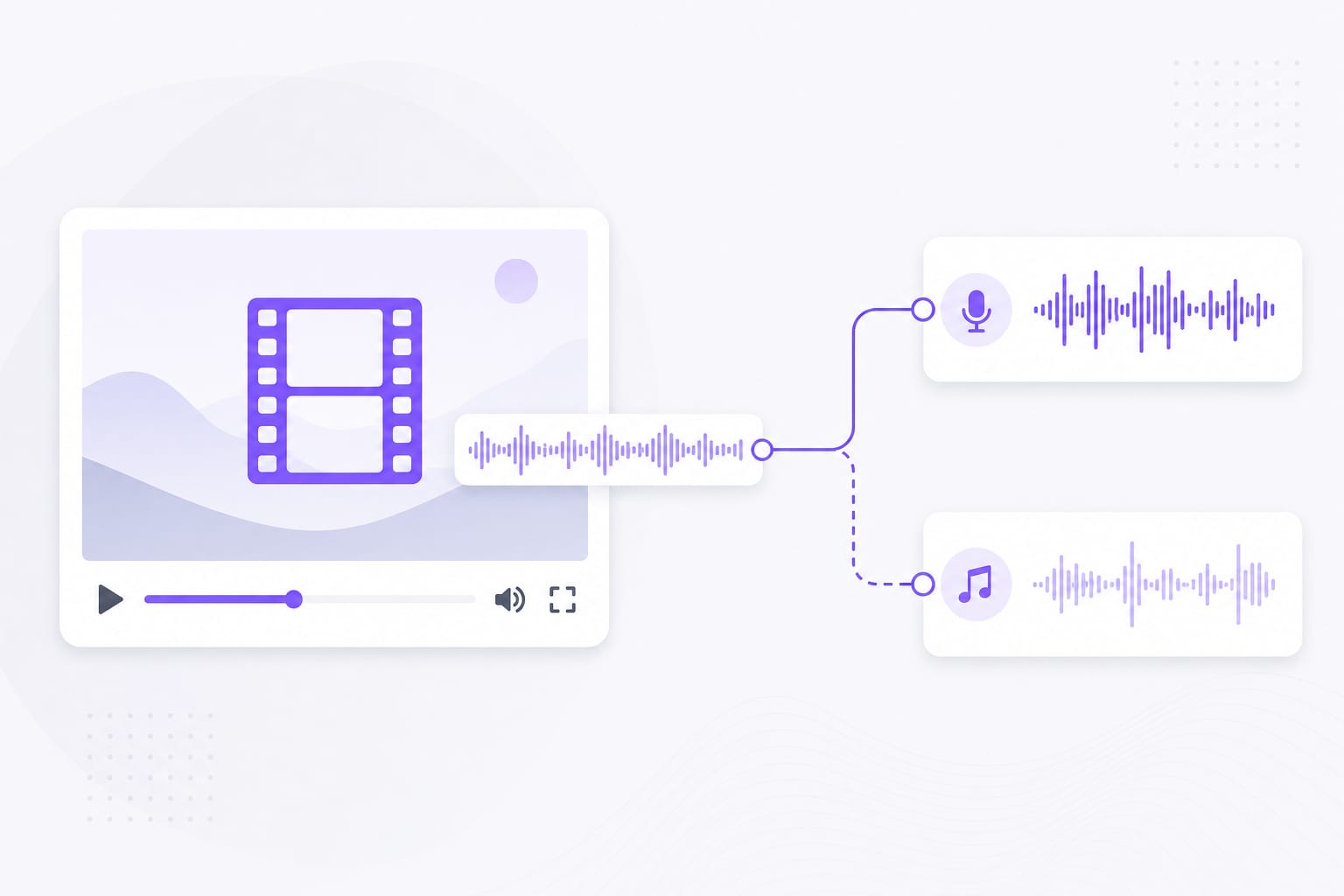
Remove background music while keeping voices clear

Background music often overlaps with dialogue, making it difficult to hear speakers or edit videos accurately. VMEG AI uses advanced audio separation technology to isolate speech while removing background music without affecting voice quality.

Video to stem separation illustration

Remove music from videos online without software

VMEG AI works entirely in the browser, allowing users to remove music from video files without downloading desktop applications. Simply upload a video, process the audio online, and export the results in a few steps.

URL and file upload illustration

Export separate voice and music tracks

Instead of only removing background music, VMEG AI generates separate vocal and instrumental tracks. Users can replace music, add new background tracks, create voiceovers, or prepare clean speech for AI dubbing and transcription workflows.

Download stems illustration

FAQs about Music Remover from Video

How do I remove music from a video?

Upload MP4, MOV, MKV, or WebM, or paste a public link. The tool reads the soundtrack, splits dialogue from music, and gives you the voice track to drop back into your editor.

Does this change the video file itself?

No. You download separated audio stems, not a re-encoded video. Swap the soundtrack in Premiere, DaVinci, CapCut, or whichever editor you use.

Can I paste a video link instead of uploading?

Yes. Public YouTube, TikTok, and Vimeo links work when URL import is available, so you can skip downloading the video first.

Which stem should I export from a video?

Vocals keeps dialogue and narration without the music. Instrumental gives you the removed music alone, useful when you want to reuse or replace the score.

What video sizes are supported?

Files up to 100 MB. For longer footage, trim the clip locally before uploading, or cut just the scene where the music needs to go.

Is download free?

Upload the video, run the removal, and preview for free. Sign in when you download the separated stems.

Ready to pull music out of your video?

Upload MP4 or paste a link, then separate stems and download in minutes.