Chinese to English PDF Translator
Upload a Chinese text-layer PDF, translate to English, and download — we render CJK characters when rebuilding the PDF.
Loading document translator…
How to Translate Chinese PDF to English: A Simple Guide with VMEG AI
Upload a Chinese text-layer PDF, set languages, and download the English result.
- 01
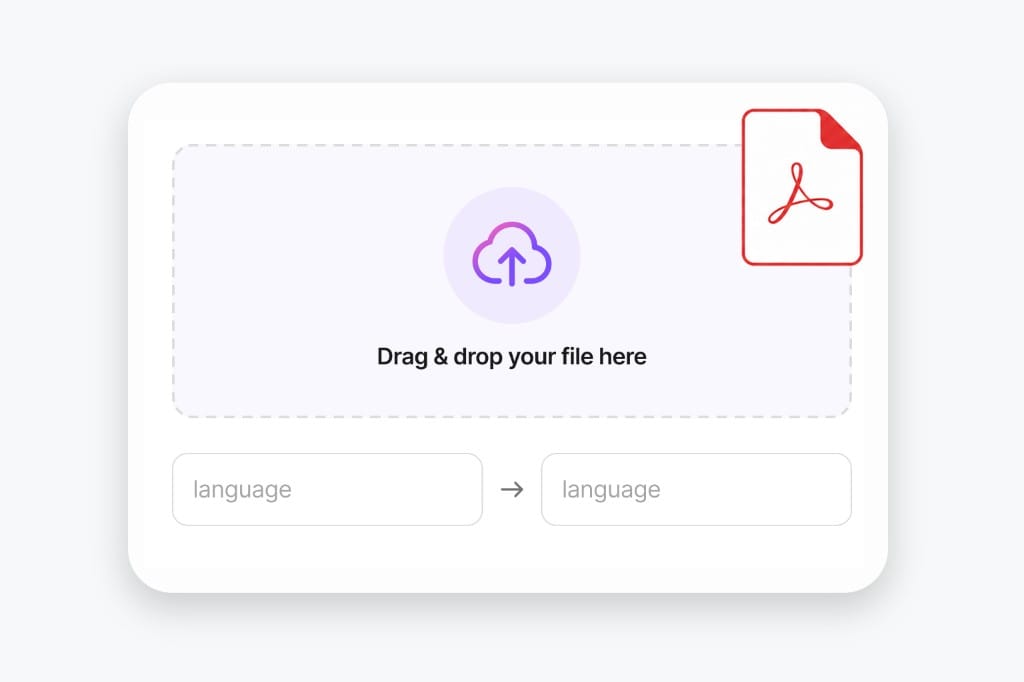
Upload a PDF
Use a Chinese text-layer PDF up to 20 MB. Scanned image PDFs without selectable text are not supported yet.
- 02
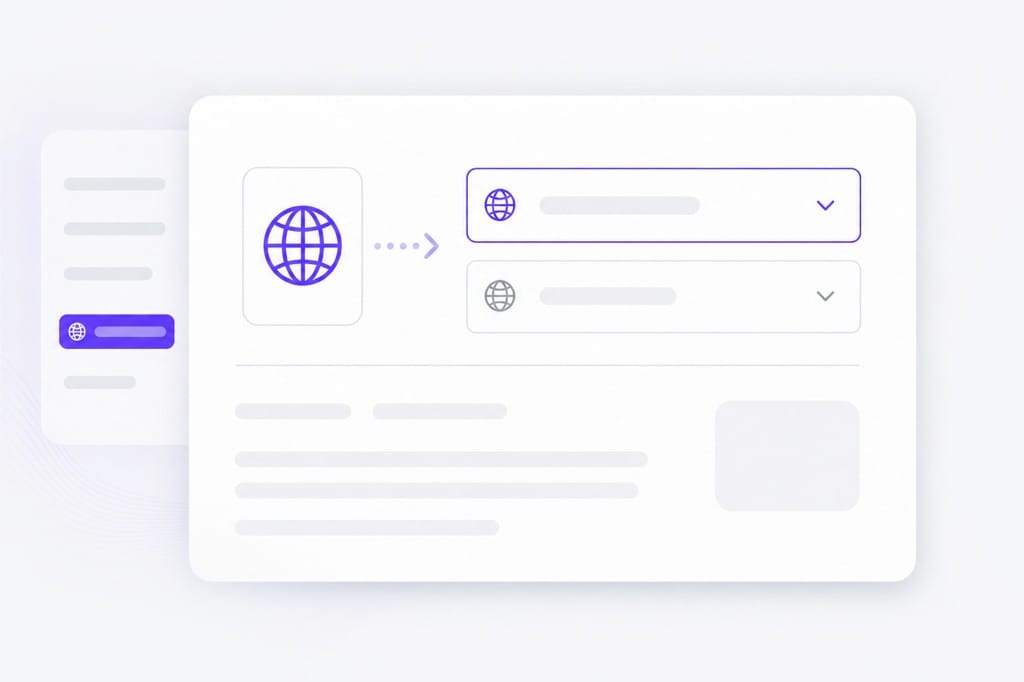
Activate the AI Translation Engine
Choose Chinese as source and English as target — or use auto detect for the source if you prefer.
- 03
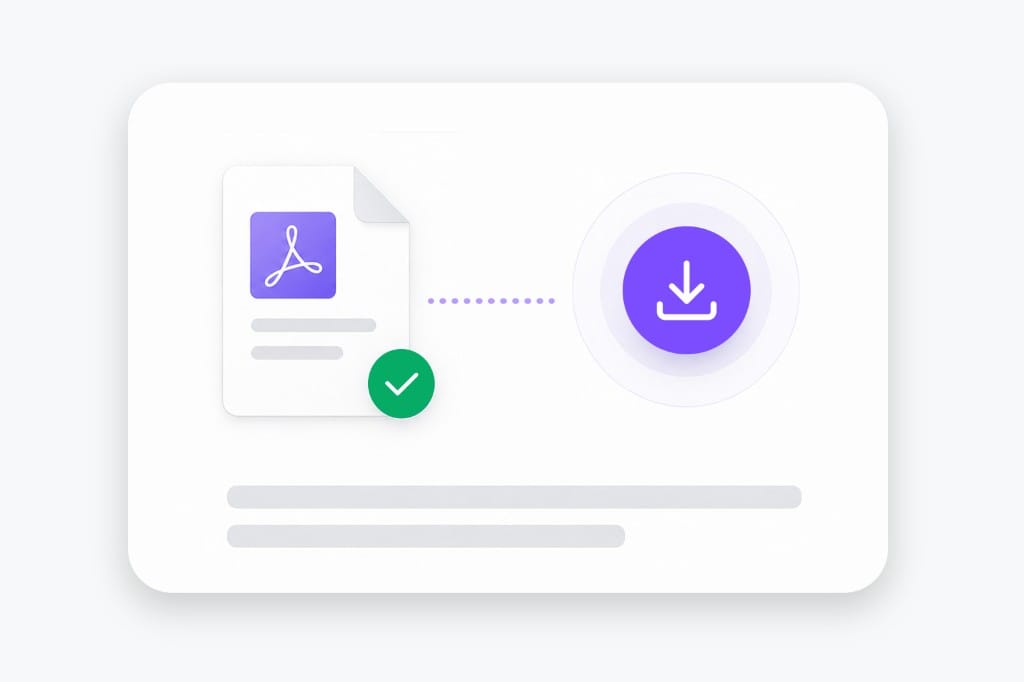
Download the result
We extract the text, translate it to English, rebuild a PDF, then you download the file locally.
Why Translate Chinese PDFs to English Here
Hand English PDFs to reviewers when the original is in Chinese — without exporting pages to Word or a desktop translation suite. Upload your file, pick languages, preview translated text in the browser, then download the finished Chinese to English PDF output without desktop software.
Preserving Your Original Layout
It is incredibly frustrating when a document loses its formatting, leaving you with scrambled tables and misaligned images. VMEG AI respects the integrity of your original file, ensuring that the visual structure remains intact.
CJK source support
Works when the original PDF contains simplified or traditional Chinese you can select in a reader. We extract the text layer and rebuild the document with English output where the page layout allows. Pick source and target languages, review translated text in the preview, then download when layout and terminology look correct for your Chinese to English PDF file.
English PDF handoff
Download an English PDF you can email to legal, finance, or overseas partners who do not read Chinese. The file stays a PDF for print and archive workflows — not a Word export you still have to convert.
Text-layer focus
Built for PDFs with copyable text, not photo scans or phone screenshots of Chinese documents. Image-only files are rejected up front with a clear message instead of broken English output. Dense slides or merged cells may need a quick visual check after translation — open the download locally if a label wraps unexpectedly.
Nuanced Understanding of Chinese Context
Direct translation rarely works for complex documents. Our engine is built to understand the specific nuances of Chinese, ensuring that industry jargon, formal business language, and idiomatic expressions are translated accurately, rather than just literally.
Total Privacy and Peace of Mind
Your documents belong to you. We take this responsibility seriously. Once you have downloaded your translated file, VMEG AI automatically removes the original from our servers. You never have to worry about your data lingering or being accessed by unauthorized third parties.
Frequently Asked Questions about Chinese to English PDF
Does this work on scanned PDFs?
No — you need a text layer. Image-only scans and screenshot PDFs need OCR first (not available on this page yet). For scanned PDFs or photos of text, run OCR first so the file has a selectable text layer, then upload it to Chinese to English PDF.
Will English characters display correctly in the download?
Yes for text-layer PDFs on this page. We rebuild the PDF with fonts that support English and related scripts where needed. The Chinese to English PDF keeps your file format where possible — upload, pick languages, preview, then download the translated document from this page.
Can I mix auto-detect with a fixed target language?
Yes. Leave source on auto detect or lock Chinese and English explicitly — both work on selectable text PDFs. The Chinese to English PDF keeps your file format where possible — upload, pick languages, preview, then download the translated document from this page.
Is there a file size limit?
Uploads are capped at 20 MB per file. If a deck or spreadsheet exceeds the cap, split it into smaller files or export a lighter PDF, then run Chinese to English PDF again on each part.
Will layout stay pixel-perfect?
Most body text lands near the original position. Dense layouts and very long translations may wrap differently. Dense slides or narrow columns may wrap after translation; open the download and adjust styling locally if a label overflows.
Translate podcasts and interviews in minutes
Upload MP3 or WAV and get accurate speech translation across 170+ languages — built for long-form audio.