How do I remove vocals from a song?
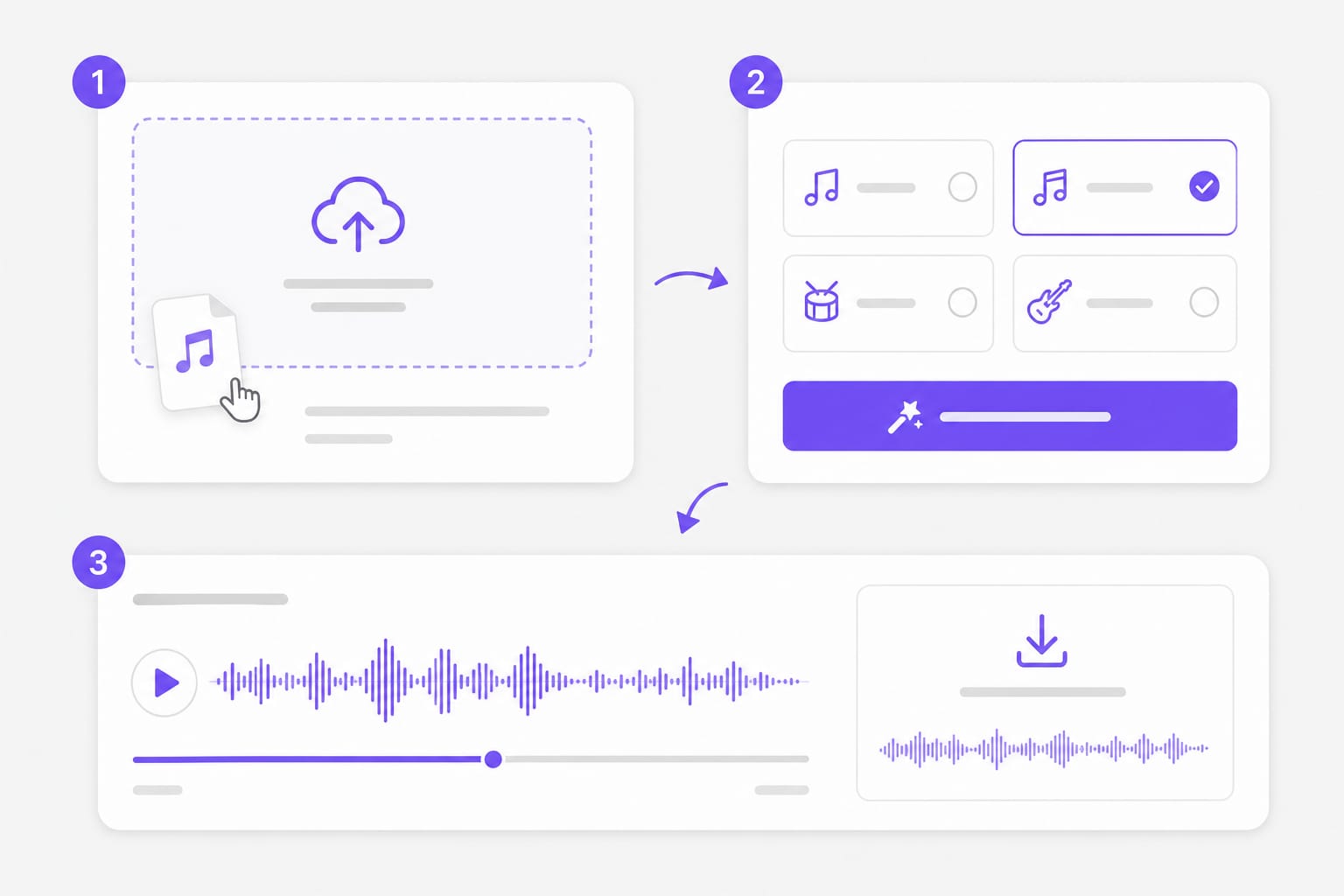
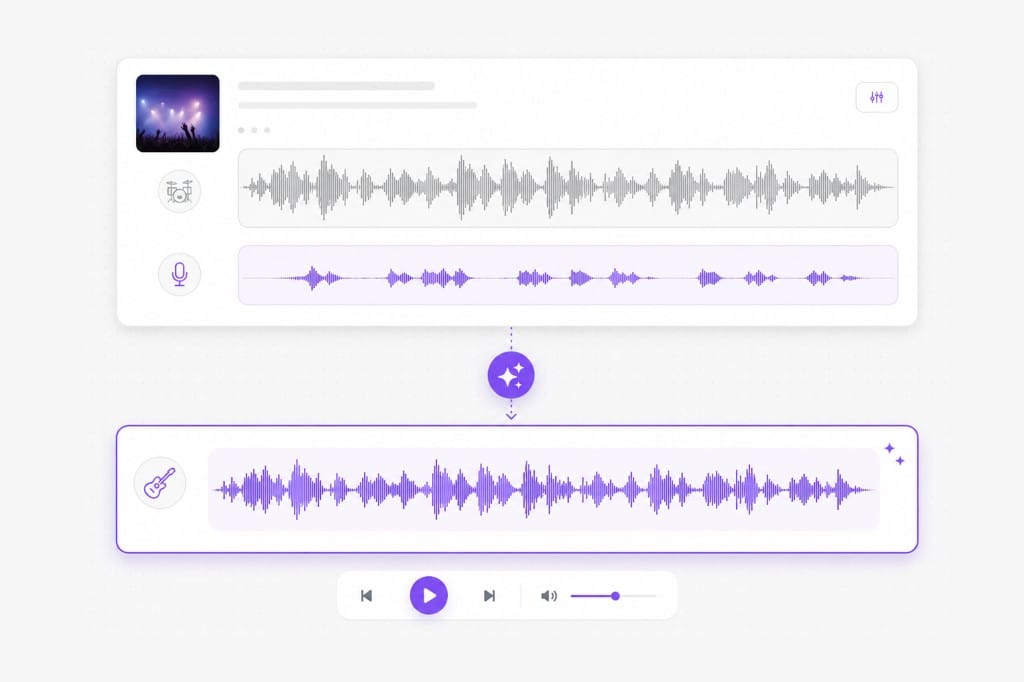
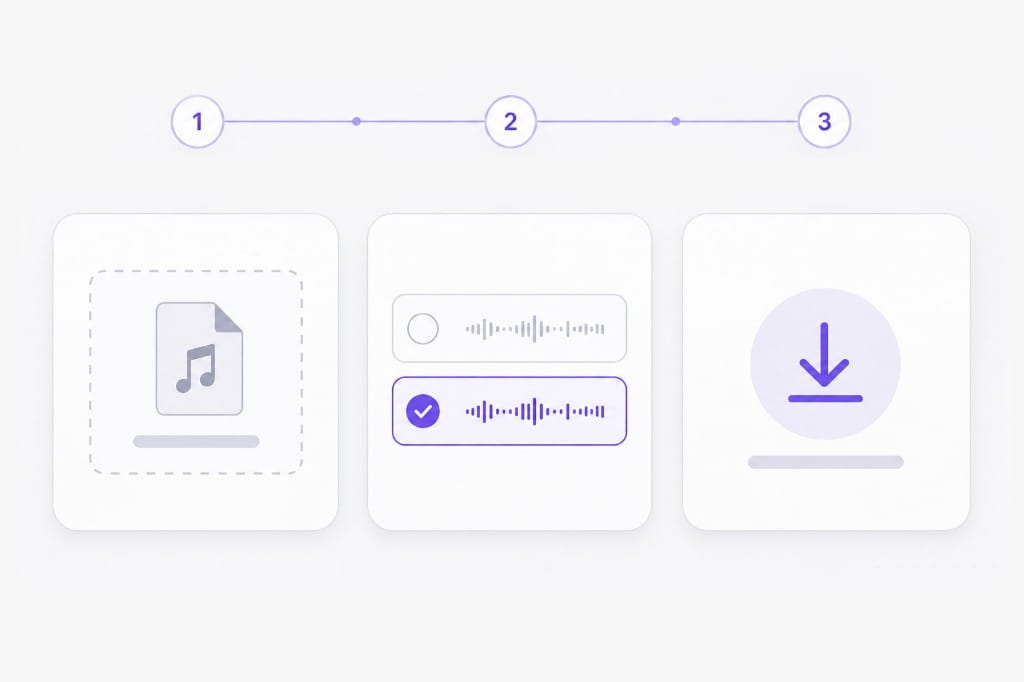
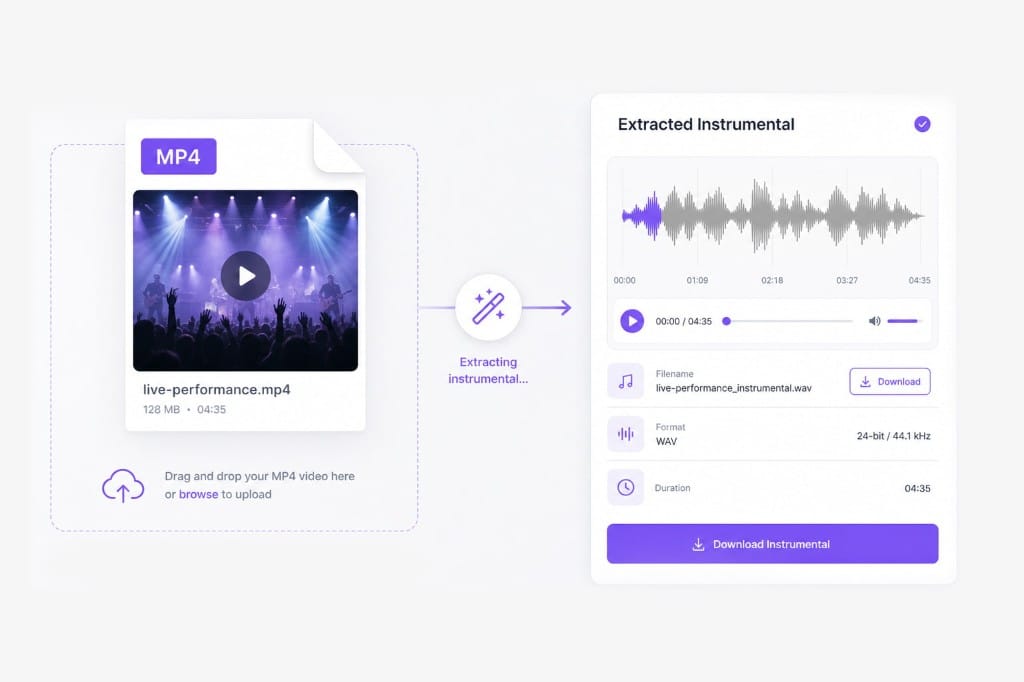
Upload the song file, select the Instrumental stem, and the AI strips the singing from the arrangement. Preview the backing track, then sign in to download it.
Which song formats can I upload?
MP3, WAV, M4A, AAC, and FLAC audio, plus MP4, MOV, MKV, and WebM video, up to 100 MB per file. Video uploads use the embedded soundtrack. Check the upload chip on this page for the full list of supported containers; matching those formats avoids failed imports.
Can I remove vocals from a song on YouTube?
For a YouTube video, use YouTube Vocal Remover at /online-tools/youtube-vocal-remover/. This page processes a song file you already have — MP3, WAV, FLAC, or a video file with the track.
Will the instrumental keep the original arrangement?
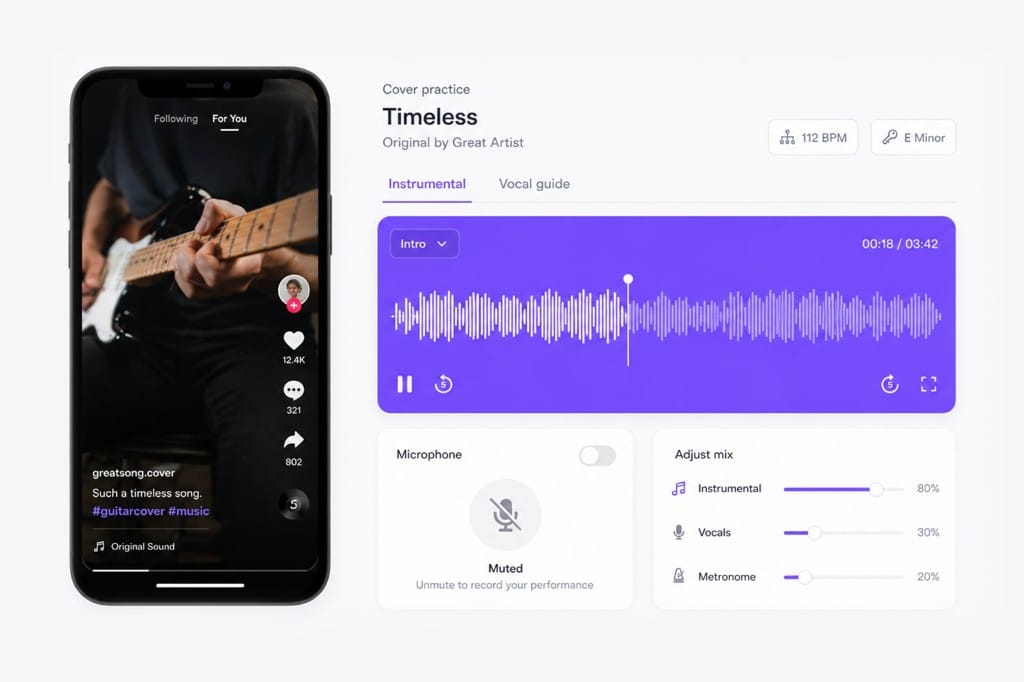
Yes. The backing track keeps drums, bass, and melody at the original tempo and key. Only the sung lanes are taken out. Upload the song on this page, pick the stem, preview, then export after sign-in if download is required.
Do I need audio software to do this?
No. Everything happens on the VMEG page in your browser. You only need an editor afterwards if you plan to mix over the instrumental. Open Remove Vocals from a Song, add your song file, and export from the same tab.
Is download free?
Sign in when you download the vocal-free version. Free to use 3 times a day, shared across all VMEG online tools. Upgrade to Online Tools Unlimited for unlimited daily use.