What is a voice equalizer?
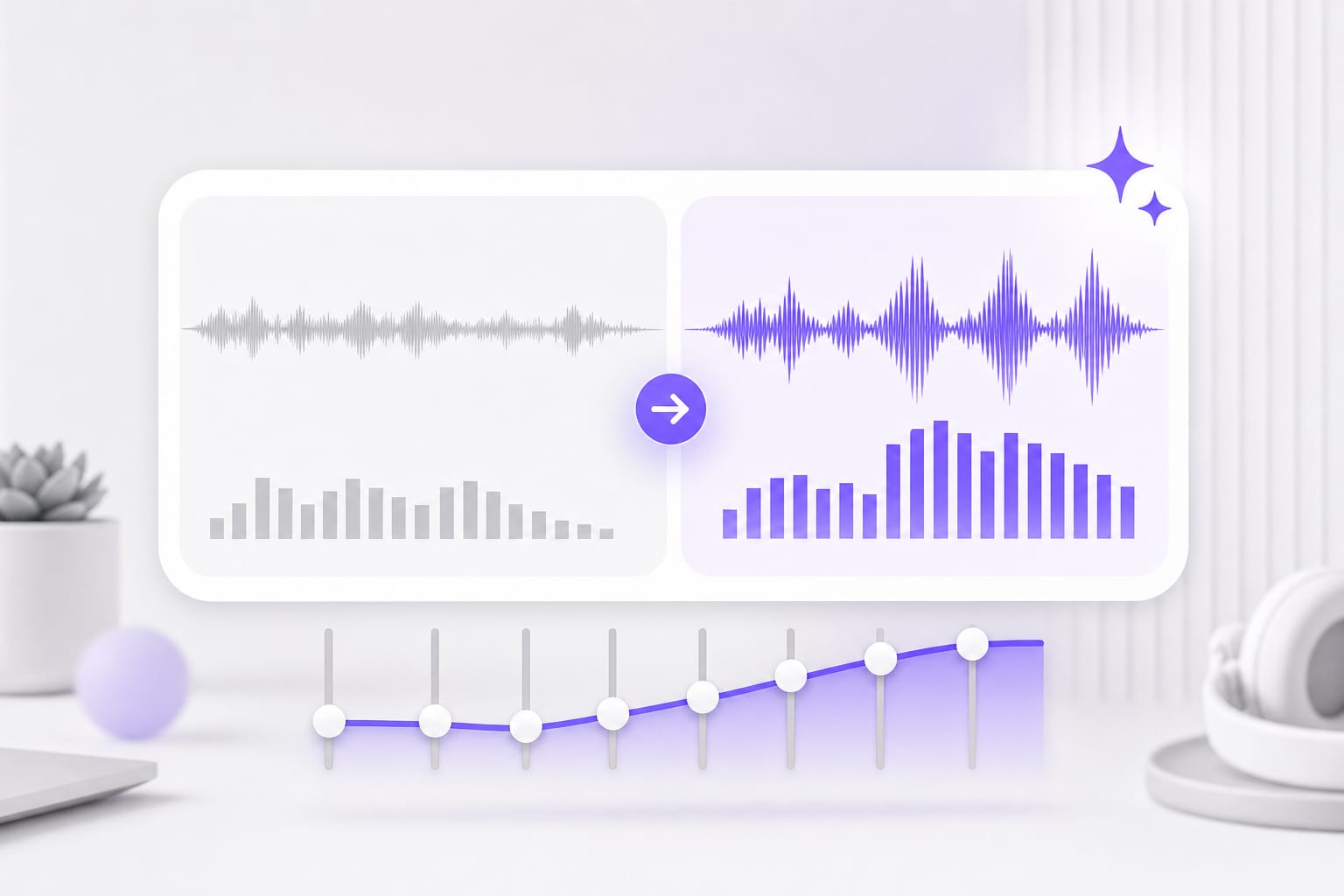
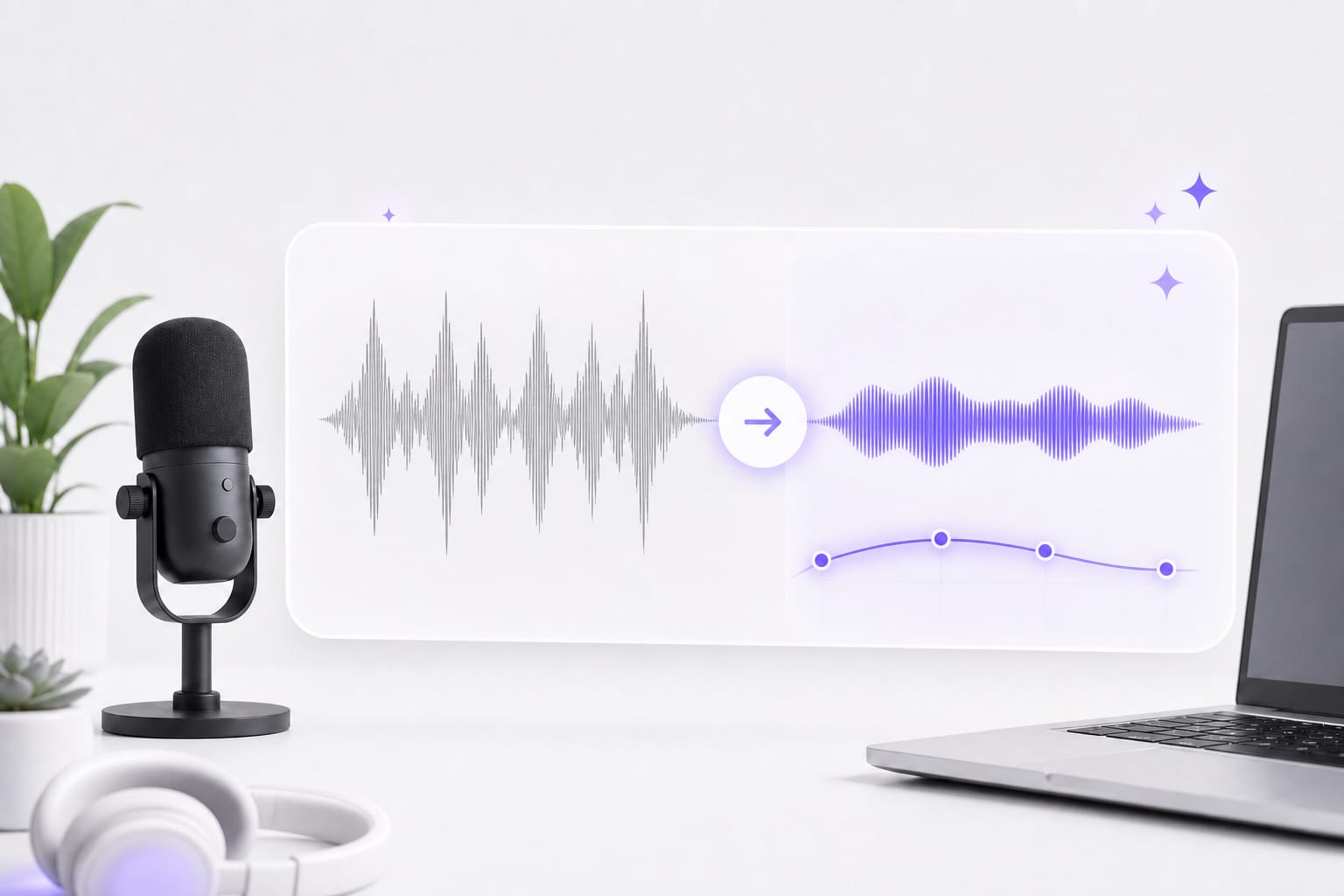
It shapes recorded speech with fixed presets for presence, filtering, compression, and gain. You choose a tonal result instead of moving EQ bands.
Is this a full parametric EQ?
No. Voice, Warm, Bright, Podcast, and Music each use a fixed processing profile. Use a parametric equalizer for exact frequency, Q, or gain controls.
Which voice equalizer preset should I start with?
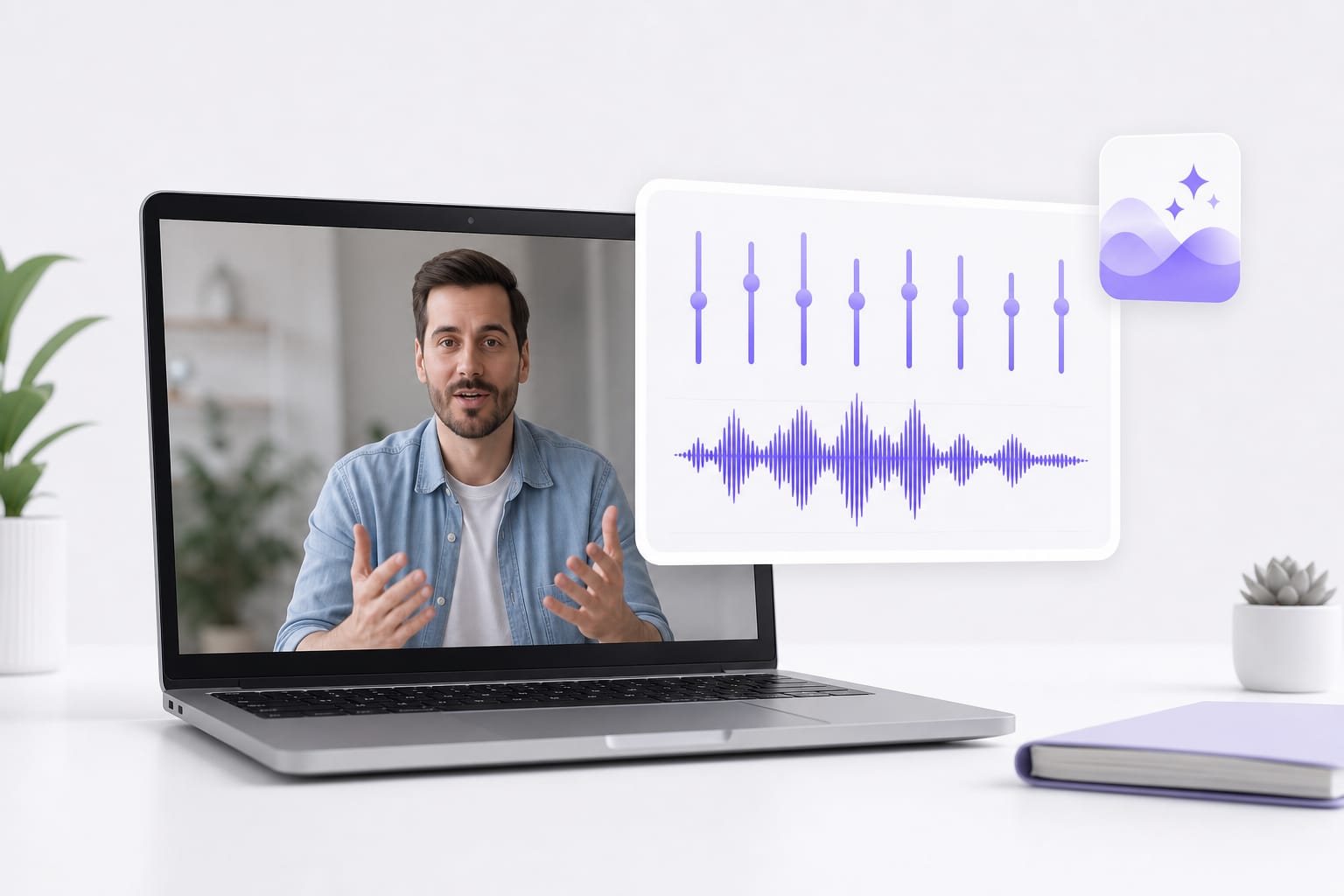
Bright helps muffled speech. Warm softens sharp or sibilant takes. Voice is a balanced starting point for everyday talk. Drop a voice memo, podcast clip, or video with dialogue into Voice Equalizer, pick a preset, preview the enhanced audio, then download when it sounds right.
Which voice files can I equalize?
Equalize speech from MP3, WAV, M4A, AAC, or FLAC audio and MP4, MOV, MKV, or WebM video. Each upload can be up to 100 MB. Drop a voice memo, podcast clip, or video with dialogue into Voice Equalizer, pick a preset, preview the enhanced audio, then download when it sounds right.
Can I equalize voice from a YouTube link?
Yes, when the public source is supported. The importer accepts links from YouTube, TikTok, Vimeo, Facebook, Instagram, and X. Public links from major platforms work best; if a private or region-locked URL fails, download the media locally and upload it to Voice Equalizer instead.
What does Voice Equalizer download?
It creates an equalized WAV file. You can upload and preview the tonal change before signing in to download. Drop a voice memo, podcast clip, or video with dialogue into Voice Equalizer, pick a preset, preview the enhanced audio, then download when it sounds right.