Free Japanese Image Translator Online

By pairing advanced OCR with smart background restoration, VMEG AI delivers instant visual translations while preserving the original layout of your graphics.

Loading image translator…

How to Translate Japanese Text in an Image

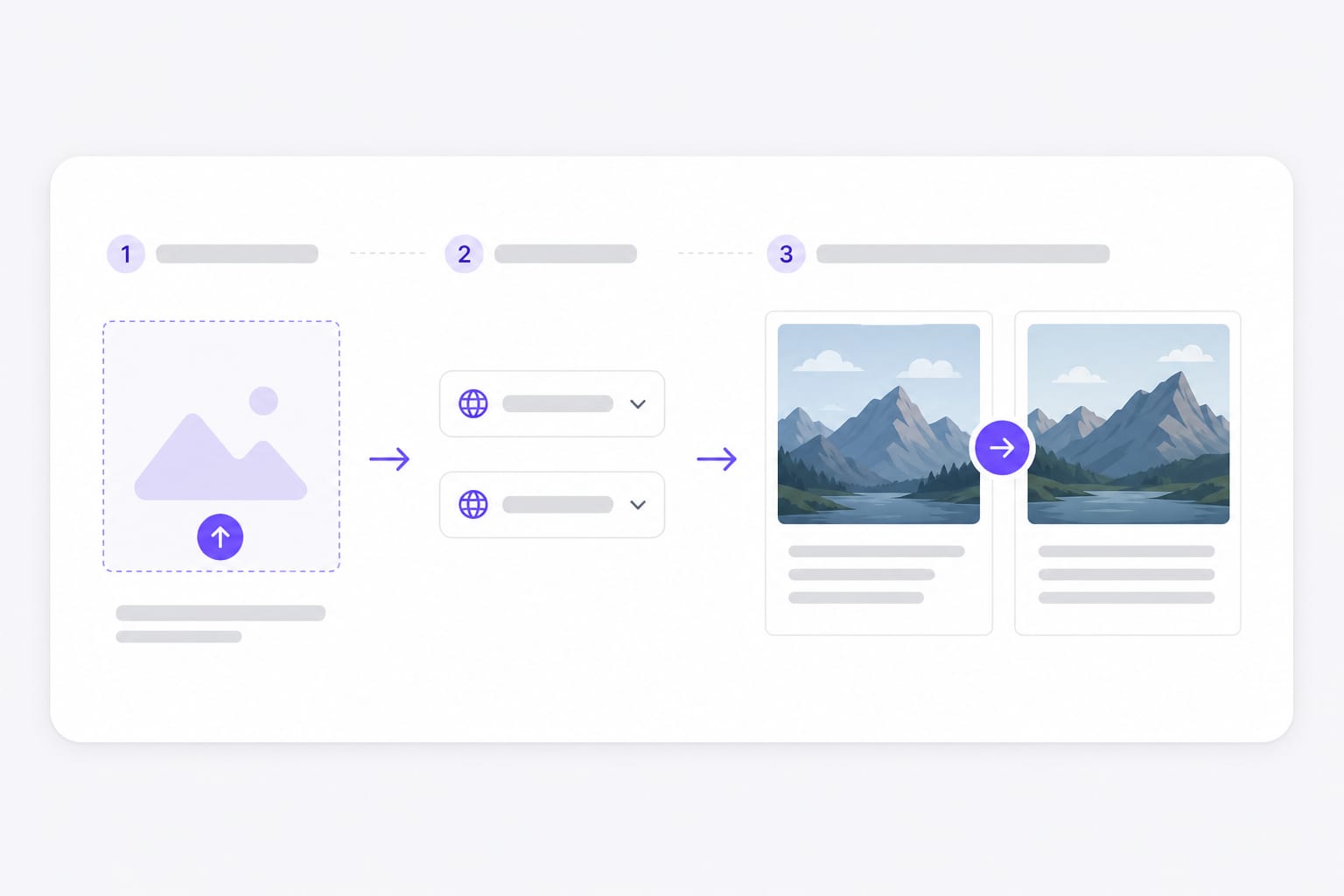
  1. 01Upload your image

    Drop your JPG, PNG, or screenshot directly into the VMEG AI portal. The system is optimized to process both high-resolution files and quick web snips, making it effortless to translate japanese images without installing specialized desktop software.

  2. 02Set Japanese and target language

    Lock Japanese as the source when every line uses kanji or kana, or leave auto detect for mixed-script photos. Pick English, Chinese, Korean, or another target for overlay text.

  3. 03Download the translated image

    Preview translated lines redrawn inside OCR boxes, then save a PNG for support tickets, reviews, or customer handoffs.

Japanese image translation workflow: upload photo, choose language, download result

Why VMEG AI is the Ultimate Japanese Image Translator

Use this free online japanese image translator when printed Japanese lives inside a photo — menus, labels, signs, and exports, not a selectable text PDF. Upload a screenshot, comic panel, or photo with text, choose a target language, preview overlays in place, then sign in to download from this free online Japanese Image Translator workspace.

OCR for kanji, hiragana, and katakana

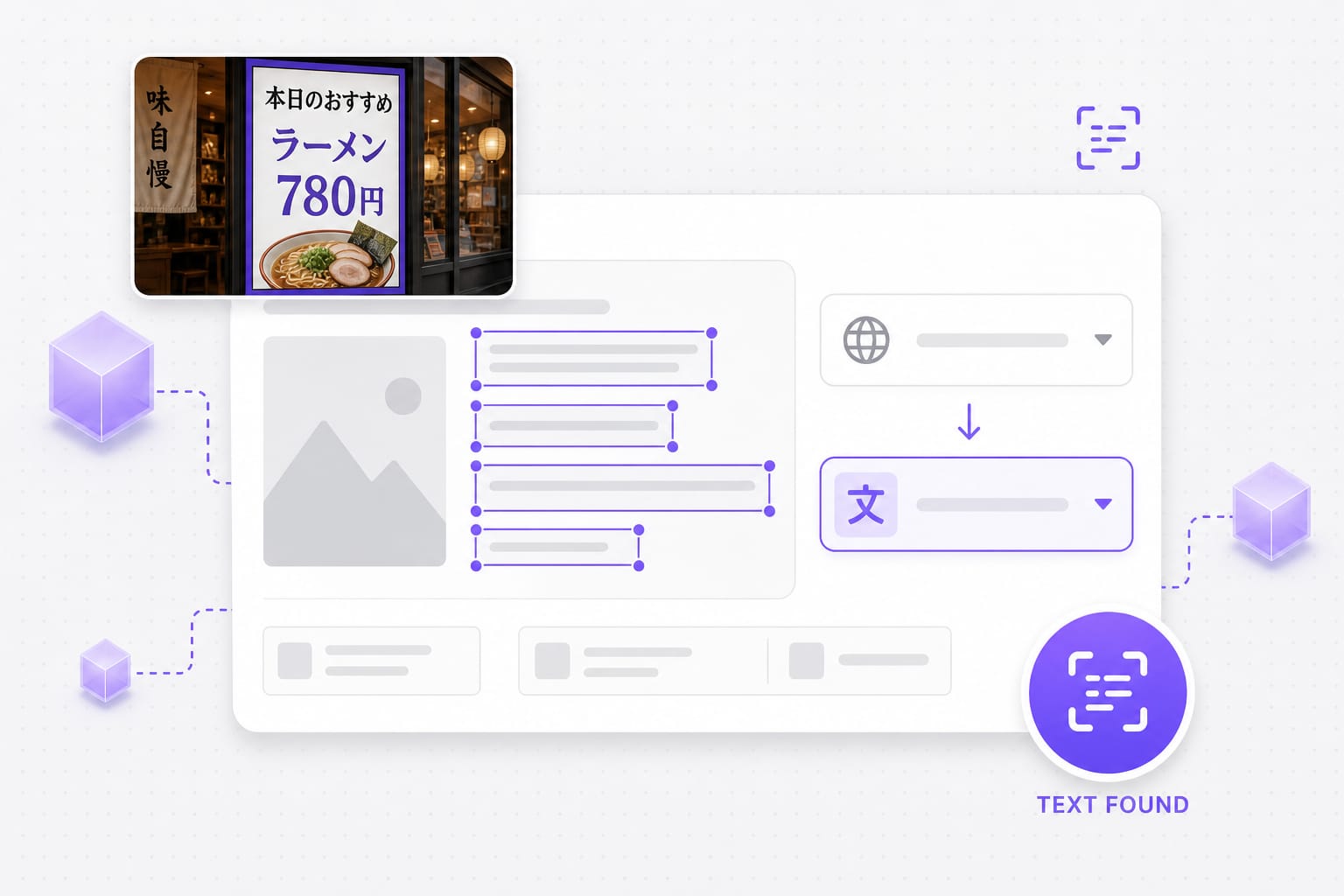
Readable Japanese in photos and screenshots is detected first — vertical menus, product labels, transit signs, and slide exports with horizontal or vertical Japanese print. Leave auto detect for mixed scripts or lock Japanese when every line is in one script, then translate into English, Chinese, Korean, or another supported target.

Upload a Japanese photo
OCR detection on Japanese text in a photo before translation

Flawless Background Restoration

One of the most annoying parts of translating manga, product packaging, or infographics is having hideous white boxes stamped over the graphics. VMEG AI uses intelligent inpainting technology to erase Japanese characters and blend the English translation directly into the original background design.

Try it free
Download translated PNG after Japanese image text translation

Runs in your browser

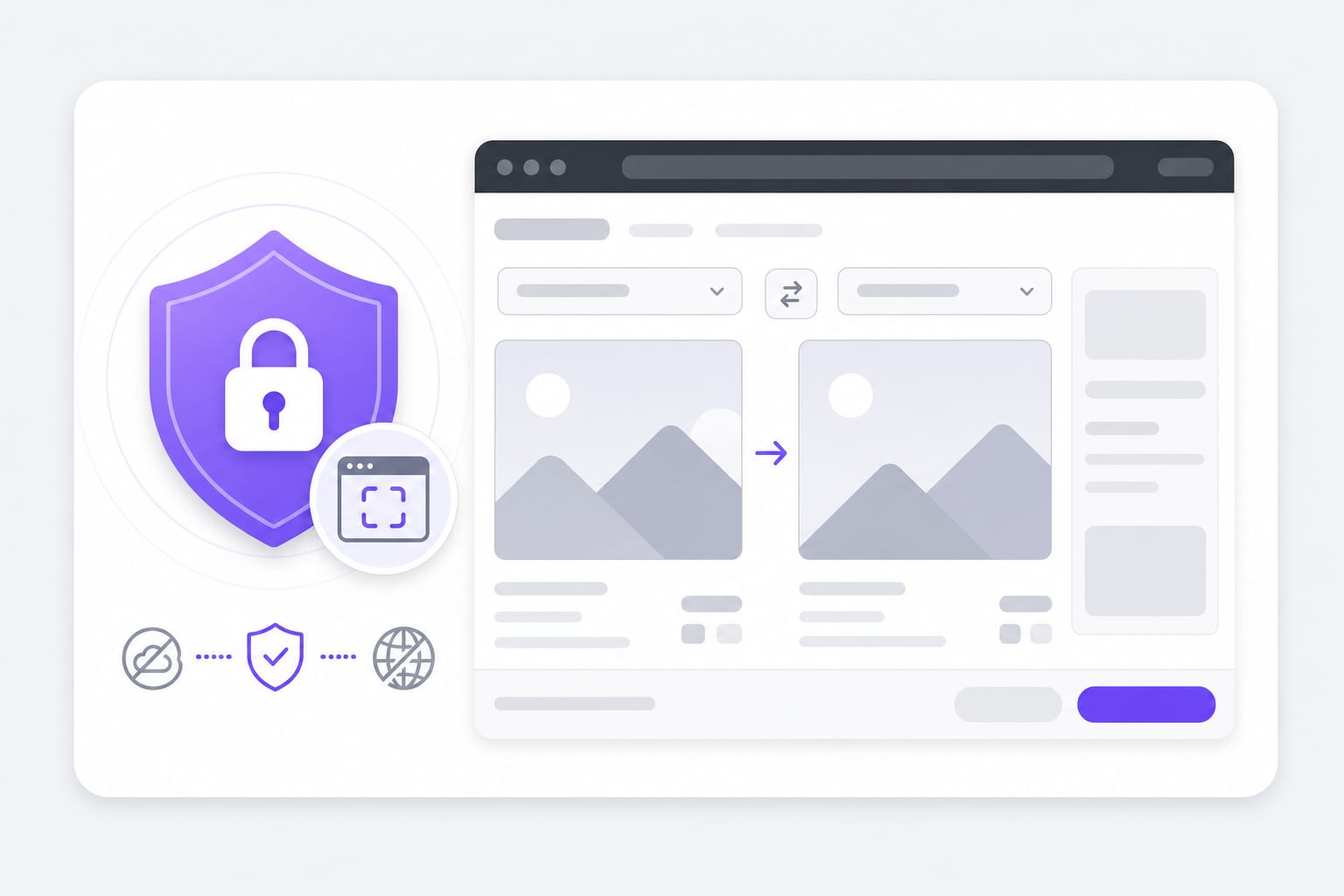
OCR and preview run in your browser session on laptop or tablet — upload PNG, JPG, or WebP up to 10 MB, preview overlays for free, then sign in to download. No desktop Japanese OCR app required. No desktop software to configure — open Japanese Image Translator in a modern browser, adjust settings in the same tab, and export when the preview looks right.

Start translating
Browser-based Japanese image translation workflow

FAQs about Japanese image translator

Which image formats are supported?

PNG, JPG, and WebP up to 10 MB per file. Transparent PNGs are supported; exported results download as PNG. Check the upload chip on this page for the full list of supported containers; matching those formats avoids failed imports.

Does this read kanji, hiragana, and katakana?

Yes on clear printed Japanese in photos and screenshots. Stylized fonts, tiny furigana, and low-contrast gray text may fail OCR — upload a sharper crop when detection misses lines.

Can I translate Japanese menus to English?

Yes — lock Japanese as the source or use auto detect, then pick English as the target. Translated lines redraw inside each detected box on your photo.

Will vertical Japanese text work?

Upright vertical print on menus and signs often OCRs well. Heavy blur, glare, or handwritten notes are less reliable. Upload your image, choose target language, preview translated text in place, then sign in to download the Japanese Image Translator result.

Is download free?

You can upload, translate, and preview for free. Sign in when you download the translated image. Preview and core processing are free in your browser; sign in when you download the finished Japanese Image Translator output so exports stay reliable.
Translate YouTube videos without re-editing

Paste a YouTube URL and dub or subtitle the full video online — keep pacing and speaker tone intact.