Russian to English Image Translator

VMEG AI Russian to English Image Translator helps you convert Russian text from images into clear English translations. The tool uses OCR recognition and AI translation to extract Cyrillic text directly from images without manual typing.

Loading image translator…

How to Translate Russian to English in a Picture

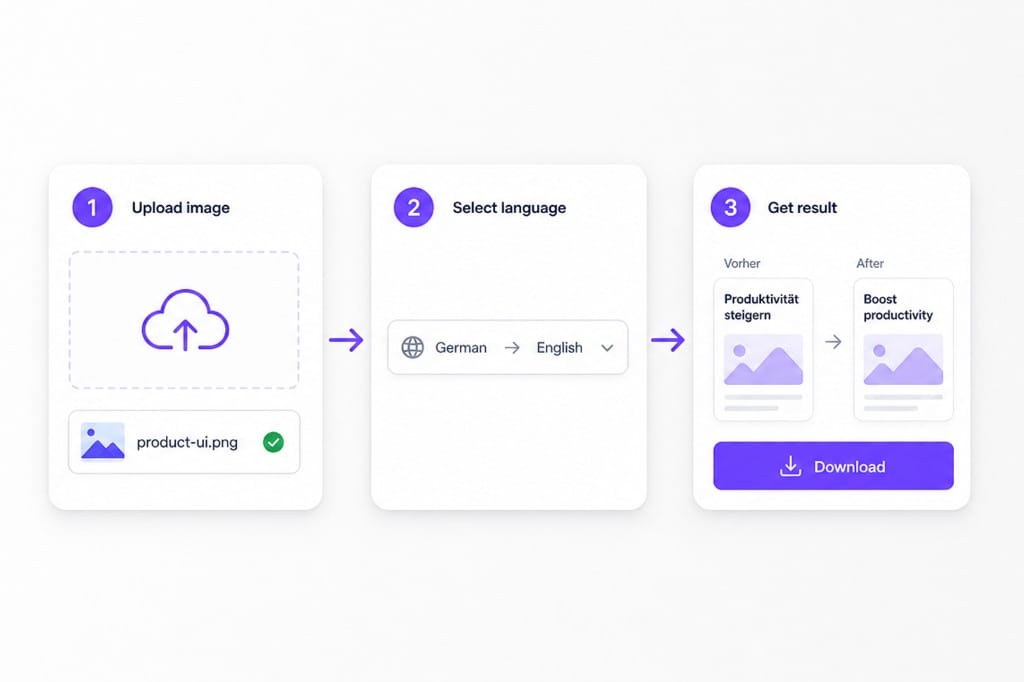
  1. 01Upload your Russian picture

    Upload an image containing Russian text to VMEG AI. The tool detects Cyrillic characters from photos, screenshots, scanned documents, and other image formats.

  2. 02Set Russian and English

    English is pre-selected as the target language. Auto detect handles Cyrillic source text in photos, then OCR prepares each line for russian to english image translation.

  3. 03Download the English PNG

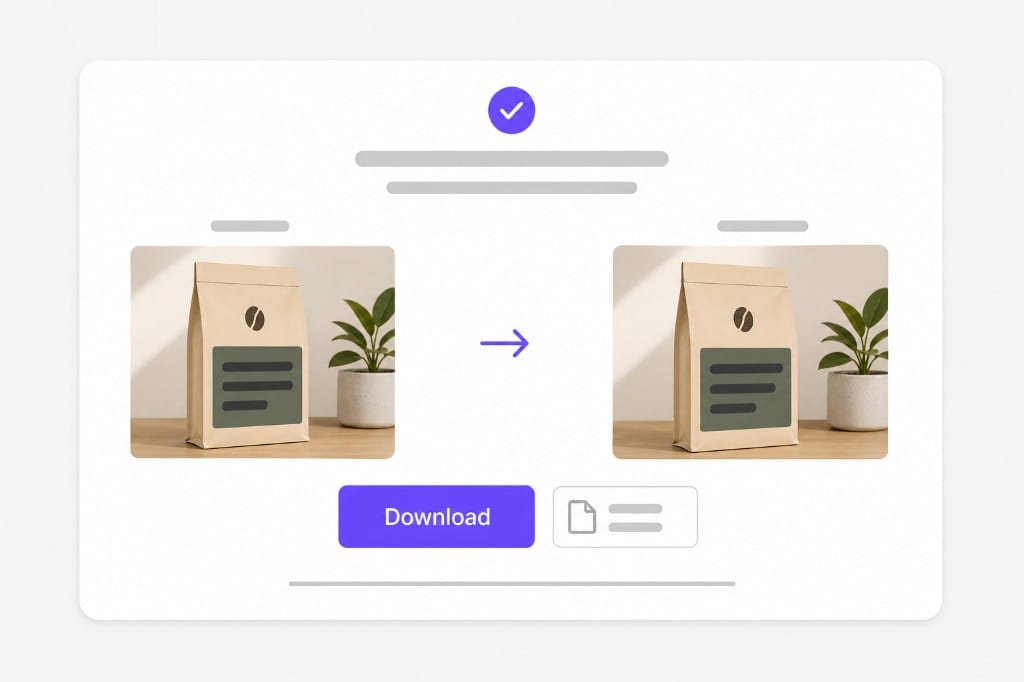
    Preview English text redrawn on the photo, then save a PNG for import reviews, travel notes, or support tickets.

How to translate Russian to English in a picture: upload Russian image, choose English target, download

Why Use This Russian To English Image Translator

When Russian print lives inside a photo — labels, signs, or scanned pages — not selectable text. Upload, preview English overlays, then sign in to download.

Translate Russian Images Without Re-Typing Text

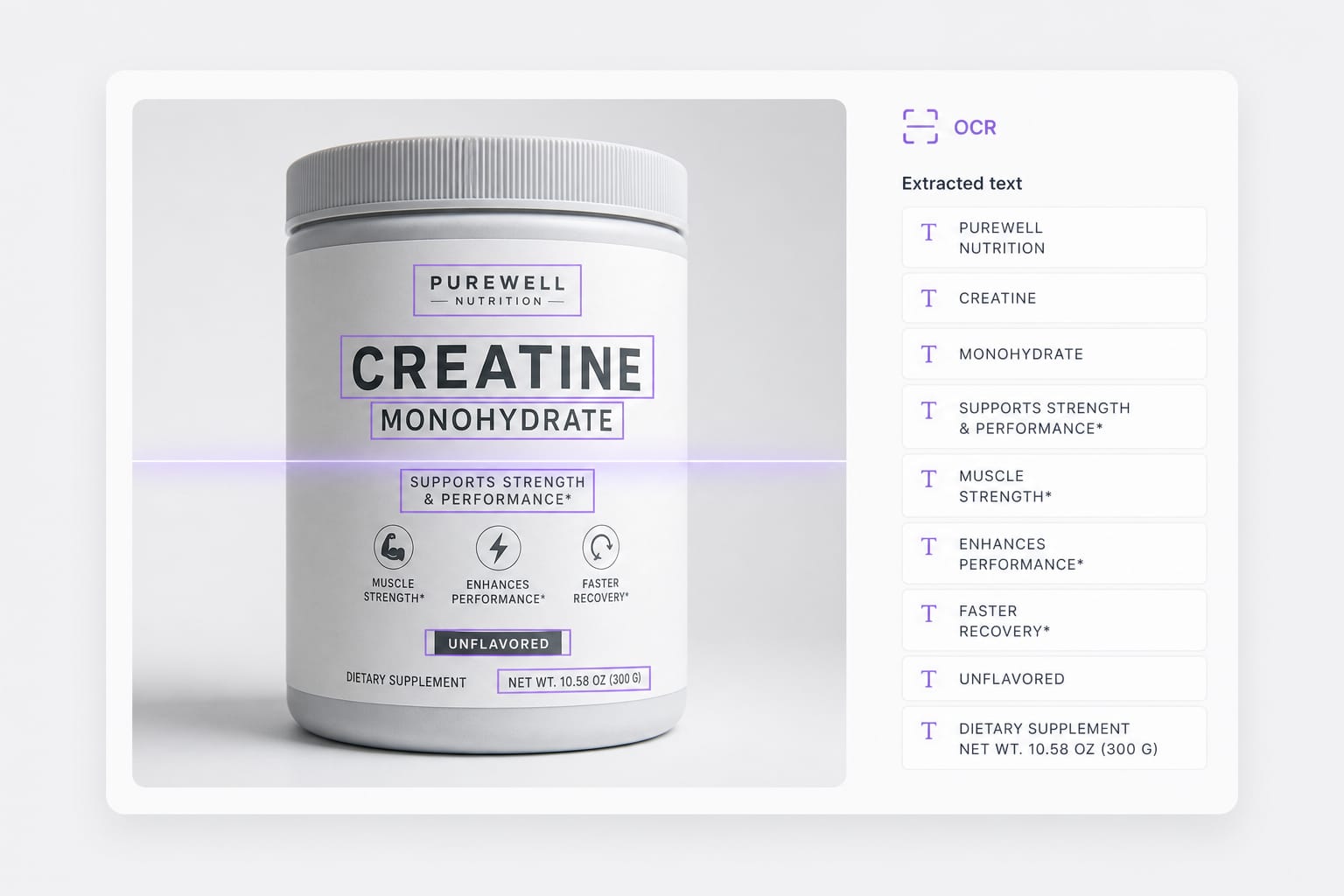
Many Russian materials are only available as images, such as scanned documents, screenshots, and product information. Copying Cyrillic text manually is slow and inconvenient. VMEG AI extracts Russian text directly from images and translates it into English in one workflow.

Upload a Russian photo
Russian OCR on label before russian to english image translation

Handle Russian Image Translation for Different Use Cases

Russian text appears in many situations, from travel documents to technical materials and online content. Users often need a flexible solution that works across different image types. VMEG AI helps translate Russian images for everyday reading, professional communication, and international content access.

Try it free
Russian to english image translation workflow with English overlay preview

Browser workflow, honest limits

PNG, JPG, and WebP up to 10 MB per upload. Handwriting, low-contrast print, and heavy compression often fail OCR — use sharp photos for reliable detection.

Start translating
Upload limits for russian to english image translator

FAQs about Russian To English Image Translator

How do I translate russian to english from image online?

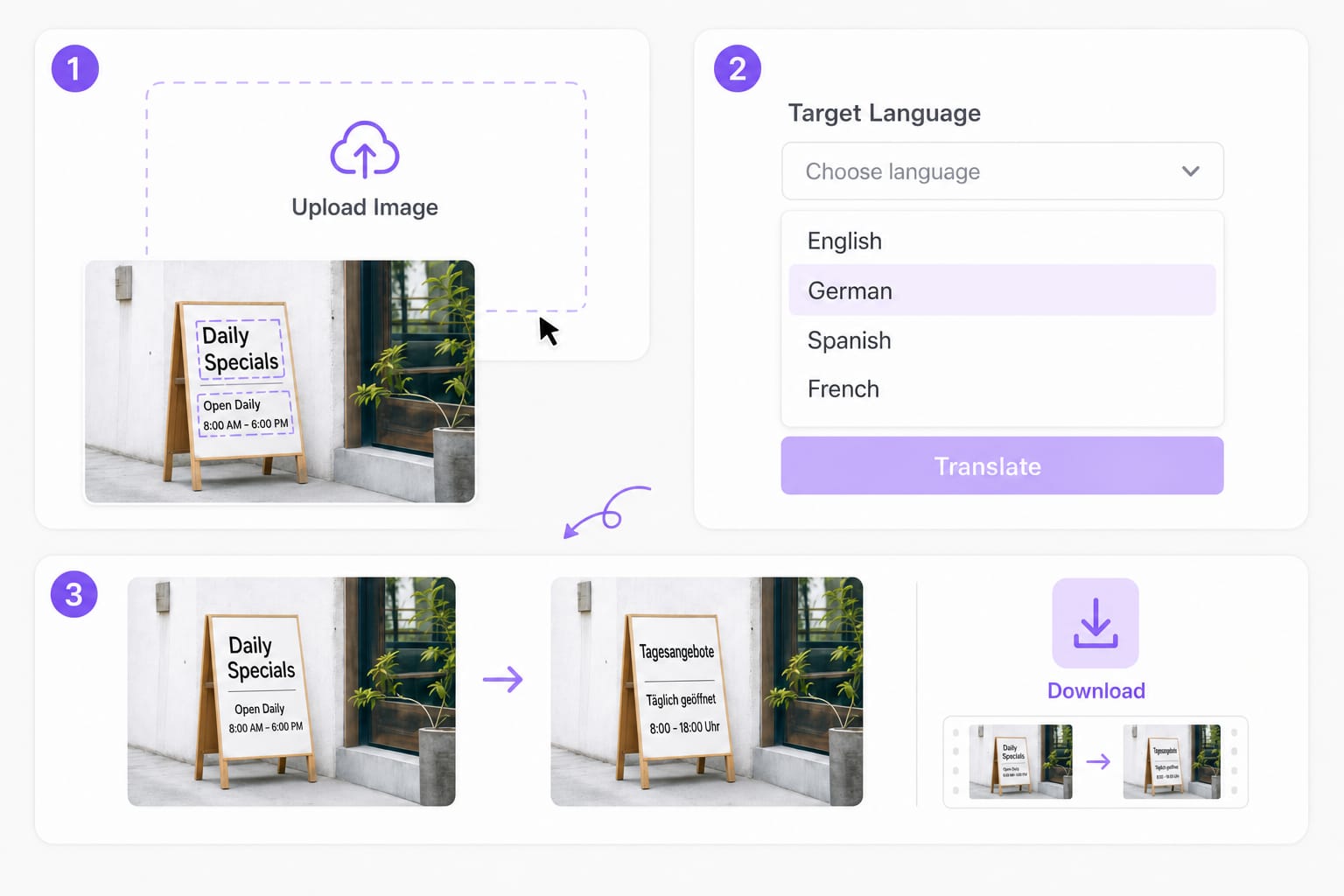
Upload a PNG, JPG, or WebP picture with Cyrillic print, set English as the target, then preview English overlays. This russian to english image translator OCRs each region and redraws English before download.

Does this work on product labels and packaging?

Yes for clear printed Cyrillic on labels, boxes, and manuals. Low-resolution or curved packaging may need a sharper photo for reliable russian to english image translation.

Which formats are supported?

PNG, JPG, and WebP up to 10 MB per file. Exported results download as PNG.

Can I translate a screenshot with Russian UI text?

Yes. App and web UI captures with horizontal Cyrillic text work well. Upload the screenshot, keep English as the target, and download after preview.

Is this russian to english image translator free to try?

You can upload, preview English overlays, and review OCR boxes for free. Sign in when you download the translated PNG.
Translate YouTube videos without re-editing

Paste a YouTube URL and dub or subtitle the full video online — keep pacing and speaker tone intact.