English to Hindi PDF Translator

Upload an English text-layer PDF, translate to Hindi, and download the result while keeping page structure where possible.

Loading document translator…

How to Translate English to Hindi PDFs

Three steps: upload, pick English → Hindi, download.

  1. 01

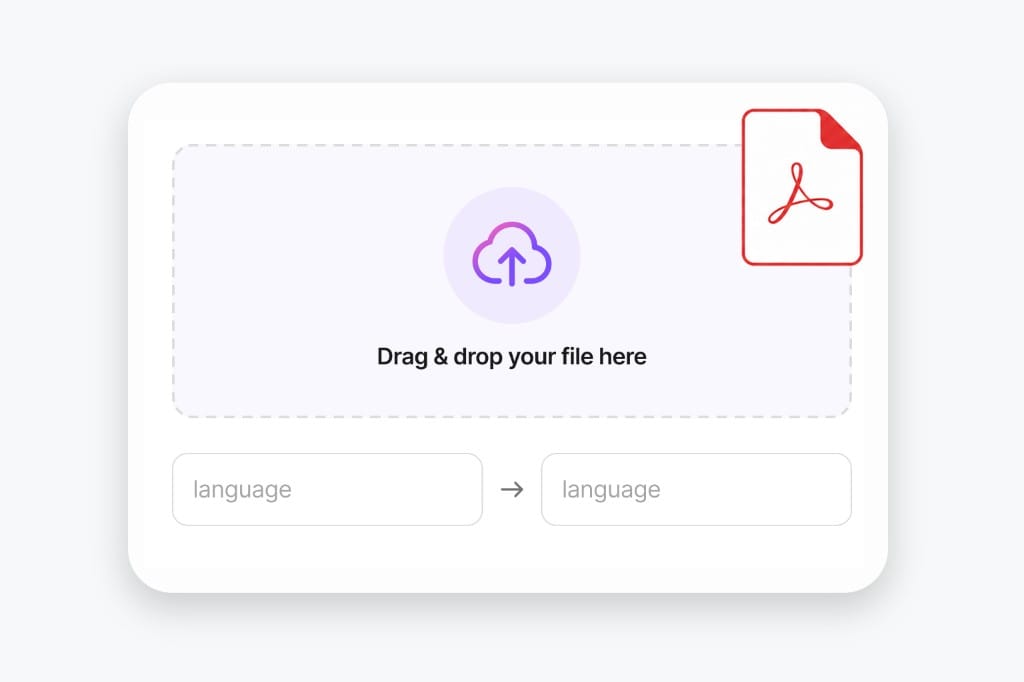
    Upload your PDF document

    Use a text-based PDF up to 20 MB. Scanned image PDFs are not supported yet.

    Upload text-layer PDF illustration
  2. 02

    Pick Hindi

    Choose source (or auto detect) and target language for this page.

    Choose PDF translation languages
  3. 03

    Download the result

    We extract text, translate it, write a new PDF, then you download.

    Download translated PDF illustration

Why Translate English PDFs to Hindi Here

Built for reports, manuals, and forms when you need Hindi output without desktop software. Upload your file, pick languages, preview translated text in the browser, then download the finished English to Hindi PDF output without desktop software.

Translate English PDFs into natural Hindi

Many PDF translators only convert plain text and ignore document structure. VMEG AI translates English PDF files into fluent Hindi while preserving paragraphs, headings, tables, and formatting whenever possible. This makes translated documents easier to read and reduces the time spent reformatting files after translation.

Upload a PDF
Online English to Hindi PDF translation workflow

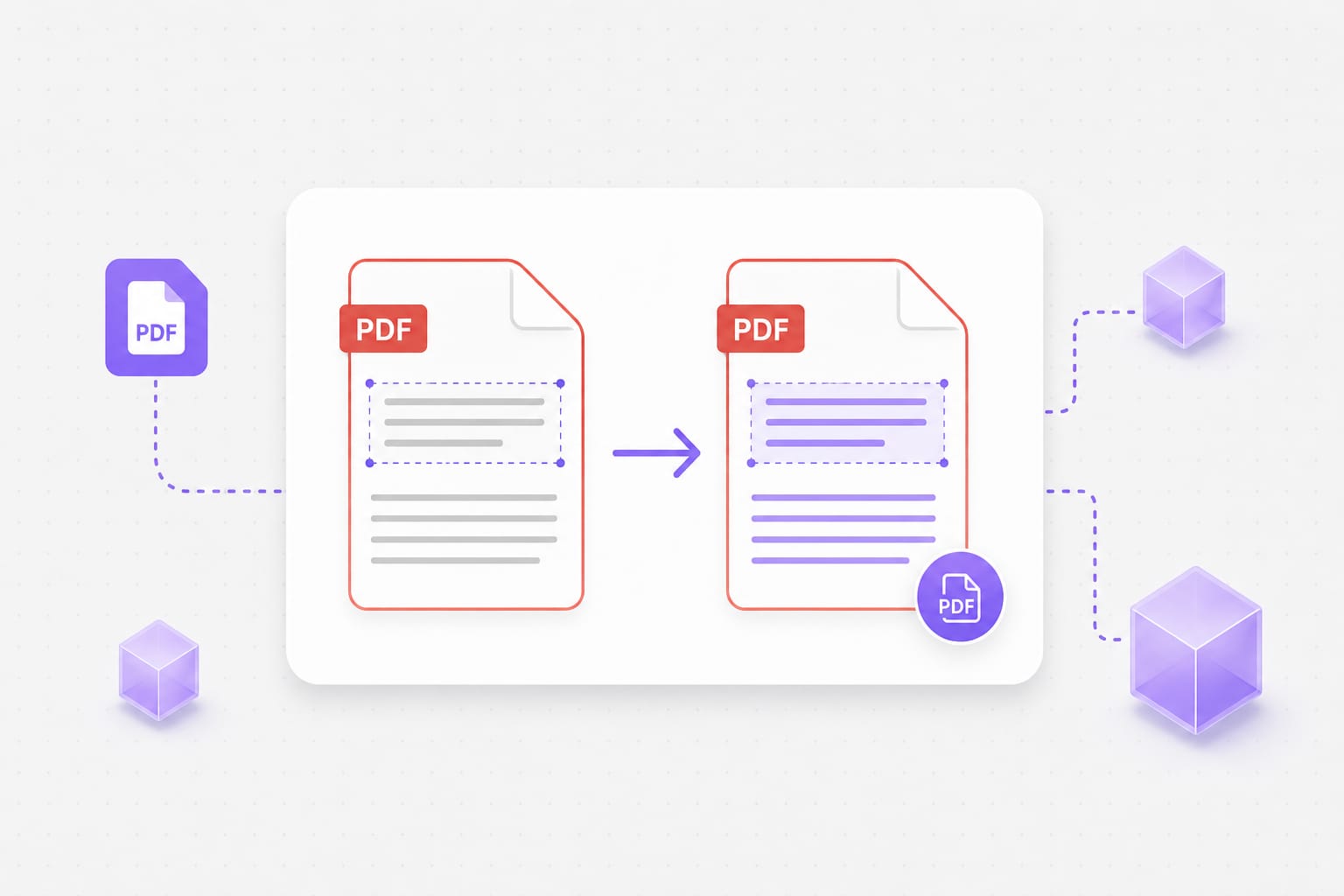
Keep document layout during PDF translation

Business reports, user manuals, ebooks, research papers, and educational materials often contain complex layouts. VMEG AI processes both text and document formatting to maintain a professional appearance after translation.

Try it free
English PDF in, Hindi PDF out workflow illustration

Support business, education, and research documents

VMEG AI is suitable for translating contracts, presentations, product documentation, academic papers, training materials, and study resources from English into Hindi. The platform helps individuals and organizations make information accessible to Hindi-speaking readers while improving translation efficiency.

Start translating
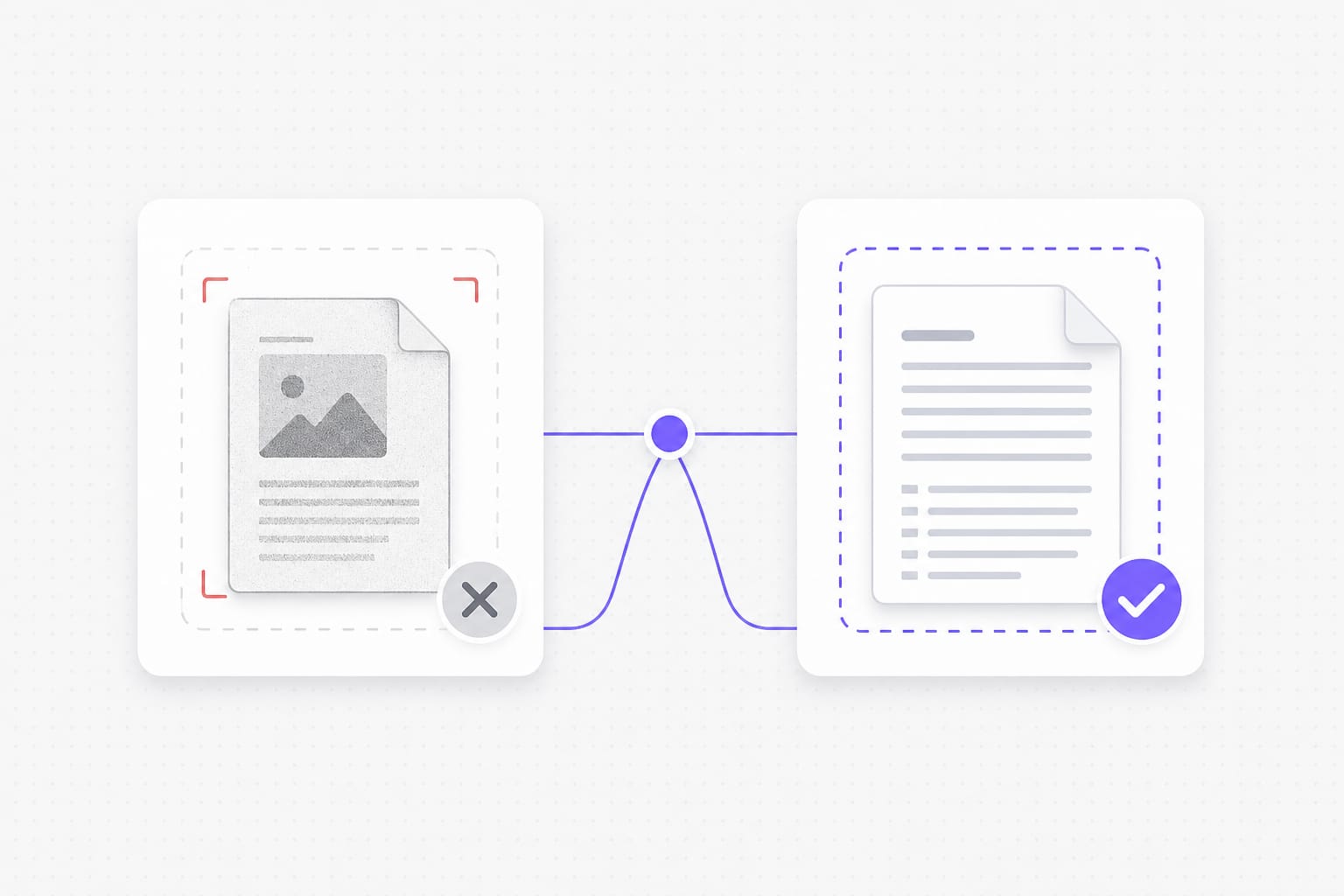
Text-layer PDF requirement for English to Hindi translation

FAQs about English to Hindi Translation in PDF

Does this work on scanned PDFs?

No — you need a text layer. Image-only scans and screenshot PDFs need OCR first (not available on this page yet). For scanned PDFs or photos of text, run OCR first so the file has a selectable text layer, then upload it to English to Hindi PDF.

Will Hindi characters display correctly in the download?

Yes for text-layer PDFs on this page. We rebuild the PDF with fonts that support Hindi and related scripts where needed. The English to Hindi PDF keeps your file format where possible — upload, pick languages, preview, then download the translated document from this page.

Can I mix auto-detect with a fixed target language?

Yes. Leave source on auto detect or lock English and Hindi explicitly — both work on selectable text PDFs. The English to Hindi PDF keeps your file format where possible — upload, pick languages, preview, then download the translated document from this page.

Is there a file size limit?

Uploads are capped at 20 MB per file. If a deck or spreadsheet exceeds the cap, split it into smaller files or export a lighter PDF, then run English to Hindi PDF again on each part.

Will layout stay pixel-perfect?

Most body text lands near the original position. Dense layouts and very long translations may wrap differently. Dense slides or narrow columns may wrap after translation; open the download and adjust styling locally if a label overflows.
Translate podcasts and interviews in minutes

Upload MP3 or WAV and get accurate speech translation across 170+ languages — built for long-form audio.