English to Korean PDF Translator

Convert English PDF text to Korean and download a rebuilt PDF — handy for localization drafts and internal reviews.

Loading document translator…

How to Translate English PDFs to Korean

  1. Upload a PDF

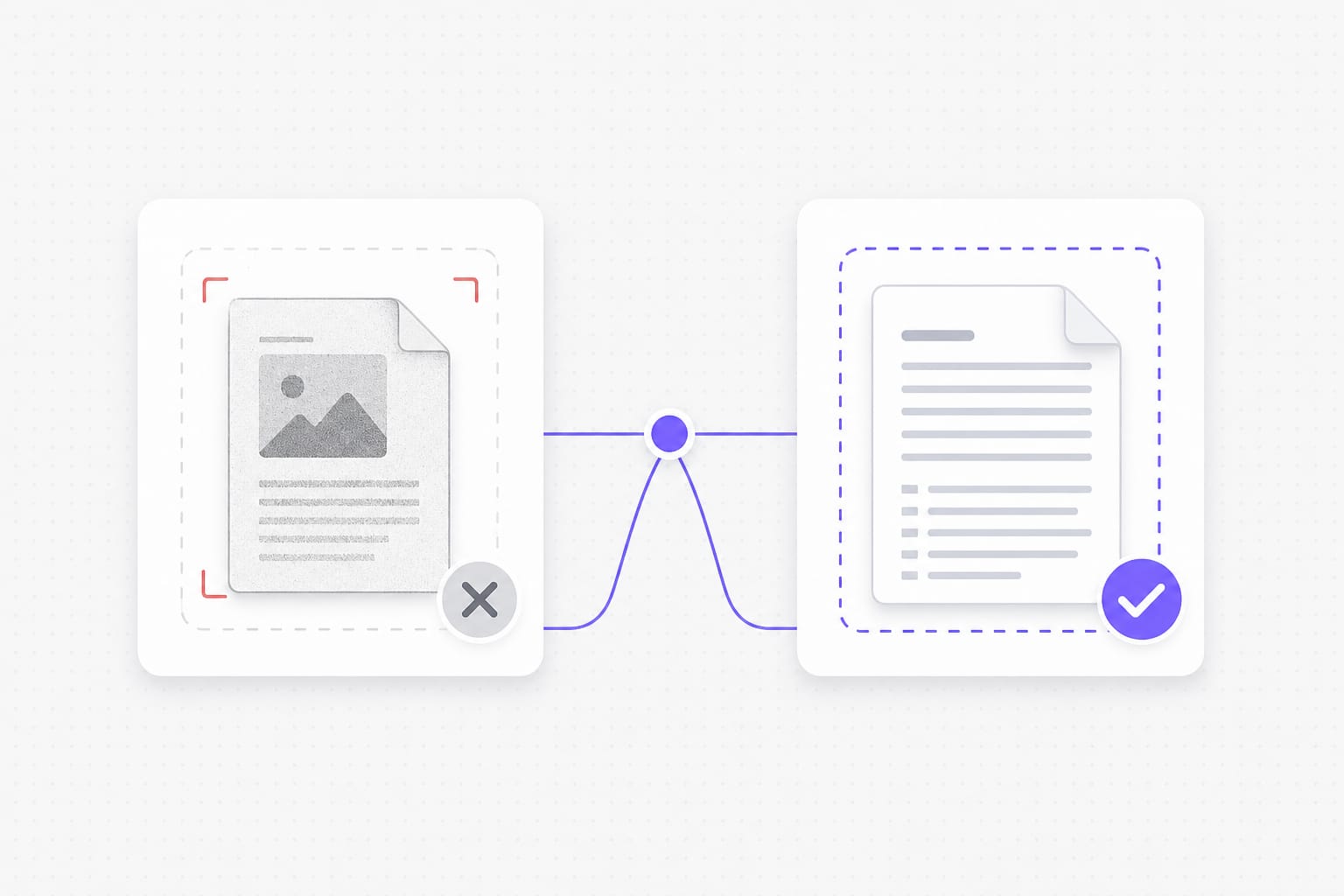
    Start with an English text-layer PDF from reports, specs, or manuals. Files can be up to 20 MB — enough for most single documents. If you cannot select and copy text in a reader, the file is likely a scan. Scanned image PDFs are not supported on this page yet.

  2. Pick languages

    Set English as the source language for this English to Korean page. Choose Korean as the target so Hangul appears in the download. You can leave source on auto detect if the PDF mixes languages. Both options work when the PDF has selectable text.

  3. Download the result

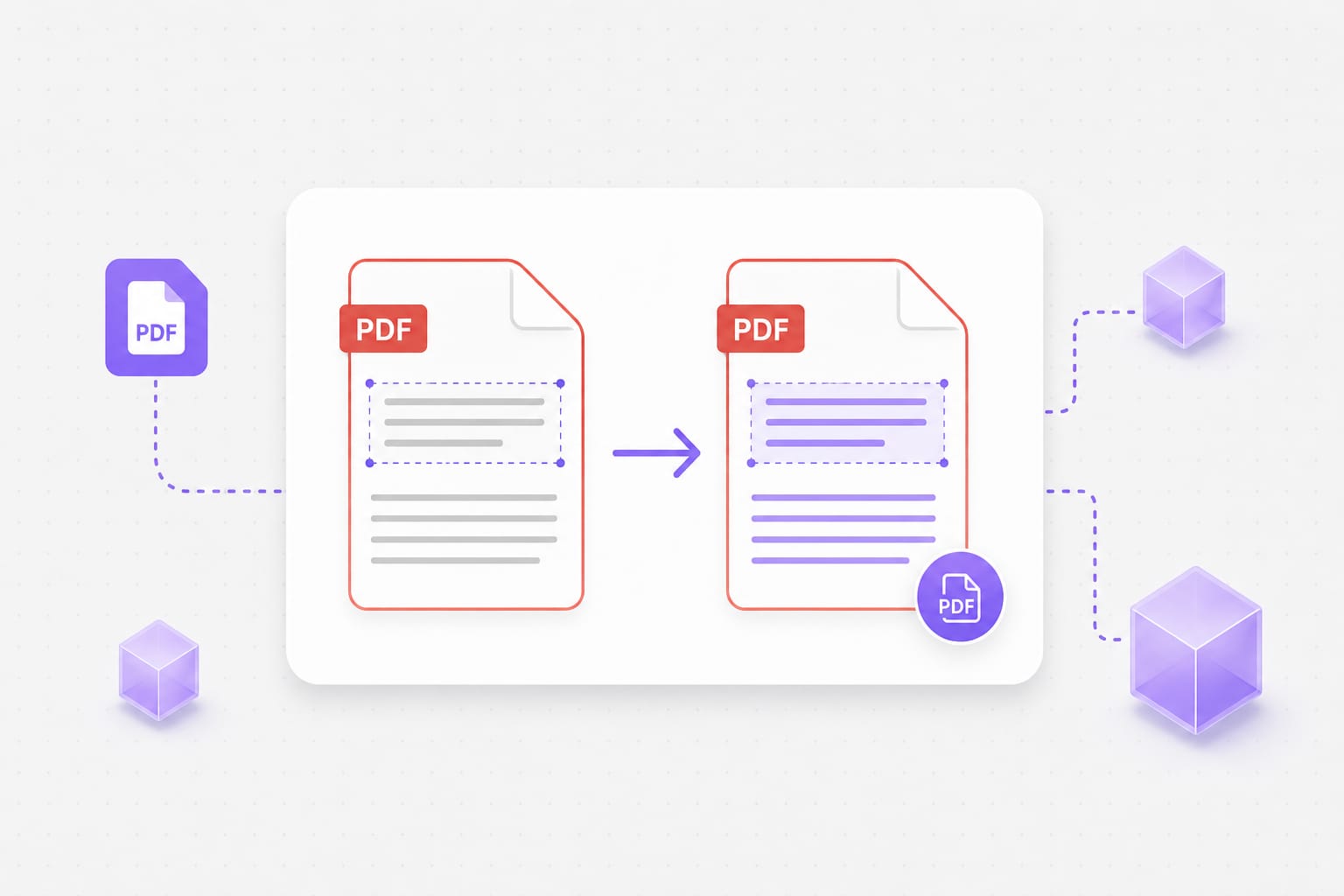
    We pull text from each page, translate it, and rebuild a PDF. Most English body copy lands near the original position on the page. Very long Korean strings may wrap differently in tight layouts. When processing finishes, download the Korean PDF to your device.

Why Choose This English to Korean PDF Translator

Skip copy-paste into separate apps when you only need a Korean PDF copy.

100% Layout & Formatting Preservation

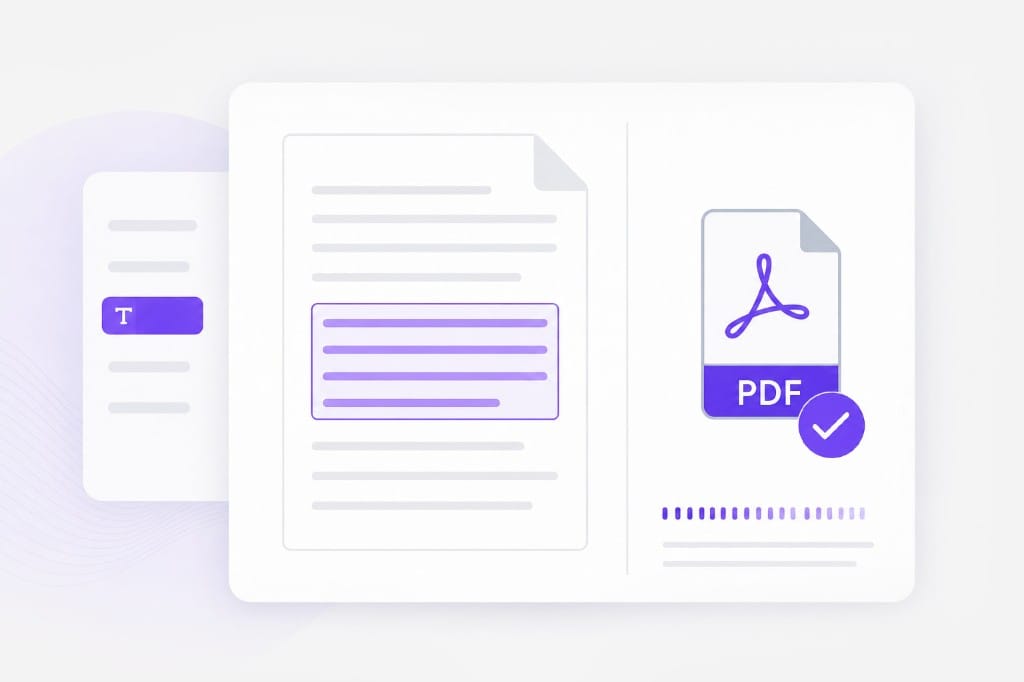
Say goodbye to broken tables, misplaced images, or ruined column alignment. We keep your original document layout perfectly intact after translation.

Upload a PDF
Text-layer PDF translation quality illustration

Natural, Context-Aware Korean Translation

Powered by advanced AI translation models tailored for Korean grammar, honorifics, and context. Get natural-sounding Korean results for business, legal, academic, or technical papers.

Try it free
PDF in, PDF out workflow illustration

Advanced OCR for Scanned PDFs

Don't let non-selectable or scanned PDF text stop you. VMEG's intelligent OCR engine scans image-based English documents, extracts the text with high accuracy, and translates it directly into Korean.

Start translating
Browser PDF parsing with secure translation API

Frequently Asked Questions

Does this work on scanned PDFs?

No — you need a text layer. Image-only scans and screenshot PDFs need OCR first (not available on this page yet).

Will Korean characters display correctly in the download?

Yes for text-layer PDFs on this page. We rebuild the PDF with fonts that support Korean and related scripts where needed.

Can I mix auto-detect with a fixed target language?

Yes. Leave source on auto detect or lock English and Korean explicitly — both work on selectable text PDFs.

Is there a file size limit?

Uploads are capped at 20 MB per file.

Will layout stay pixel-perfect?

Most body text lands near the original position. Dense layouts and very long translations may wrap differently.

Need video or audio translated instead of a PDF?

VMEG can dub and caption full clips when your source is not a document.