Free online access
Translate PDF text in the browser without a paid desktop license. No desktop software to configure — open English to Spanish PDF in a modern browser, adjust settings in the same tab, and export when the preview looks right.
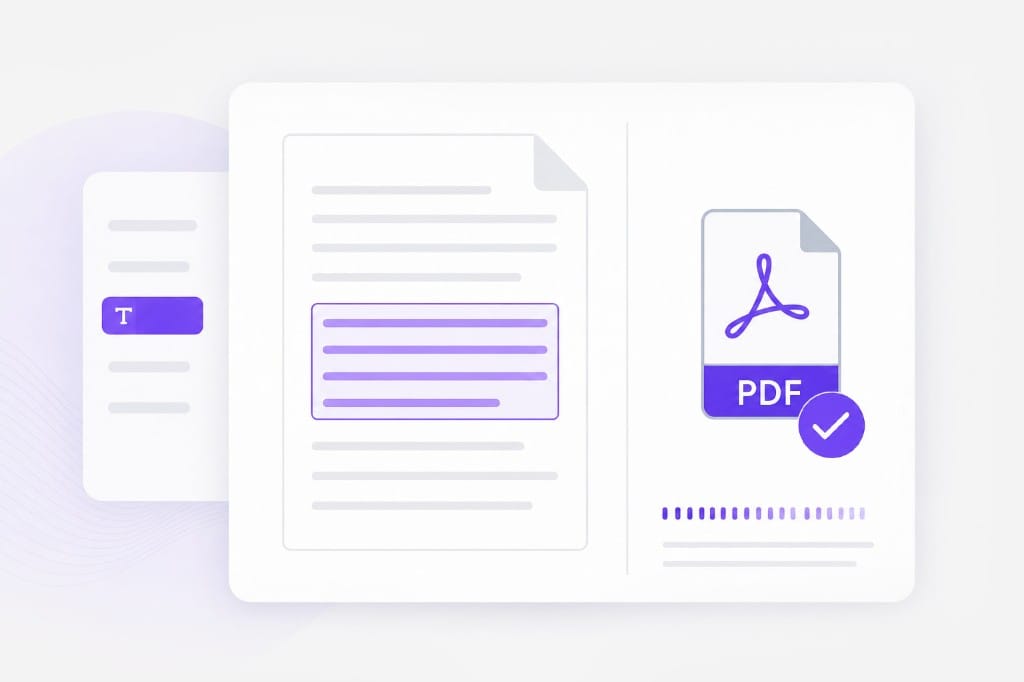
Translate English PDF text to Spanish and download a new PDF — useful for LATAM handoffs and bilingual documentation.
Loading document translator…
01Upload a PDF
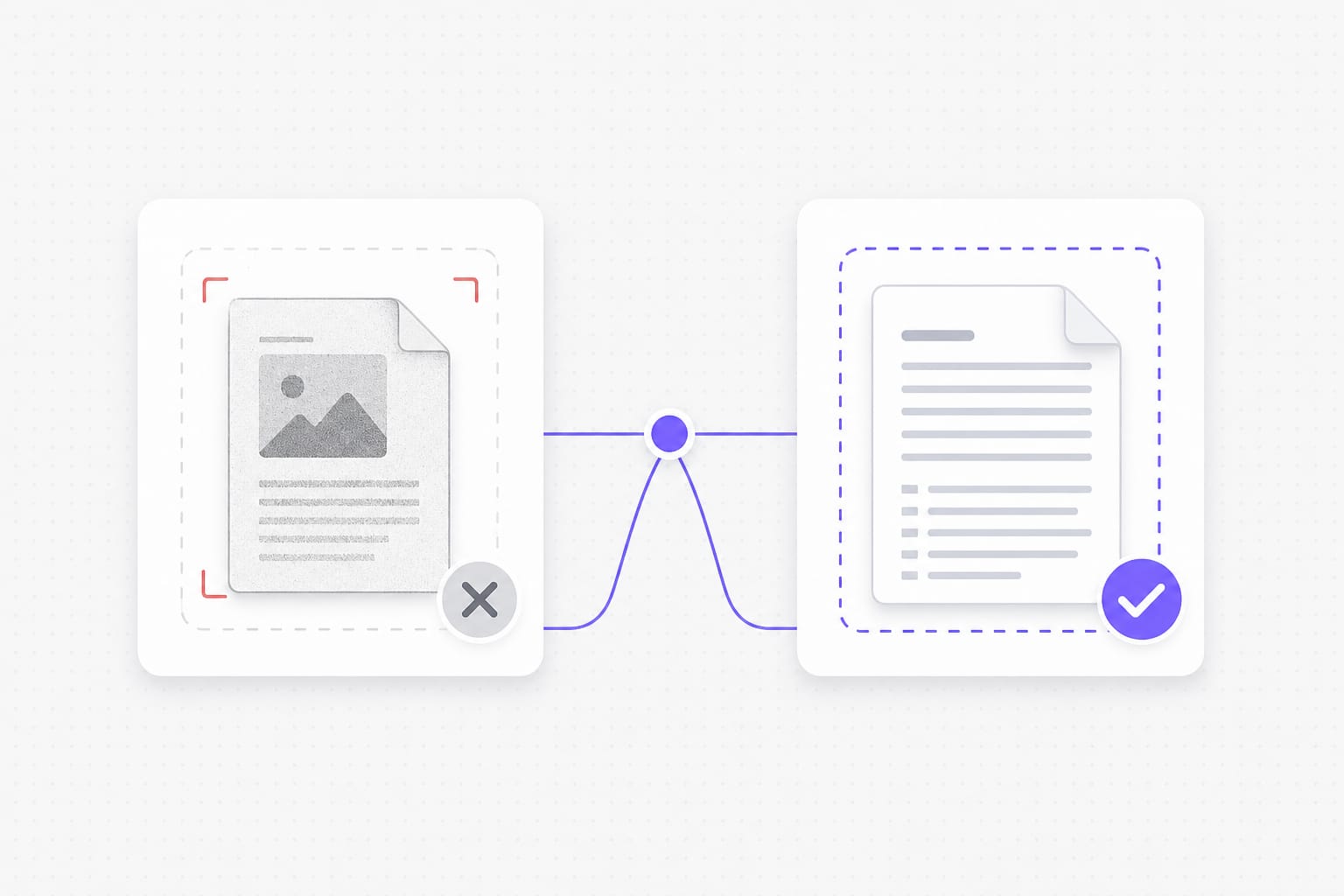
Use a text-based PDF up to 20 MB. Scanned image PDFs are not supported yet.
02Pick languages
Choose source (or auto detect) and target language for this page.
03Download the result
We extract text, translate it, write a new PDF, then you download.
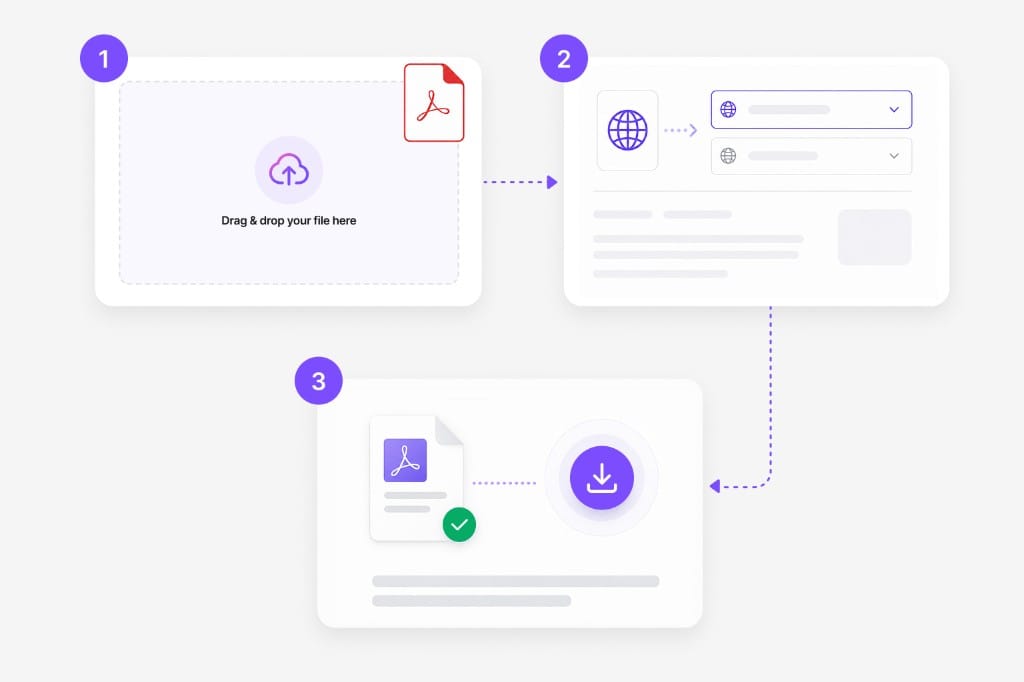
A focused English-to-Spanish path when auto-detect is not what you need. Upload your file, pick languages, preview translated text in the browser, then download the finished English to Spanish PDF output without desktop software.
Translate PDF text in the browser without a paid desktop license. No desktop software to configure — open English to Spanish PDF in a modern browser, adjust settings in the same tab, and export when the preview looks right.
Download a translated PDF you can email or upload elsewhere. Pick source and target languages, review translated text in the preview, then download when layout and terminology look correct for your English to Spanish PDF file.
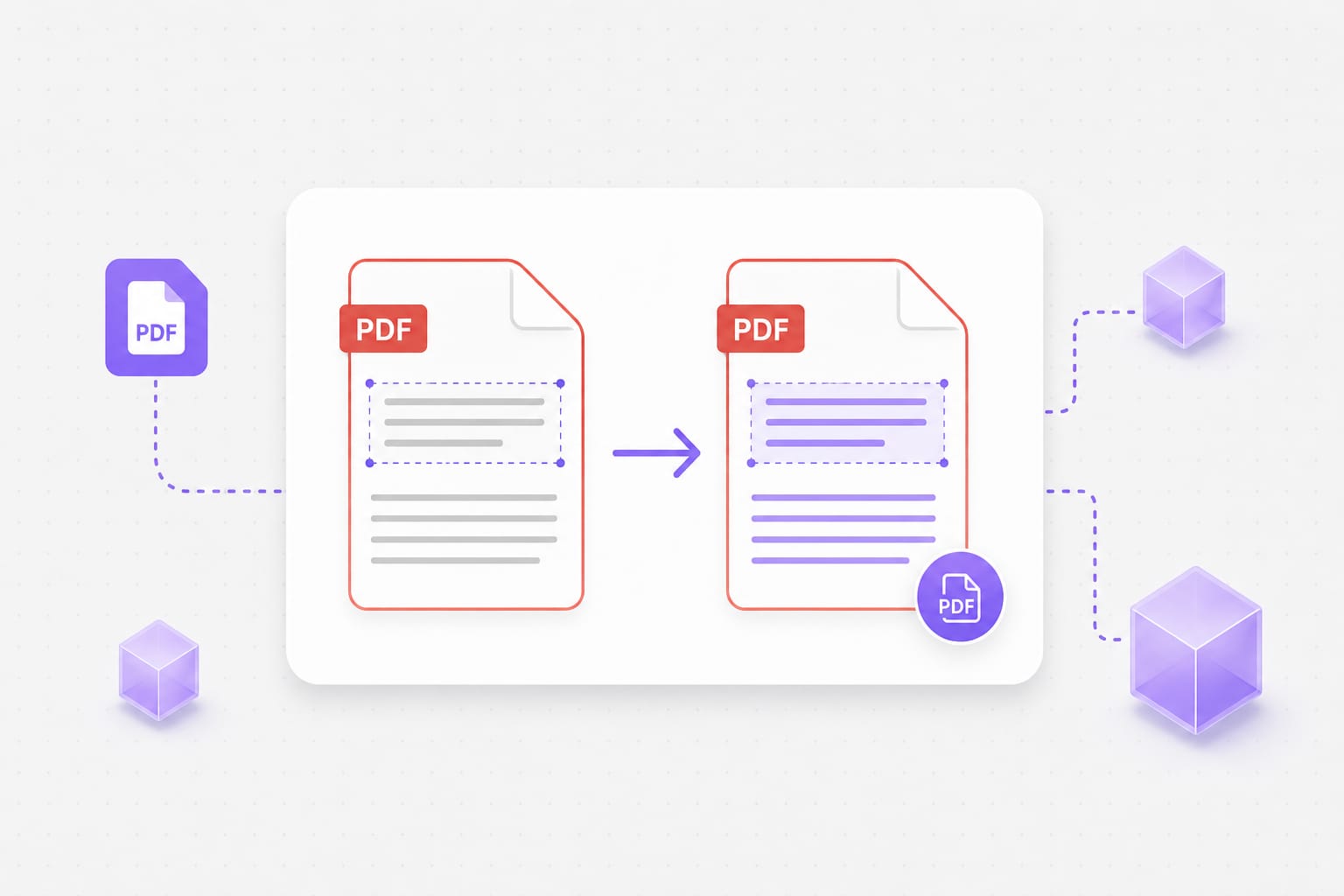
Built for PDFs with selectable text, not photo scans. Upload DOCX, PDF, PPT, or TXT, pick languages, and review translated text in the browser before you download from English to Spanish PDF. Pick source and target languages, review translated text in the preview, then download when layout and terminology look correct for your English to Spanish PDF file.
Large enough for most reports; split bigger files if needed. Upload DOCX, PDF, PPT, or TXT, pick languages, and review translated text in the browser before you download from English to Spanish PDF. Dense slides or merged cells may need a quick visual check after translation — open the download locally if a label wraps unexpectedly.
No — you need a text layer. Image-only scans and screenshot PDFs need OCR first (not available on this page yet). For scanned PDFs or photos of text, run OCR first so the file has a selectable text layer, then upload it to English to Spanish PDF.
Yes for text-layer PDFs on this page. We rebuild the PDF with fonts that support Spanish and related scripts where needed. The English to Spanish PDF keeps your file format where possible — upload, pick languages, preview, then download the translated document from this page.
Yes. Leave source on auto detect or lock English and Spanish explicitly — both work on selectable text PDFs. The English to Spanish PDF keeps your file format where possible — upload, pick languages, preview, then download the translated document from this page.
Uploads are capped at 20 MB per file. If a deck or spreadsheet exceeds the cap, split it into smaller files or export a lighter PDF, then run English to Spanish PDF again on each part.
Most body text lands near the original position. Dense layouts and very long translations may wrap differently. Dense slides or narrow columns may wrap after translation; open the download and adjust styling locally if a label overflows.
Turn marketing clips and training videos into another language with studio-style voices — no recording booth required.