Does this work on scanned PDFs?
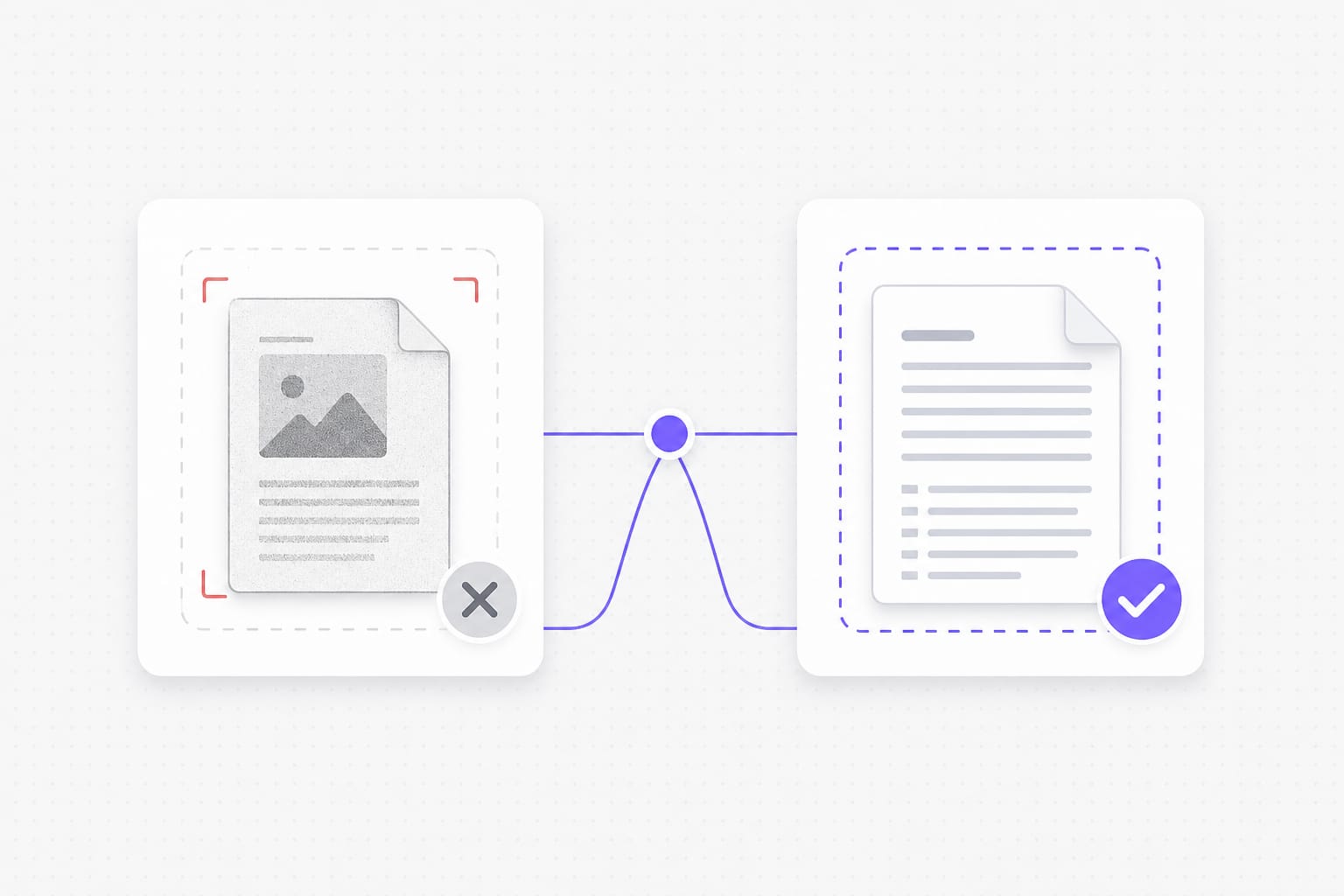
No — you need a text layer. Image-only scans and screenshot PDFs need OCR first (not available on this page yet). For scanned PDFs or photos of text, run OCR first so the file has a selectable text layer, then upload it to Hindi to English PDF.
Will English characters display correctly in the download?
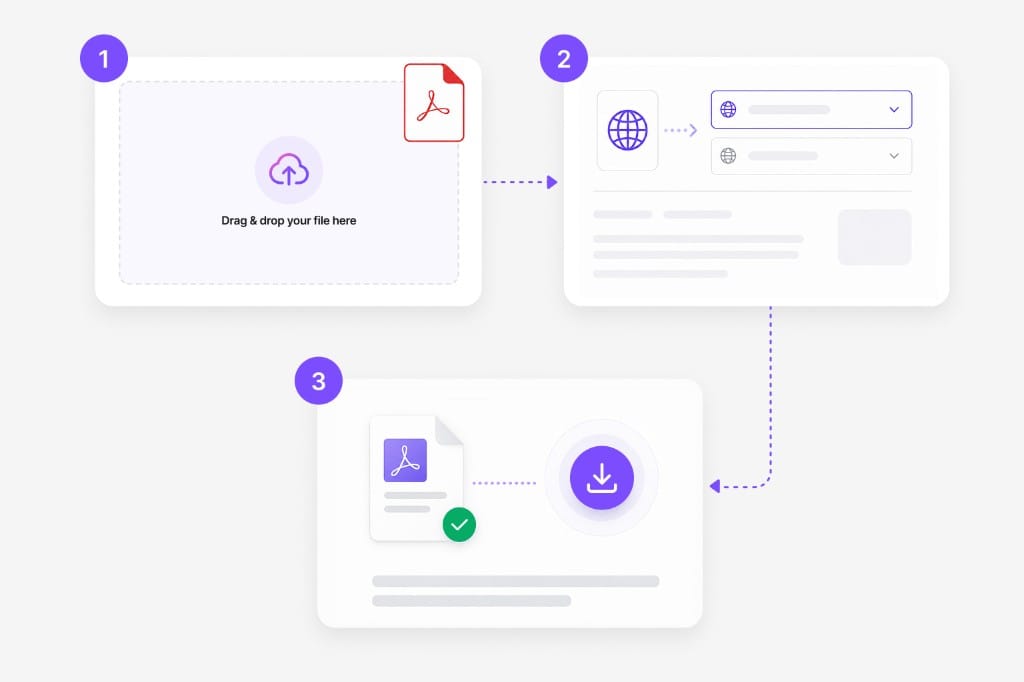
Yes for text-layer PDFs on this page. We rebuild the PDF with fonts that support English and related scripts where needed. The Hindi to English PDF keeps your file format where possible — upload, pick languages, preview, then download the translated document from this page.
Can I mix auto-detect with a fixed target language?
Yes. Leave source on auto detect or lock Hindi and English explicitly — both work on selectable text PDFs. The Hindi to English PDF keeps your file format where possible — upload, pick languages, preview, then download the translated document from this page.
Is there a file size limit?
Uploads are capped at 20 MB per file. If a deck or spreadsheet exceeds the cap, split it into smaller files or export a lighter PDF, then run Hindi to English PDF again on each part.
Will layout stay pixel-perfect?
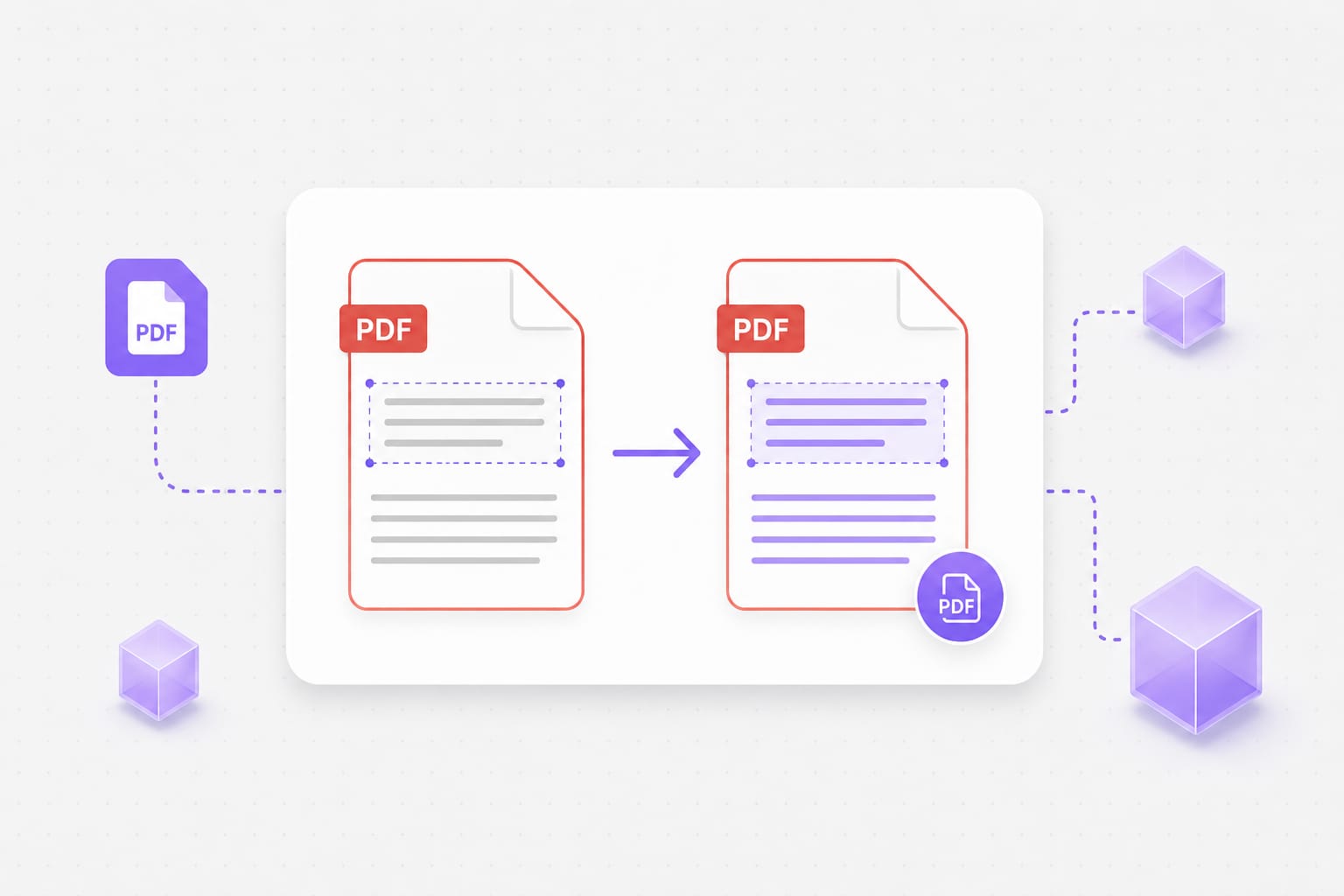
Most body text lands near the original position. Dense layouts and very long translations may wrap differently. Dense slides or narrow columns may wrap after translation; open the download and adjust styling locally if a label overflows.