Translate PDF to Spanish Online

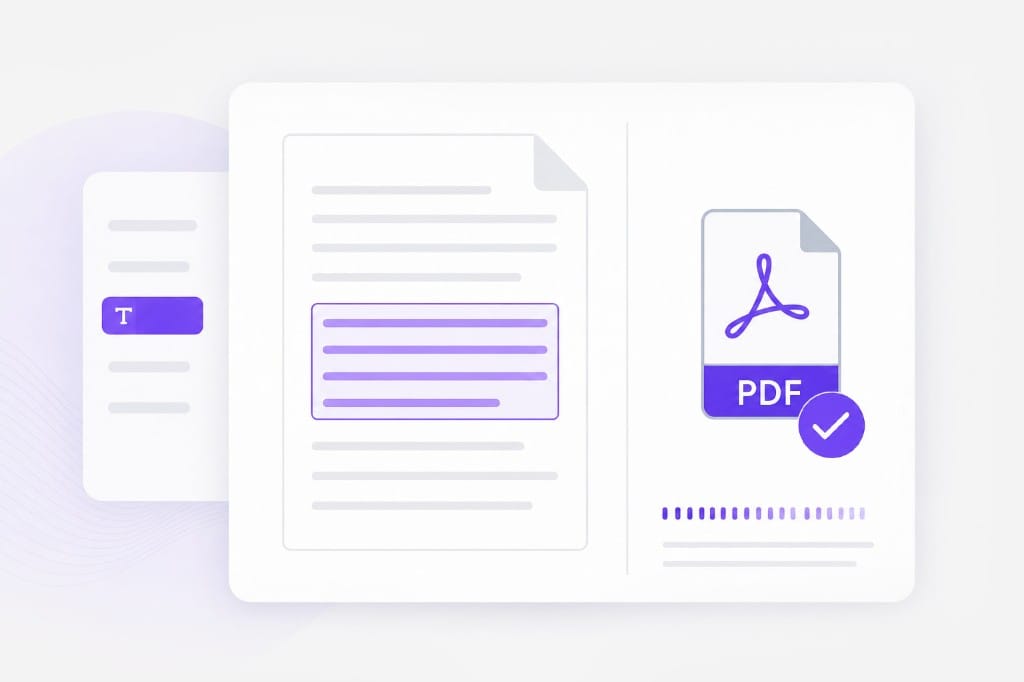
Translate PDF documents into natural Spanish while keeping the original layout and formatting. VMEG AI helps you translate reports, manuals, contracts, ebooks, presentations, and study materials quickly and accurately.

Loading document translator…

How to Translate a PDF to Spanish

Upload, set Spanish as target (auto-detect source if you prefer), download.

  1. 1.Upload PDF

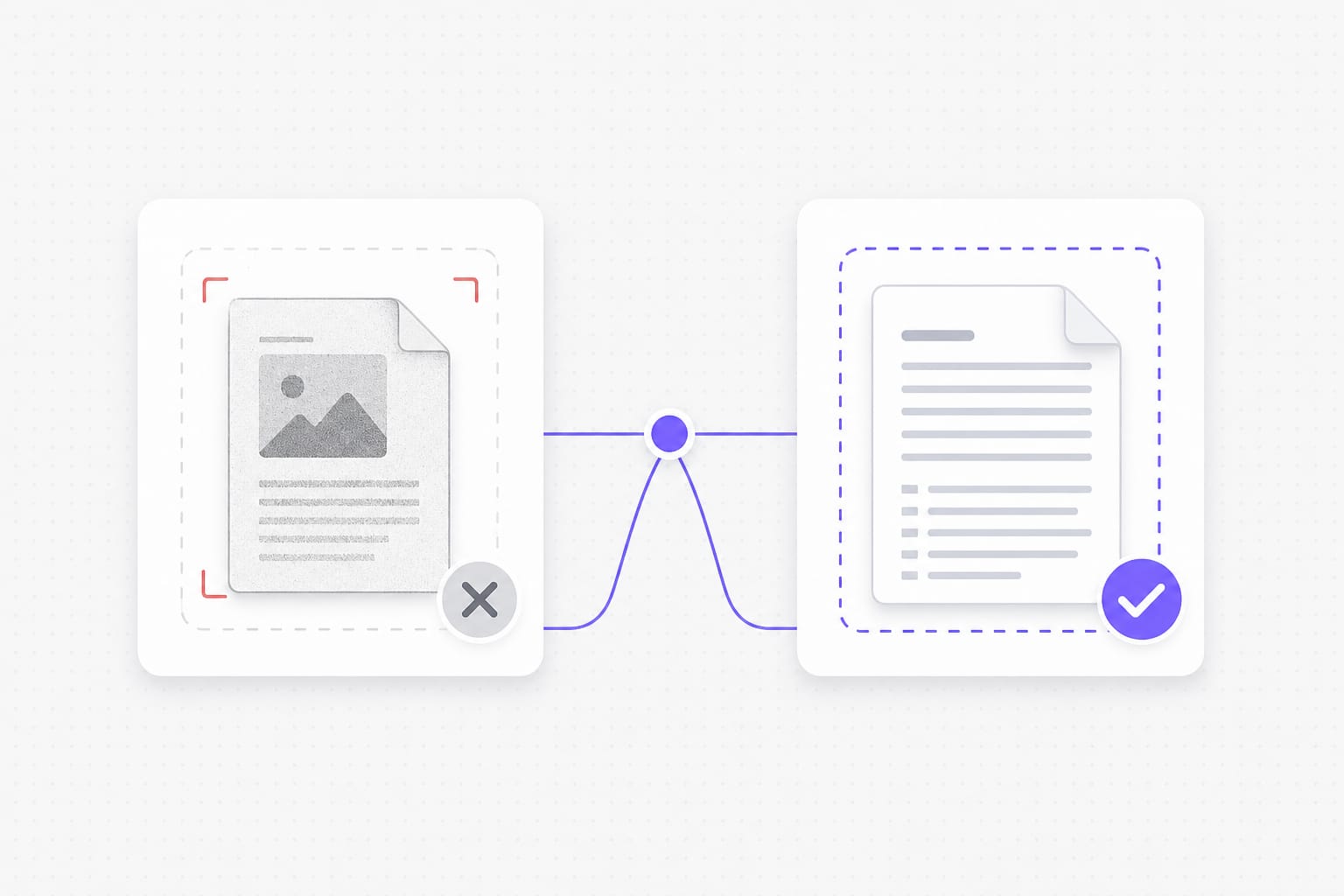
    Add a text-layer PDF up to 20 MB — reports, forms, and manuals where you can select text in a reader. Image-only scans and screenshot PDFs are rejected here because they need OCR first.

  2. 2.Set Spanish & translate

    Leave source on auto detect or pick it manually, then choose Spanish as the target. We extract the text, translate it to Spanish in your browser session, and prepare a new PDF with the results.

  3. 3.Download

    When processing finishes, save the Spanish PDF to your computer. You keep the same file format for email, print, or sharing with Spanish-speaking readers — no extra conversion step.

Why Use This PDF to Spanish Translator

Reach Spanish-speaking readers with a downloadable PDF — without exporting slides or pages to another format first.

Translate PDF documents without rebuilding the layout

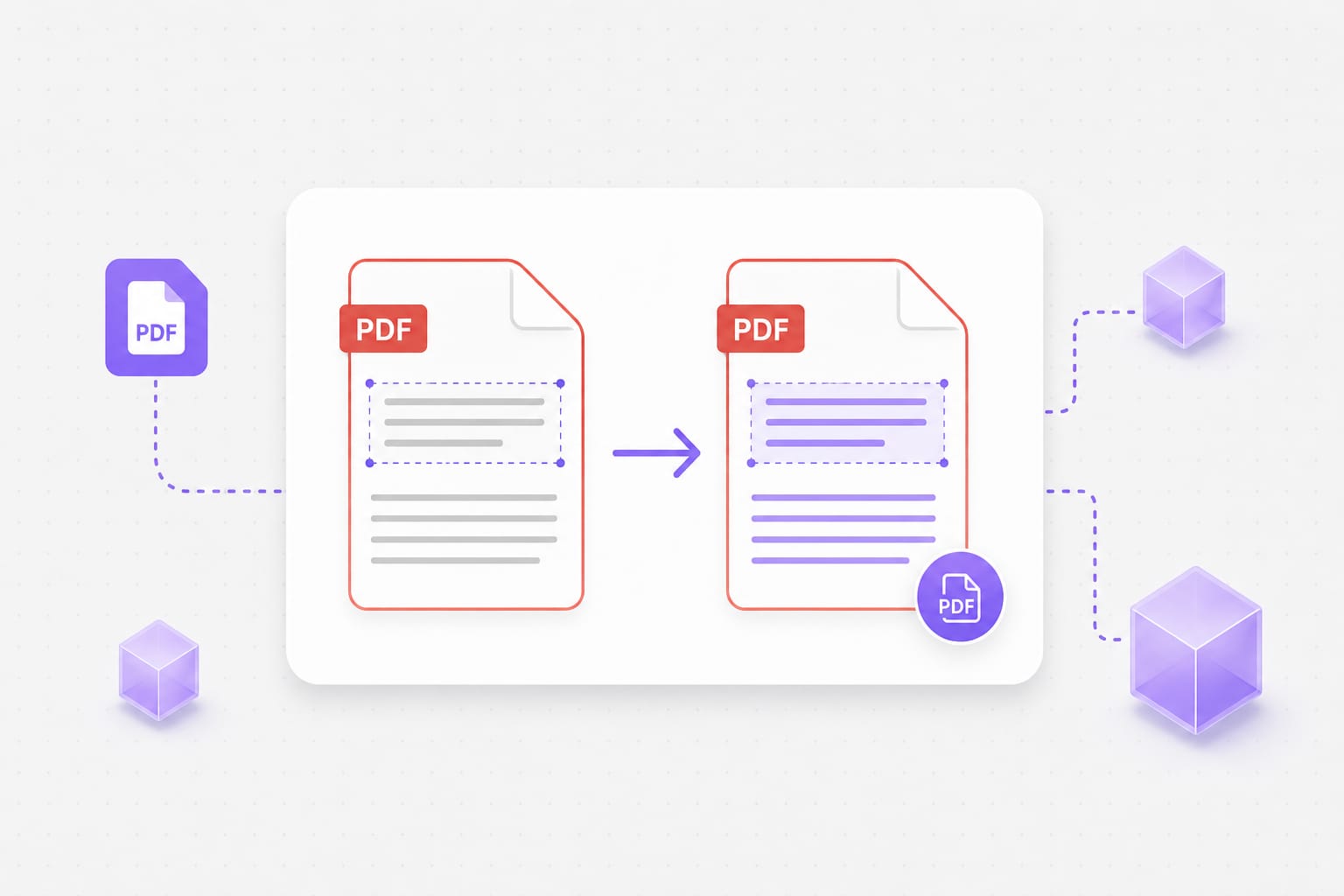
Many PDF translation tools only translate plain text, leaving users to manually recreate formatting afterward. VMEG AI translates PDF files into Spanish while preserving document structure, making reports, manuals, and presentations easier to use immediately.

Upload a PDF
Online PDF to Spanish translation in the browser

Translate PDFs into 170+ languages

Spanish is just one of more than 170 languages supported by VMEG AI. You can easily translate the same PDF into multiple languages, making the platform suitable for international business, education, and global content distribution. One document can be localized for multiple markets without repeating the workflow.

Try it free
PDF in, Spanish PDF out workflow

AI translation with editable results

After translation, you can review and edit the Spanish text before exporting the final PDF. This allows you to adjust terminology, improve readability, or ensure consistency across professional documents.

Start translating
Text-layer PDF requirement for PDF to Spanish translation

Frequently Asked Questions

Does this work on scanned PDFs?

No — you need a text layer. Image-only scans and screenshot PDFs need OCR first (not available on this page yet).

Will Spanish characters display correctly in the download?

Yes for text-layer PDFs on this page. We rebuild the PDF with fonts that support Spanish and related scripts where needed.

Can I mix auto-detect with a fixed target language?

Yes. Leave source on auto detect or lock your language and Spanish explicitly — both work on selectable text PDFs.

Is there a file size limit?

Uploads are capped at 20 MB per file.

Will layout stay pixel-perfect?

Most body text lands near the original position. Dense layouts and very long translations may wrap differently.

Need video or audio translated instead of a PDF?

VMEG can dub and caption full clips when your source is not a document.