Filipino Transcription
Easily turn your Filipino recordings into editable text online. VMEG’s AI accurately captures natural Filipino speech patterns, slang, and accent variations — producing well-timed, clean transcripts that can be reviewed, translated, and exported effortlessly.
How to Transcribe Filipino Audio to Text Online
01Upload Filipino Audio (or Video)
Start by uploading your Filipino file — whether it’s an interview, vlog, class recording, or podcast. VMEG supports multiple audio and video formats including MP3, MP4, WAV, and M4A.
02Select Filipino or Enable Translation
Choose Filipino as the transcription language, or instantly translate into English, Chinese, or 170+ global languages.
03Review, Polish & Export Your Transcript
Once transcription is complete, you can edit directly in the browser and export your transcript in TXT, VTT, or SRT format for captions or study notes.



VMEG for Filipino Transcription - Online and Fast
Intelligent Filipino Speech Recognition
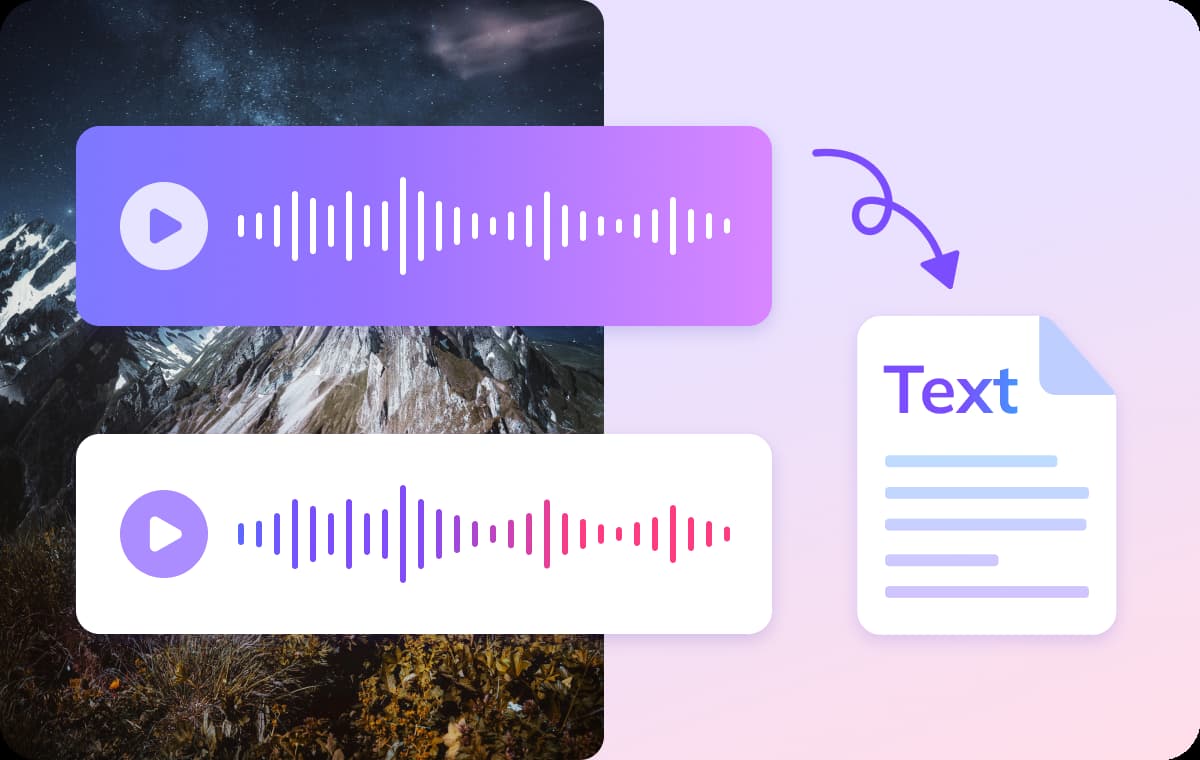
VMEG’s AI engine is fine-tuned for Filipino speech, accurately detecting tone, rhythm, and regional inflections. It distinguishes between multiple speakers and auto-aligns words with precise timestamps.No manual corrections or software installation needed — everything happens instantly online. Perfect for creators, educators, and professionals who want reliable Filipino-to-text results in seconds.
Built-in Translation for Multilingual Content
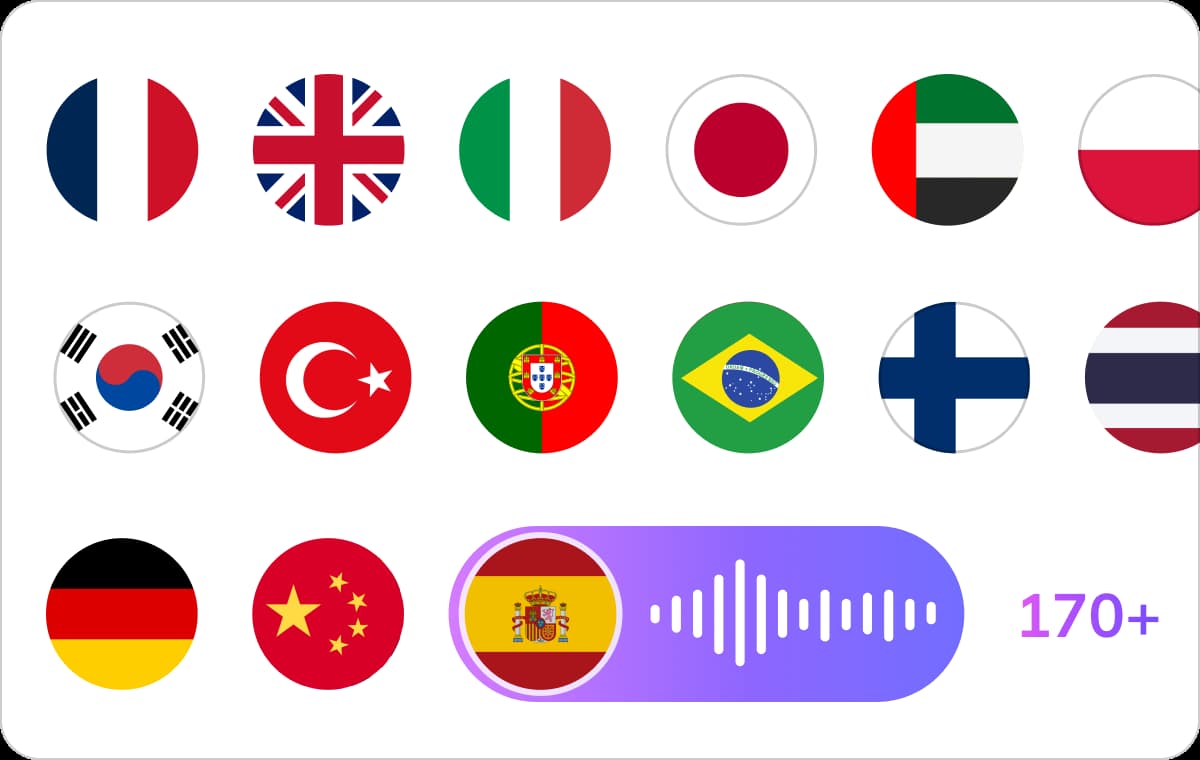
Once your Filipino audio is transcribed, translate it into 170+ languages directly within VMEG. Preserve meaning, phrasing, and context as your transcript becomes a global-ready document.You can switch between Filipino, English, and other languages seamlessly — ideal for subtitling or international publishing. This all-in-one workflow saves time for journalists, educators, and businesses managing multilingual projects.
Export Subtitles and Ready-to-Use Transcripts
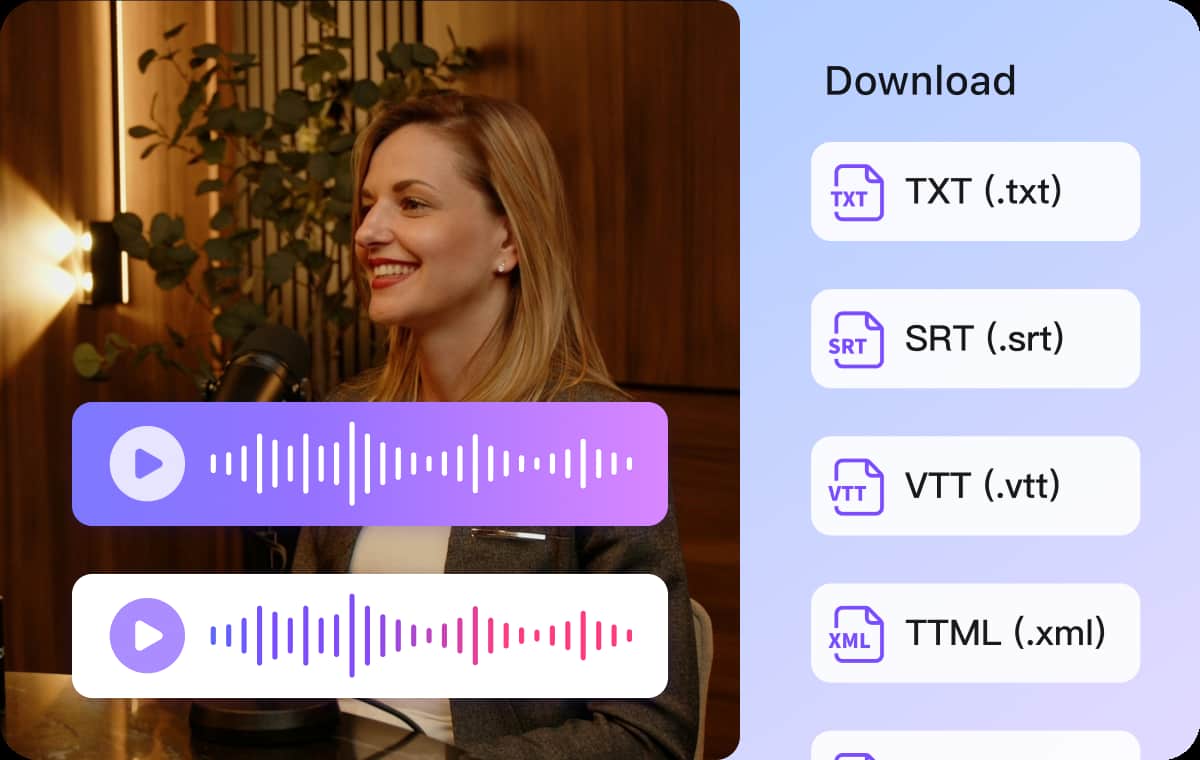
VMEG automatically formats your Filipino transcript for export in TXT, SRT, or VTT . Captions are synchronized and ready for YouTube, Facebook, or e-learning platforms.You can also refine your transcript for academic papers, scripts, or blog posts. Every line is perfectly timecoded, making your Filipino content accessible and searchable online.
Who Uses VMEG’s Filipino Transcription Tool

Content Creators & Podcasters
Convert Filipino podcasts, reels, or live streams into transcripts for blogs, captions, or SEO-rich content. VMEG helps creators repurpose videos into multilingual materials effortlessly.

Students & Educators
Transcribe Filipino lectures, interviews, and online classes into text for study materials or research. Ideal for distance learning and academic documentation.
Businesses & Organizations
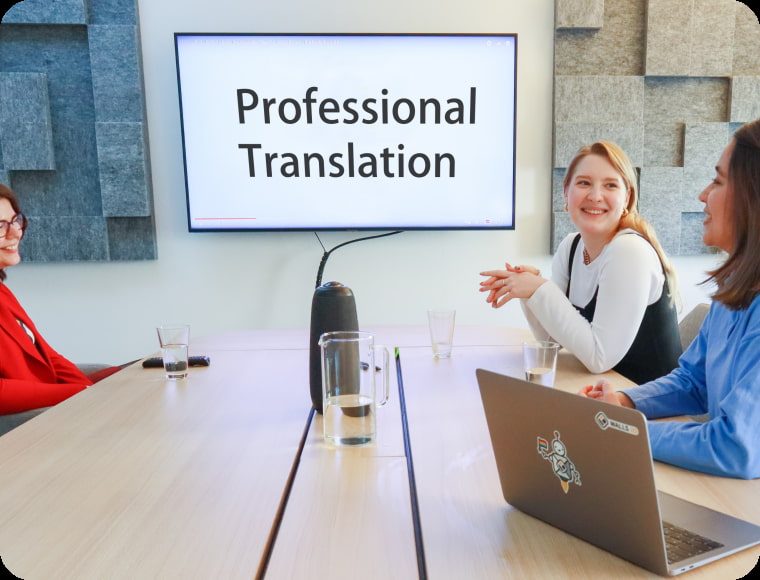
Turn Filipino meetings, reports, or customer calls into written records. Translate and subtitle them for global partners or internal training materials.
Filipino Transcription FAQs
How do I transcribe Filipino audio to text?
Upload your file in MP3, MP4, or WAV format. VMEG’s AI automatically detects the language and generates an accurate transcript within minutes.
Can I transcribe Spanish podcasts or interviews?
Absolutely. VMEG supports Spanish podcast transcription, interviews, lectures, and meetings. Just upload your recording and choose Spanish as the audio language to receive a clean, timestamped transcript.
Can I translate my Filipino transcript?
Absolutely. You can translate into 170+ languages while maintaining your original timestamps and formatting.
Transcribe Audio into More Languages
Discover More on VMEG
Related Searches
Filipino Transcription
Easily turn your Filipino audio into editable text online with VMEG AI.