What does EQ audio mean on this page?
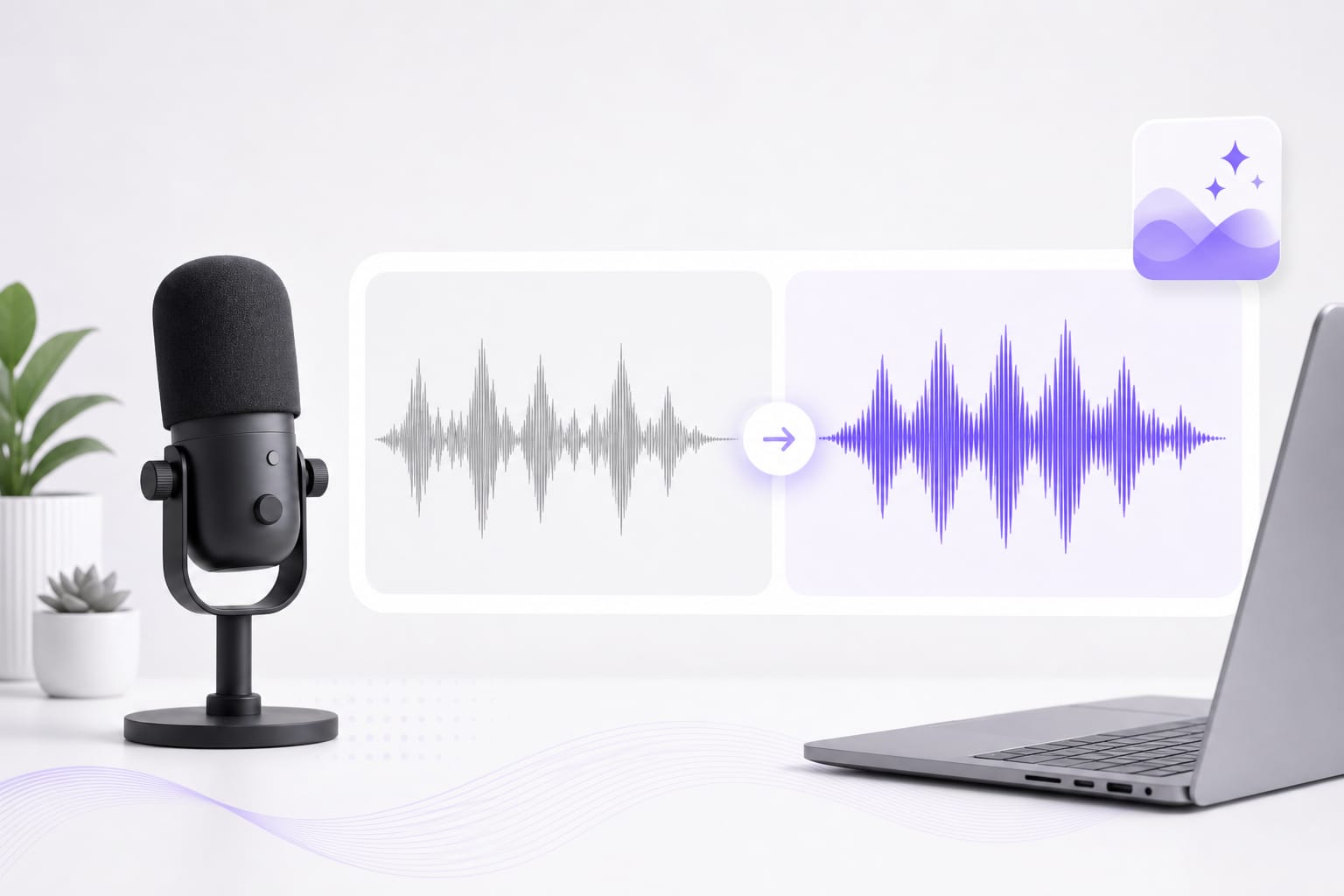
Here it means applying one fixed processing profile to the complete soundtrack. The profiles combine filtering, presence shaping, compression, and gain.
Can I adjust individual frequency bands?
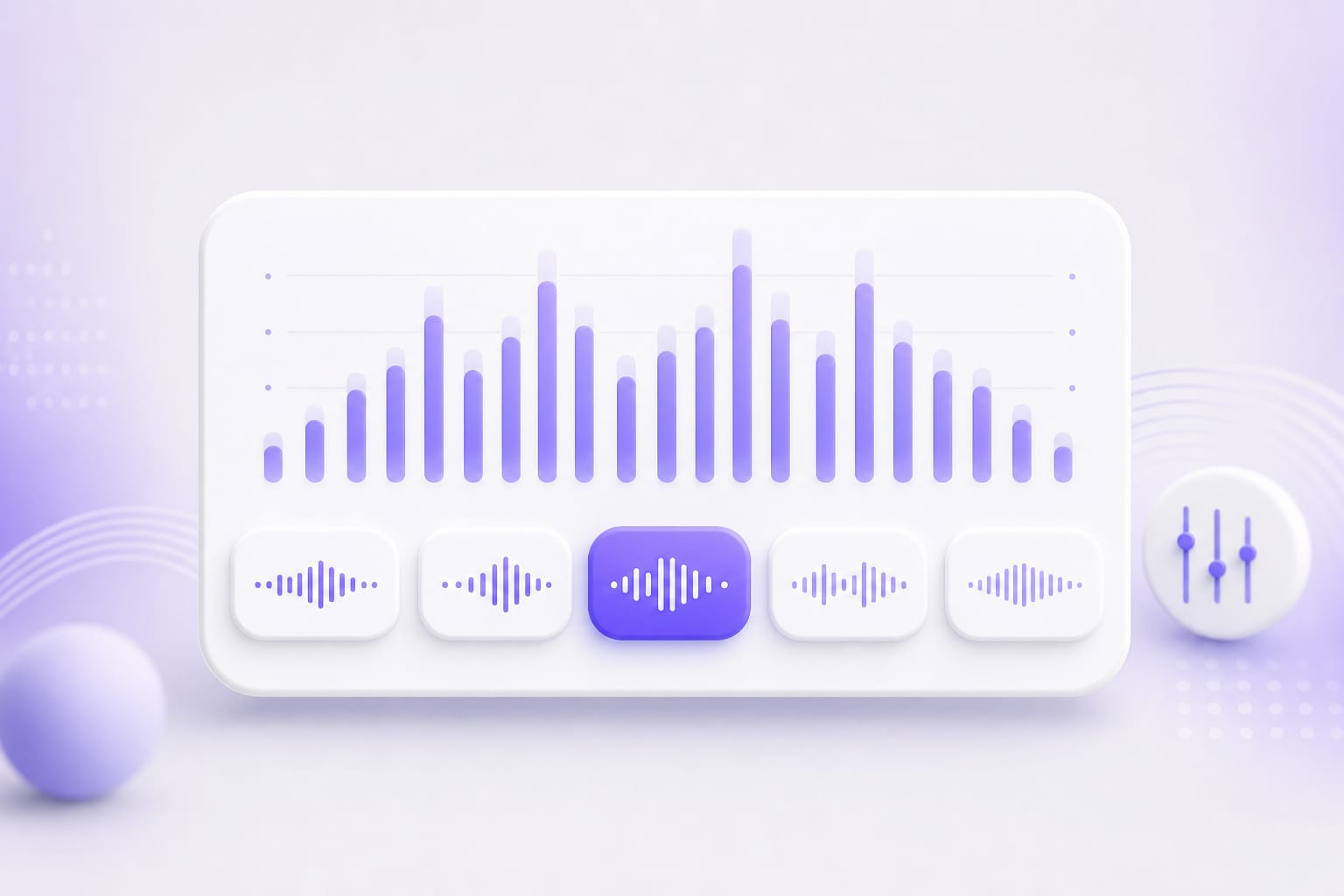
No. Pick Bright, Warm, Voice, Podcast, or Music. Use a graphical or parametric equalizer when you need band-by-band control. Drop a voice memo, podcast clip, or video with dialogue into EQ Audio, pick a preset, preview the enhanced audio, then download when it sounds right.
Does EQ Audio keep the video picture?
No. You can upload a video, but this workflow processes its soundtrack and exports enhanced audio as a WAV. Drop a voice memo, podcast clip, or video with dialogue into EQ Audio, pick a preset, preview the enhanced audio, then download when it sounds right.
Which complete tracks can I process?
Process complete tracks from MP3, WAV, M4A, AAC, and FLAC audio or MP4, MOV, MKV, and WebM video. The upload limit is 100 MB. Drop a voice memo, podcast clip, or video with dialogue into EQ Audio, pick a preset, preview the enhanced audio, then download when it sounds right.
How is EQ Audio different from Voice Equalizer?
EQ Audio is positioned for broad processing of a complete track, including mixed soundtracks. Voice Equalizer is intended for the tone of recorded speech.
What file does EQ Audio create?
It creates a processed WAV. You can compare a preview with the source before signing in for the download. Drop a voice memo, podcast clip, or video with dialogue into EQ Audio, pick a preset, preview the enhanced audio, then download when it sounds right.