Does this split lead and backing vocals separately?
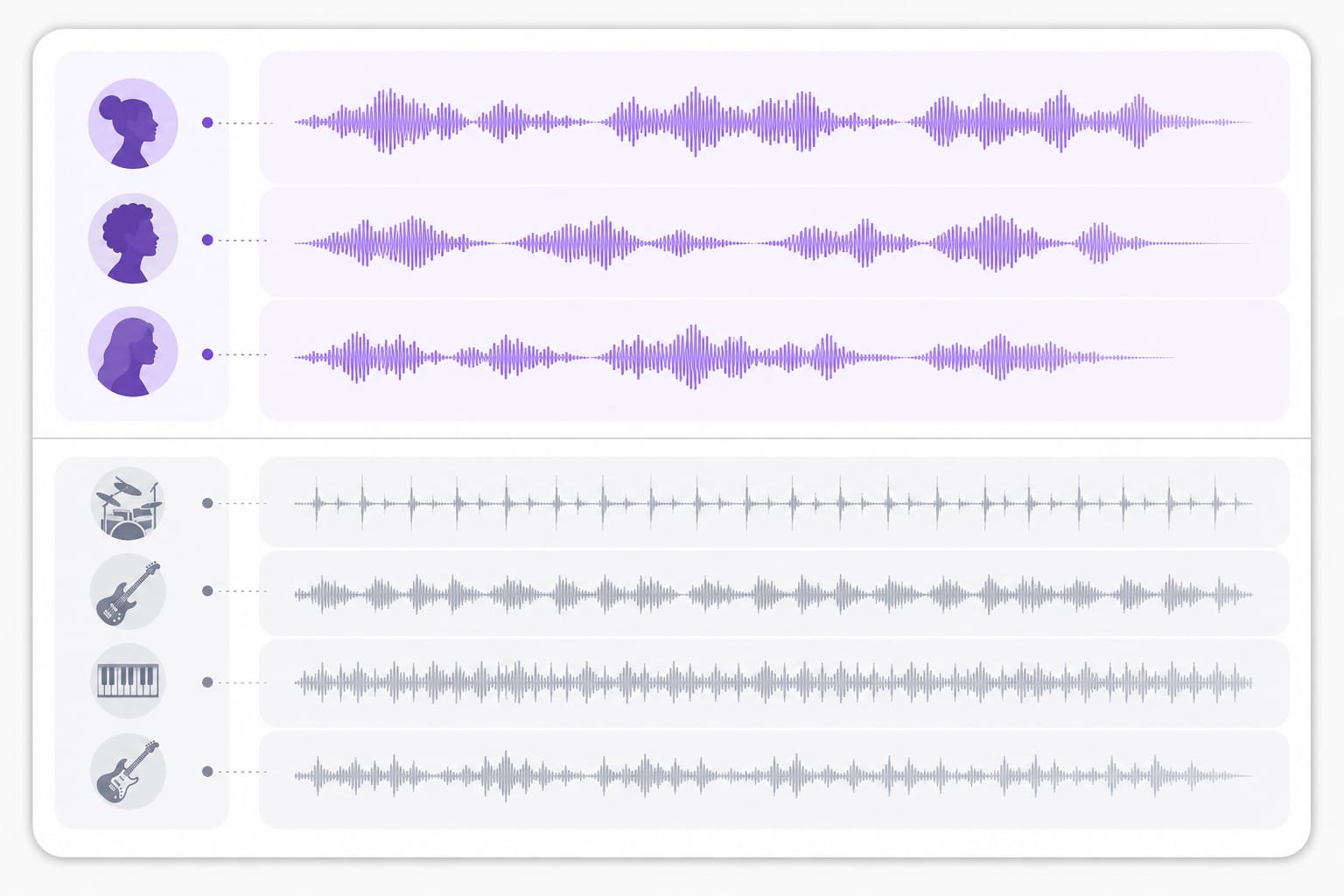
The Vocals stem exports the combined sung lanes from the mix. Lead and harmonies are not split into separate files, but the vocal layer is isolated from instruments.
How is this different from a vocal remover?
Vocal removers focus on instrumentals for karaoke. This page is for exporting the vocal stem, including harmonies, for study and remix. Upload audio or video on this Isolate Backing Vocals page, pick the stem you need, preview, then export after a free sign-in if download is required.
Which formats can I upload?
MP3, WAV, M4A, AAC, FLAC, MP4, MOV, MKV, and WebM up to 100 MB per file. Check the upload chip on this page for the full list of supported containers; matching those formats avoids failed imports.
Can I paste a YouTube cover video?
Yes. Supported public links from YouTube, TikTok, Vimeo, Facebook, Instagram, or X work when URL import is enabled. Public links from major platforms work best; if a private or region-locked URL fails, download the media locally and upload it to Isolate Backing Vocals instead.
Will backing vocals sound clean?
Dense mixes with heavy reverb can leave bleed in the vocal stem. Try a chorus section where harmonies sit forward in the mix. Upload audio or video on this Isolate Backing Vocals page, pick the stem you need, preview, then export after a free sign-in if download is required.
Is isolation free to try?
Upload and preview for free. Sign in to download your vocal or instrumental stem. Preview and core processing are free in your browser; sign in when you download the finished Isolate Backing Vocals output so exports stay reliable.