What is a microphone enhancer?
It processes an existing mic recording with preset filtering, presence shaping, compression, and gain. It does not change the microphone hardware.
Does it work on phone microphone audio?
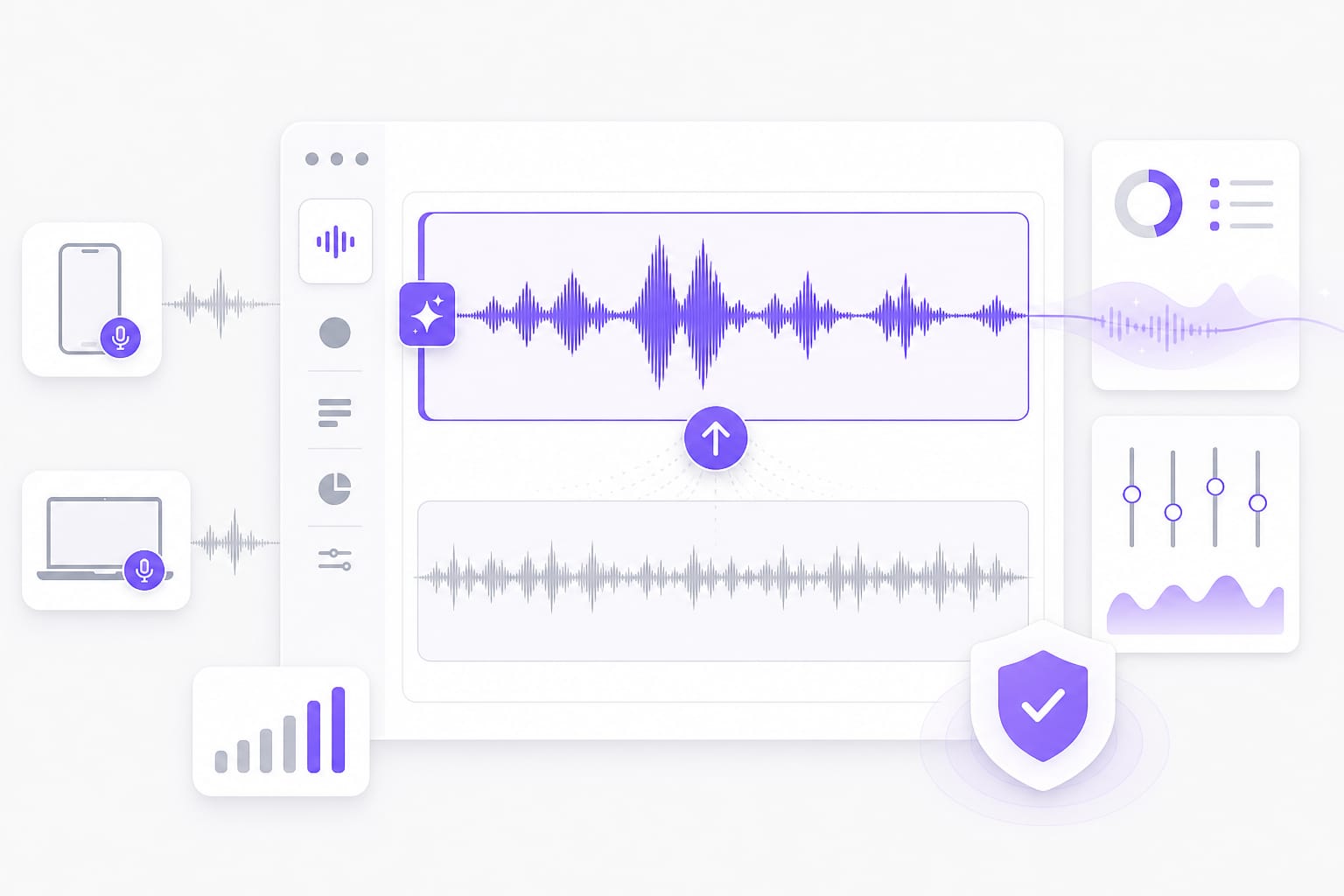
Yes. Upload a voice memo or phone video. Voice or Bright may add presence when built-in mic speech sounds dull or distant. Drop a voice memo, podcast clip, or video with dialogue into Microphone Enhancer, pick a preset, preview the enhanced audio, then download when it sounds right.
Can it repair clipped or missing microphone audio?
No. Processing may improve usable speech, but it cannot recreate detail lost to clipping, extreme distance, or an unplugged microphone. Drop a voice memo, podcast clip, or video with dialogue into Microphone Enhancer, pick a preset, preview the enhanced audio, then download when it sounds right.
Which mic recording formats can I upload?
Mic audio can come from MP3, WAV, M4A, AAC, or FLAC files. MP4, MOV, MKV, and WebM video files are also accepted up to 100 MB. Check the upload chip on this page for the full list of supported containers; matching those formats avoids failed imports.
Can I paste a video link with mic audio?
A supported public YouTube, TikTok, Vimeo, Facebook, Instagram, or X link can supply the microphone track for processing. Public links from major platforms work best; if a private or region-locked URL fails, download the media locally and upload it to Microphone Enhancer instead.
Which format will I download?
The microphone enhancer generates a WAV file. You can test the preview first, then sign in to download it. Check the upload chip on this page for the full list of supported containers; matching those formats avoids failed imports.