What does a podcast enhancer do?
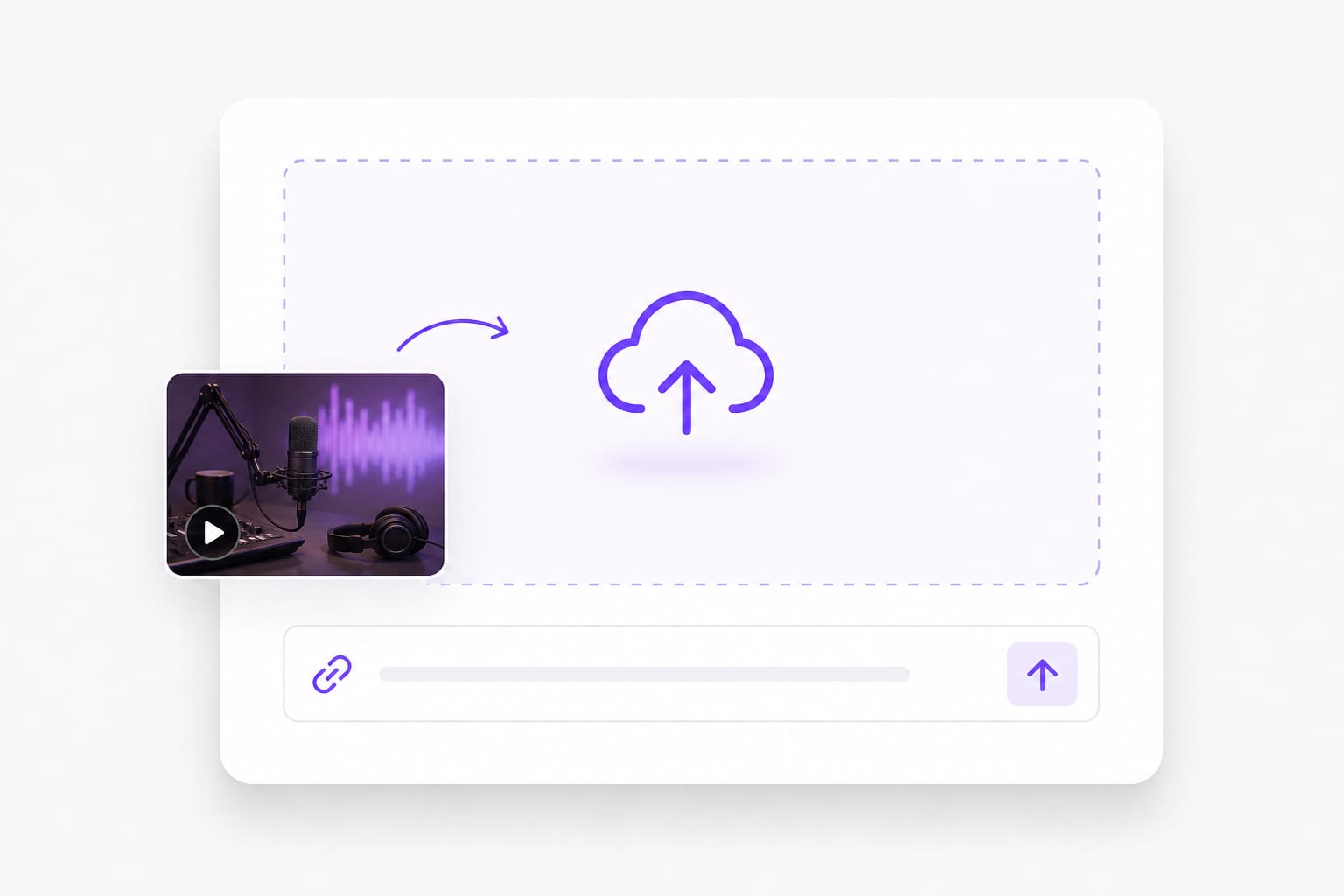
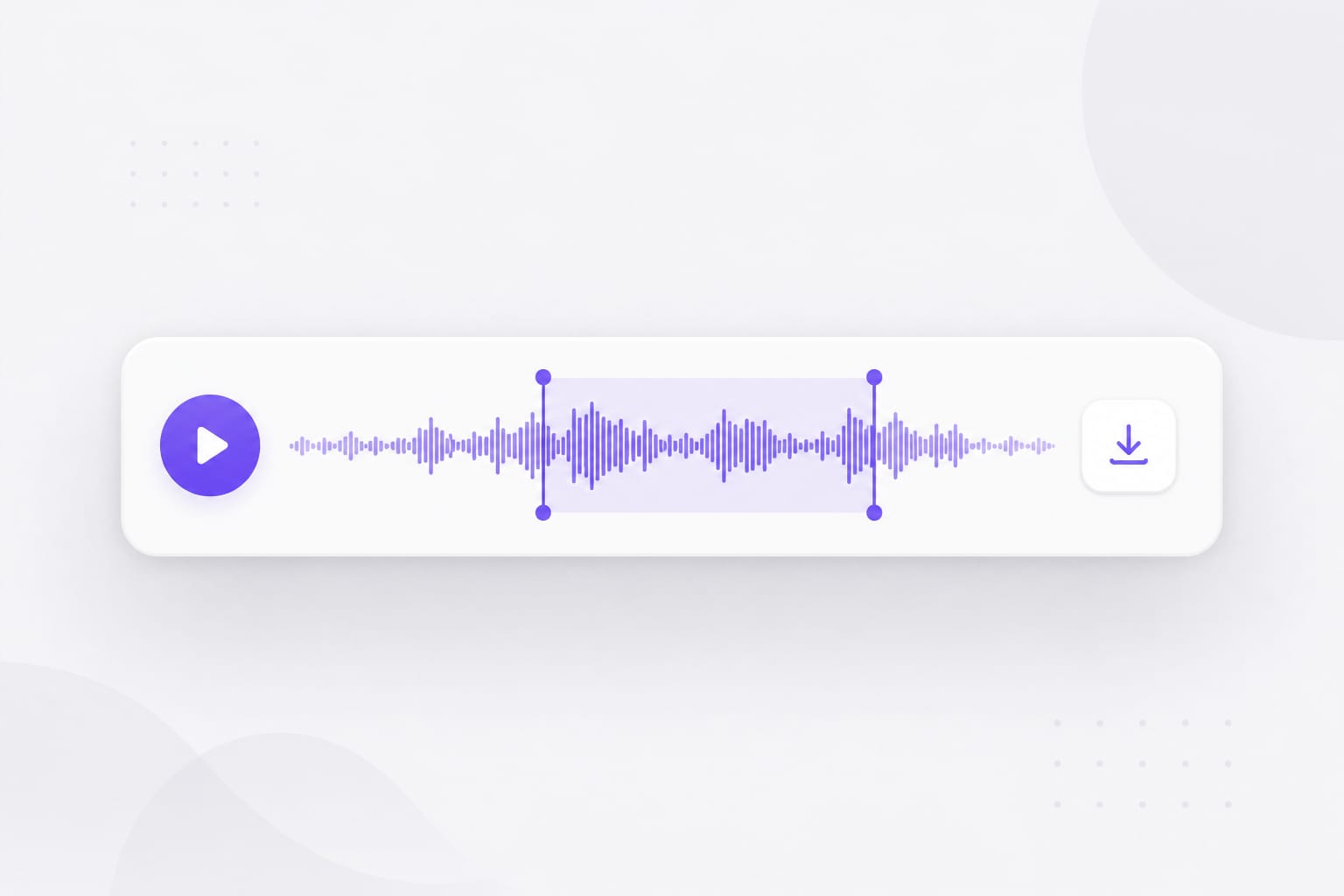
It applies spoken-word filtering, presence shaping, compression, and gain to the mixed episode according to the selected preset. Drop a voice memo, podcast clip, or video with dialogue into Podcast Enhancer, pick a preset, preview the enhanced audio, then download when it sounds right.
Can I enhance a multi-guest episode?
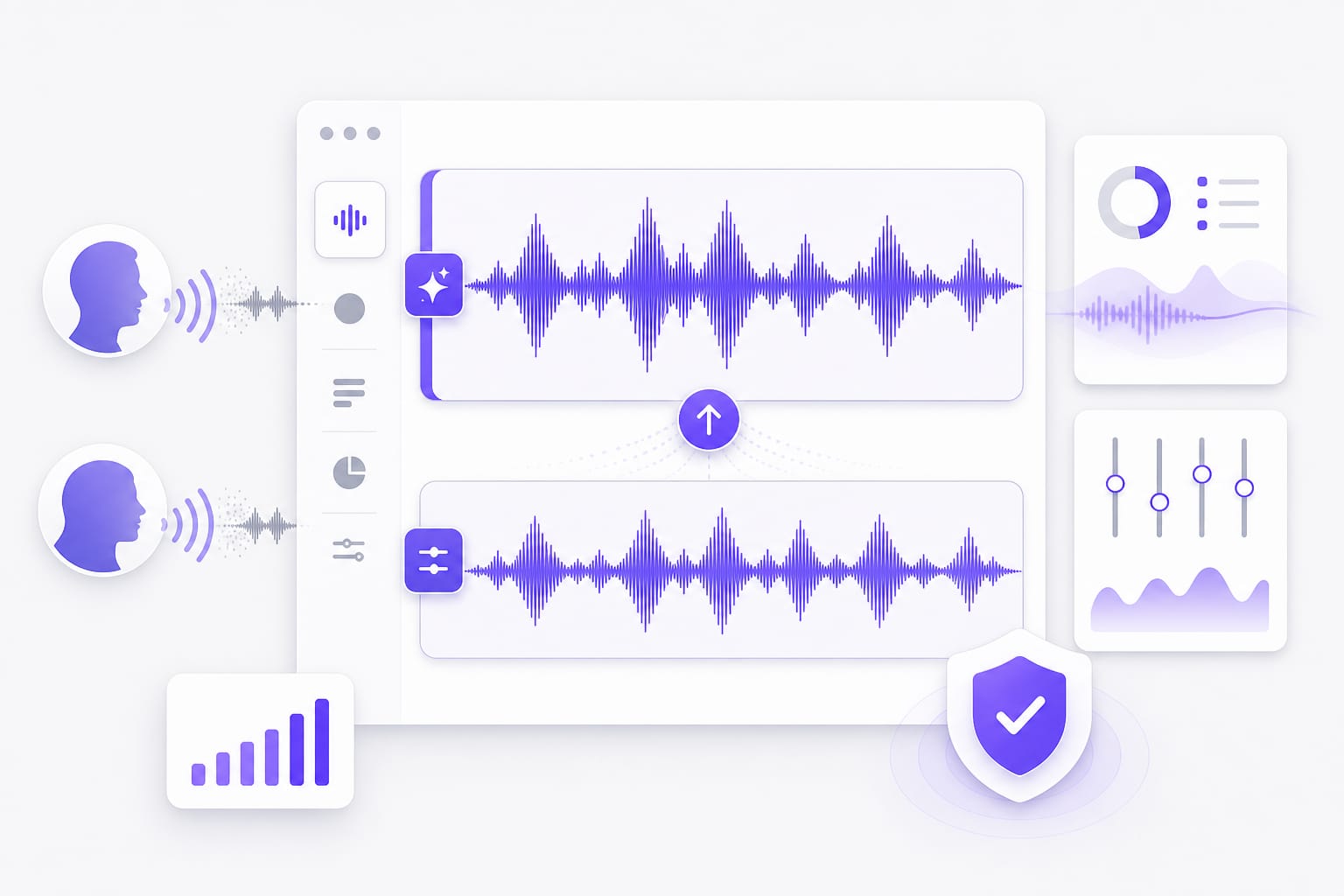
Yes. Upload the mixed episode file. The Podcast preset can reduce level differences, but it cannot adjust each speaker independently. Drop a voice memo, podcast clip, or video with dialogue into Podcast Enhancer, pick a preset, preview the enhanced audio, then download when it sounds right.
Does it edit pauses, mistakes, or music beds?
No. It processes the episode's sound but does not cut the timeline or rearrange content. Make structural edits in your audio editor. Stay on the tab while progress runs — closing the browser mid-export can cancel the job on this Podcast Enhancer page.
Which podcast files can I import?
MP3, WAV, M4A, AAC, FLAC, plus video exports such as MP4 and MOV up to 100 MB per file. Drop a voice memo, podcast clip, or video with dialogue into Podcast Enhancer, pick a preset, preview the enhanced audio, then download when it sounds right.
Can I paste a YouTube episode link?
You can import a public episode from YouTube, TikTok, Vimeo, Facebook, Instagram, or X when that source is supported. Public links from major platforms work best; if a private or region-locked URL fails, download the media locally and upload it to Podcast Enhancer instead.
What does the podcast enhancer export?
It generates a WAV file from the enhanced episode. Upload and preview are available before the sign-in required for download. Drop a voice memo, podcast clip, or video with dialogue into Podcast Enhancer, pick a preset, preview the enhanced audio, then download when it sounds right.