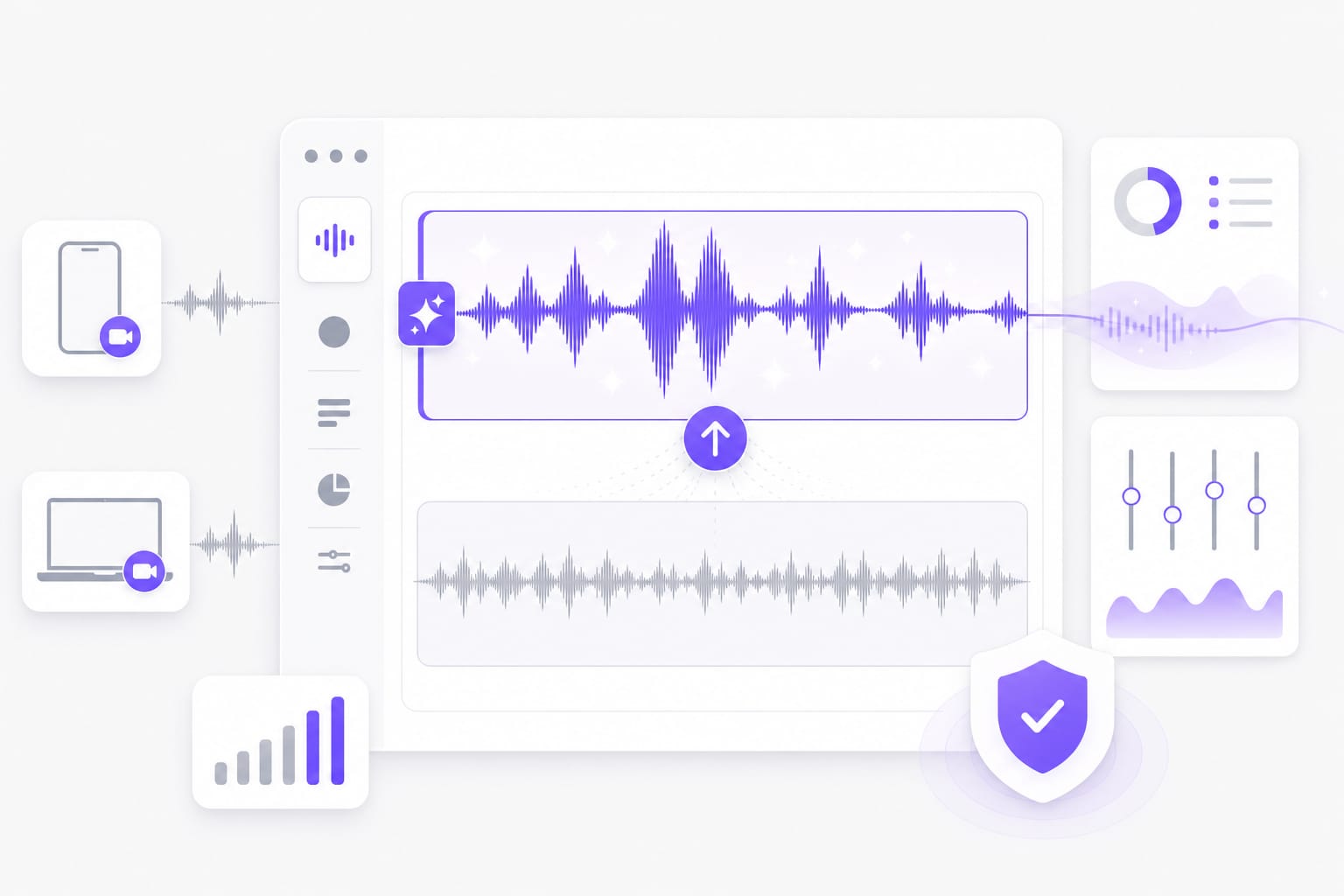
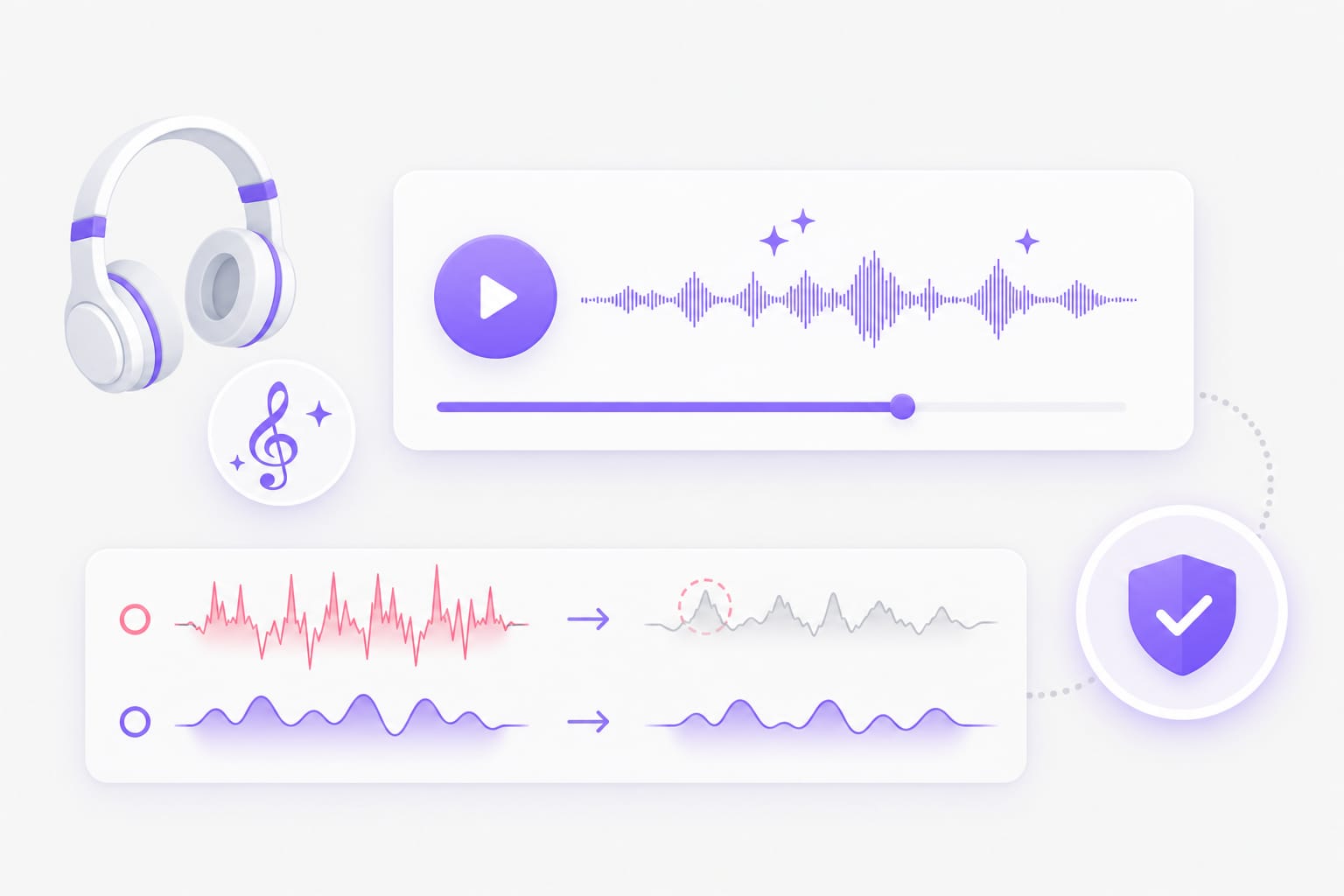
What does the treble booster do?
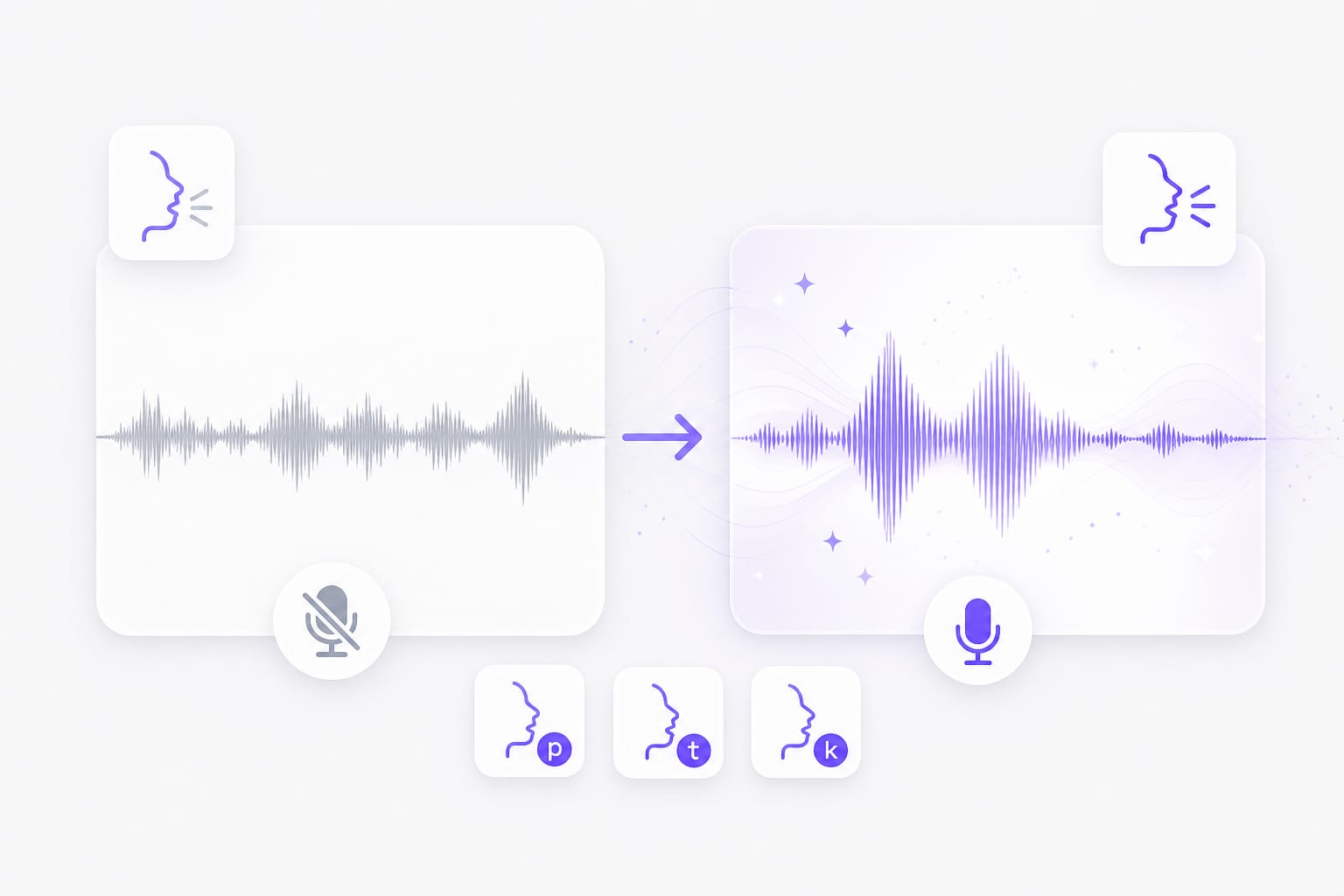
It offers the Bright preset, which applies strong upper-mid presence shaping plus filtering, compression, and gain. It does not expose a treble fader.
Is this a dedicated treble EQ slider?
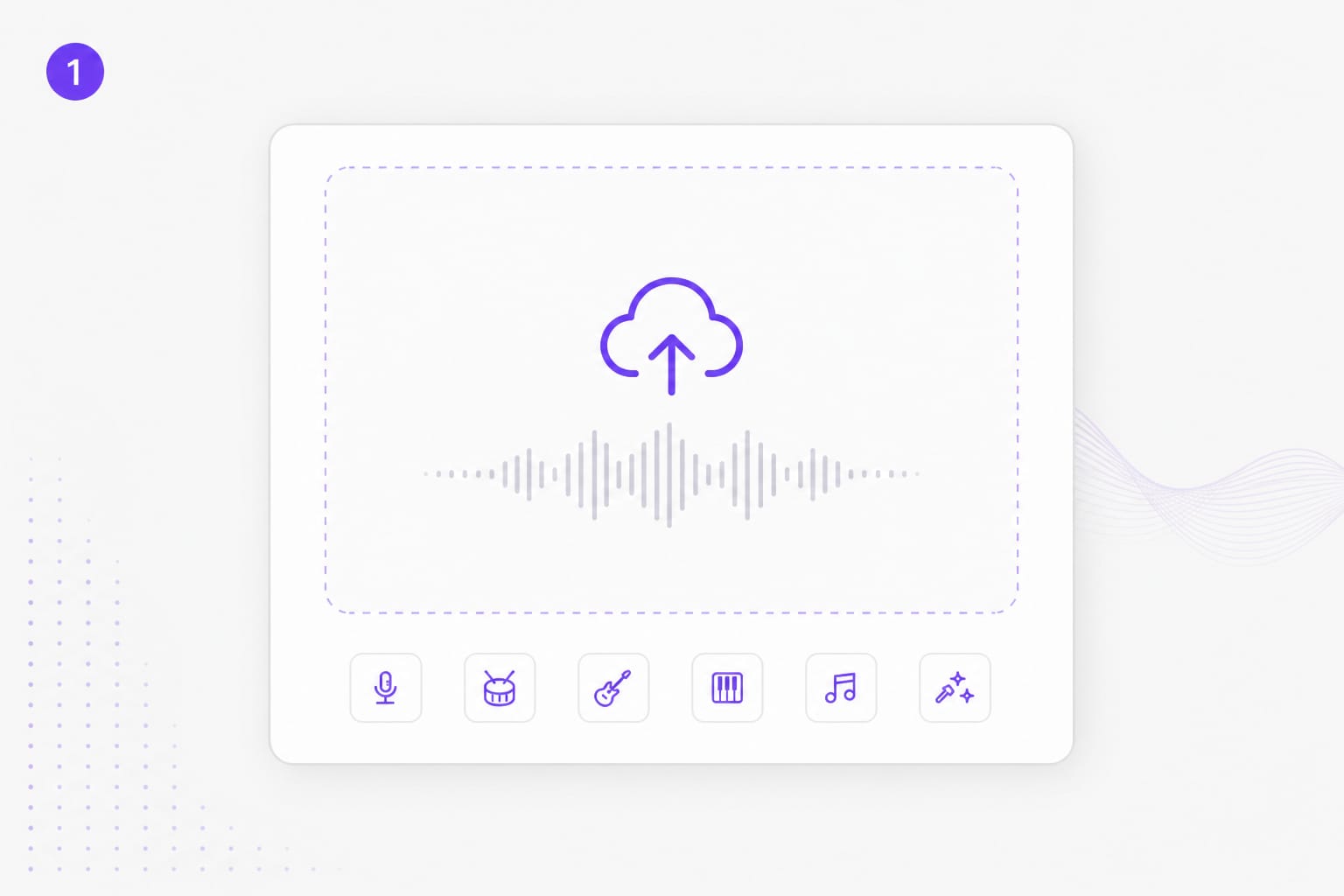
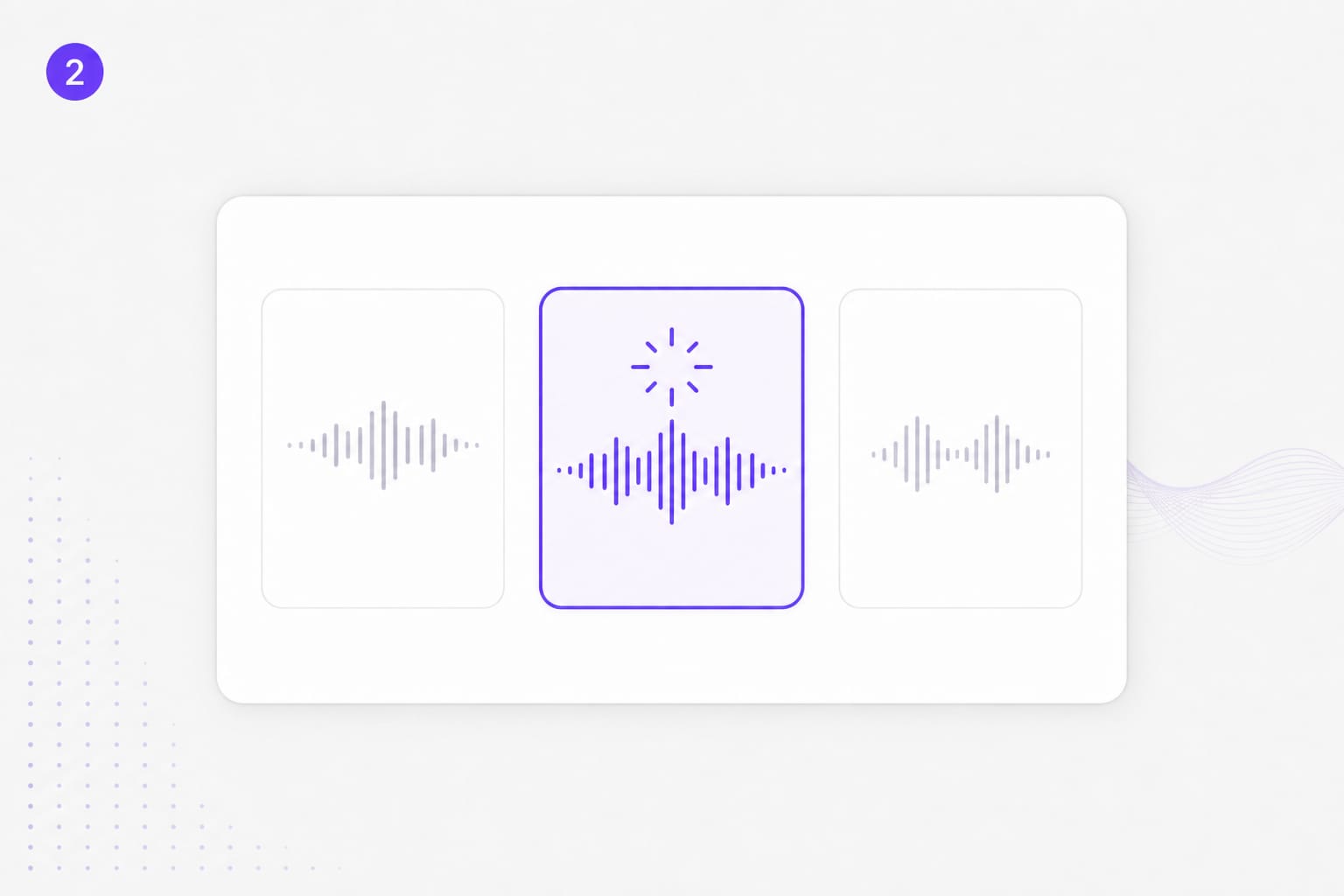
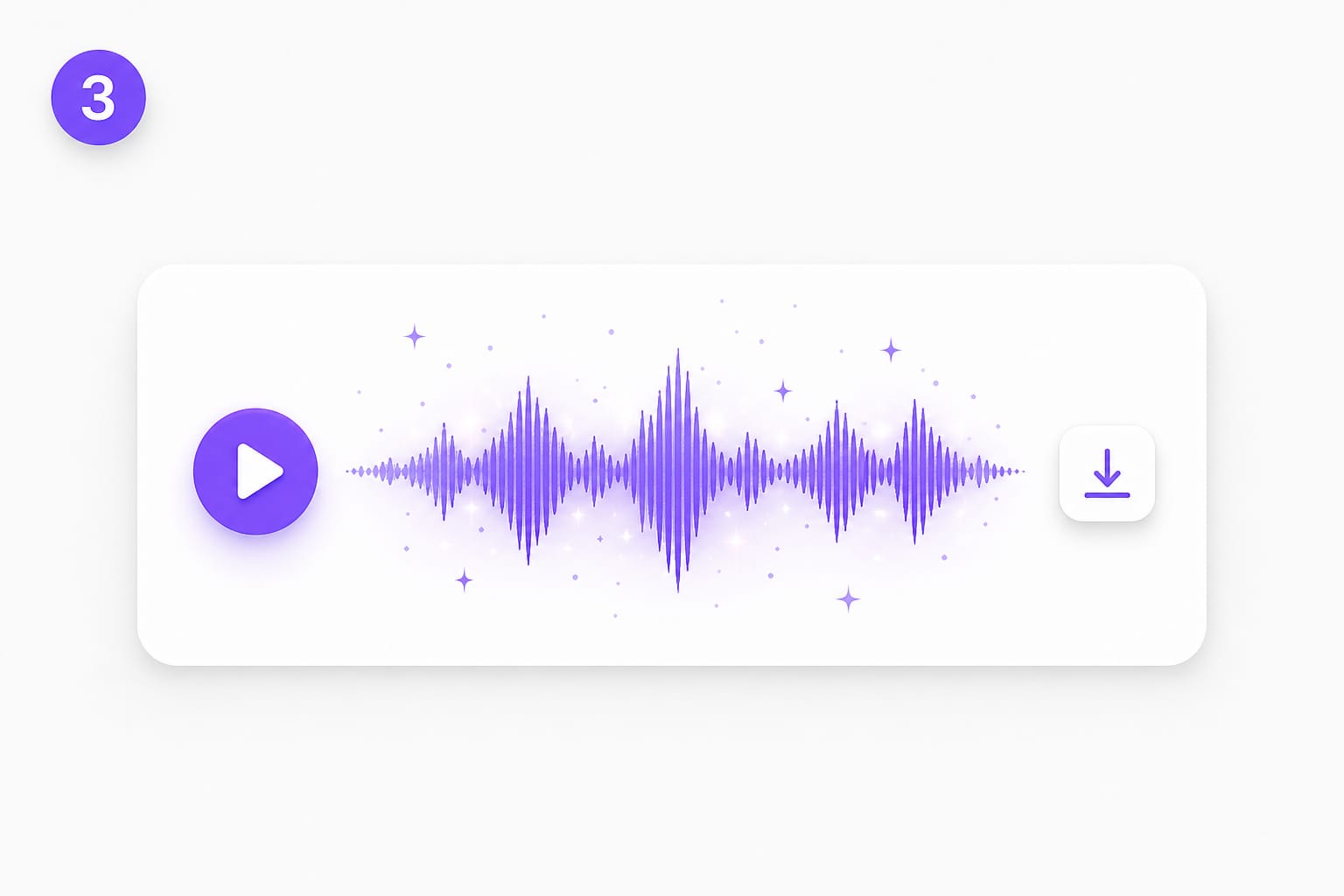
No. Bright and Voice are fixed processing profiles. Use a parametric EQ when you need an exact high-shelf frequency or gain value. Drop a voice memo, podcast clip, or video with dialogue into Treble Booster, pick a preset, preview the enhanced audio, then download when it sounds right.
Can the Bright preset make speech harsh?
Yes. Added presence can emphasize S sounds and microphone edge. Compare Voice or Warm if the preview becomes sharp. Drop a voice memo, podcast clip, or video with dialogue into Treble Booster, pick a preset, preview the enhanced audio, then download when it sounds right.
Which dull voice files can I upload?
Brighten speech from MP3, WAV, M4A, AAC, or FLAC audio, plus MP4, MOV, MKV, and WebM video soundtracks up to 100 MB. Drop a voice memo, podcast clip, or video with dialogue into Treble Booster, pick a preset, preview the enhanced audio, then download when it sounds right.
Can I boost treble from a public video link?
A public link from YouTube, TikTok, Vimeo, Facebook, Instagram, or X can be imported when the platform and source are supported. Public links from major platforms work best; if a private or region-locked URL fails, download the media locally and upload it to Treble Booster instead.
What does Treble Booster export?
It generates the processed audio as a WAV. You can compare a preview before signing in to download. Drop a voice memo, podcast clip, or video with dialogue into Treble Booster, pick a preset, preview the enhanced audio, then download when it sounds right.